TREATMENT STAGE
Manual Part Number
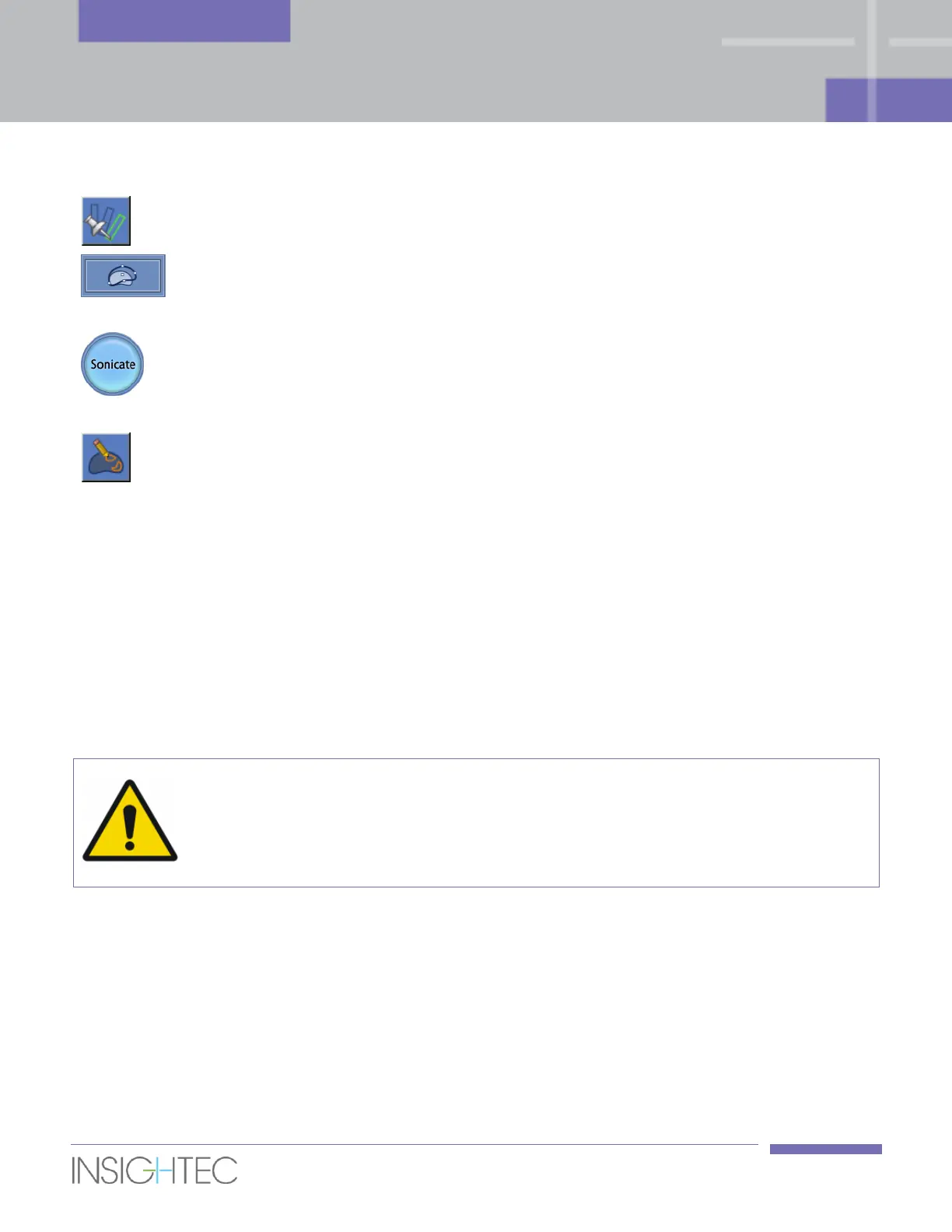
Click this button to set the selected spot as the Current Spot to
be treated.
Click to enter Deformation Mode, in which the capsule can be
deformed to match the anatomy as seen on Axial Current
Anatomy images.
Click this button to perform a sonication. This command is
enabled only after a sonication spot is defined in the Treatment
stage and both the MR and device lights in the status bar are
green.
Draw Under-Heated
Regions
While in the Repeat Under-Heated Regions mode, press this
button to draw the under-heated region polygon.
7.2.2. Treatment Modes
Under Treatment stage, the Exablate Prostate workstation offers two Treatment Modes:
◼ Align: Where the hot spot center location is evaluated and adjusted. Default spot parameters are set
to produce a sub-therapeutic sonication.
It is required to successfully complete at least one geometrical verification sonication in Align mode
prior to advancing to the next mode.
◼ Treat: Where the system aims to reach an adequate level of temperatures within the targeted region
that will ensure controllable lesioning of the tissue.
Do not advance to Treat Mode unless you are certain that the heated area is within the
expected target location.
[W-21]
7.2.3. Spot Parameters Frame
If necessary, change the parameters of the sonication as described below.
The changes made in the parameters below affect only the selected spot (or Macro sub-spot), except for
the Dose Adjust value which is a global setting that affects all spots.
Confirm the changes by clicking the Apply button or Cancel them to retrieve previous values.



 To Next Page