EasyManua.ls Logo

Insightec Exablate 2100V1 - Shadow Cursor; Three-Dimensional Display; Figure 5-4: Three-Dimensional Display Screen

Default Icon
164 pages
Print Icon
To Next Page IconTo Next Page
To Previous Page IconTo Previous Page
Loading...
TREATMENT TOOLS
Manual Part Number
69
5.2.10.3. Shadow Cursor
While pointing the cursor at any image location, an additional small green cursor will appear on all images
in which this point appears in all orientations.
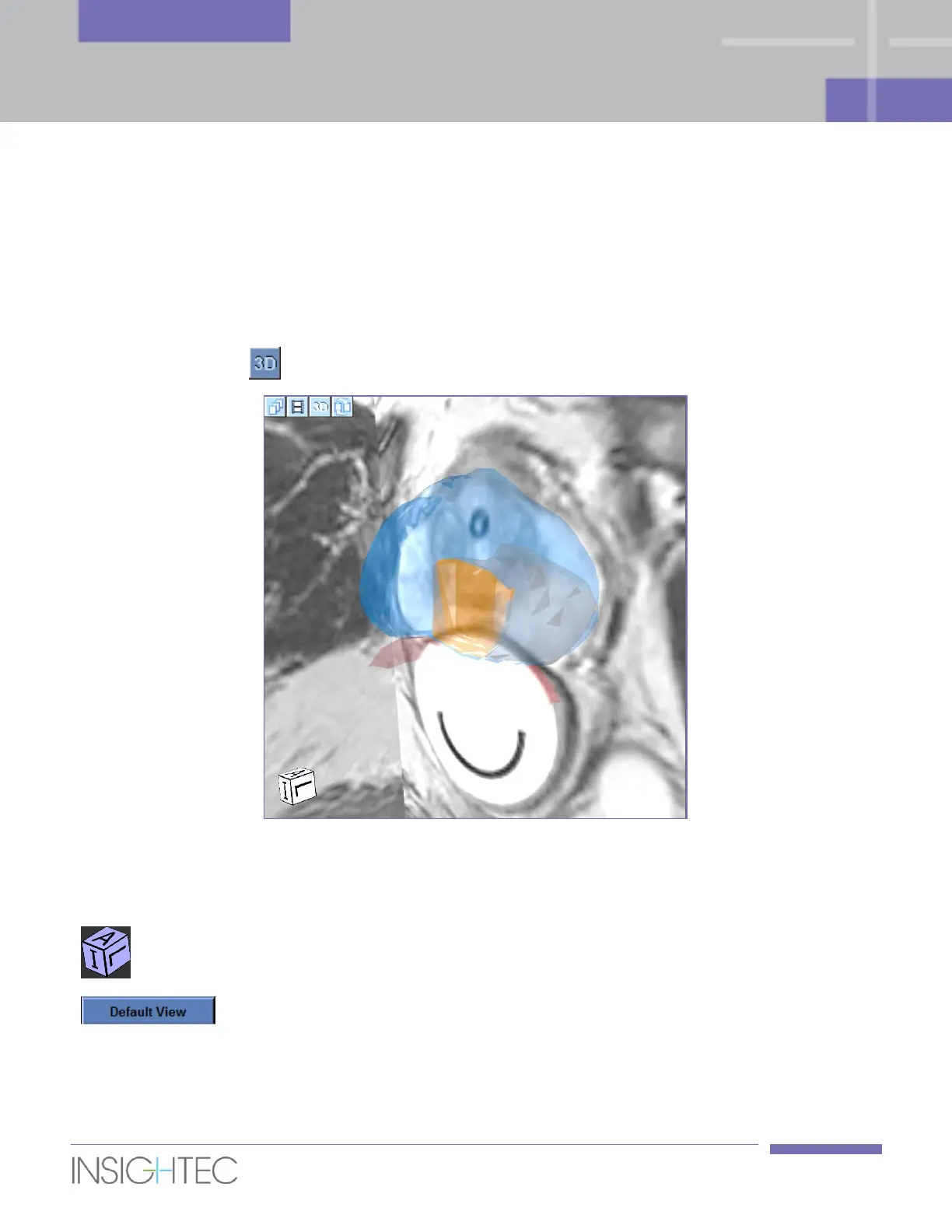
5.2.10.4. Three-Dimensional Display
At any stage, press the button to open the Three-Dimensional Display screen (see Figure 5-4).
Figure 5-4: Three-Dimensional Display Screen
During the Three-Dimensional Display mode, the following elements are used:

Orientation Box
The orientation box gives information on the three-dimensional
display of the patient orientation.
Default View
Click this button to return to the default three-dimensional
display.

Table of Contents