UTILITIES
Manual Part Number
MR Operations –
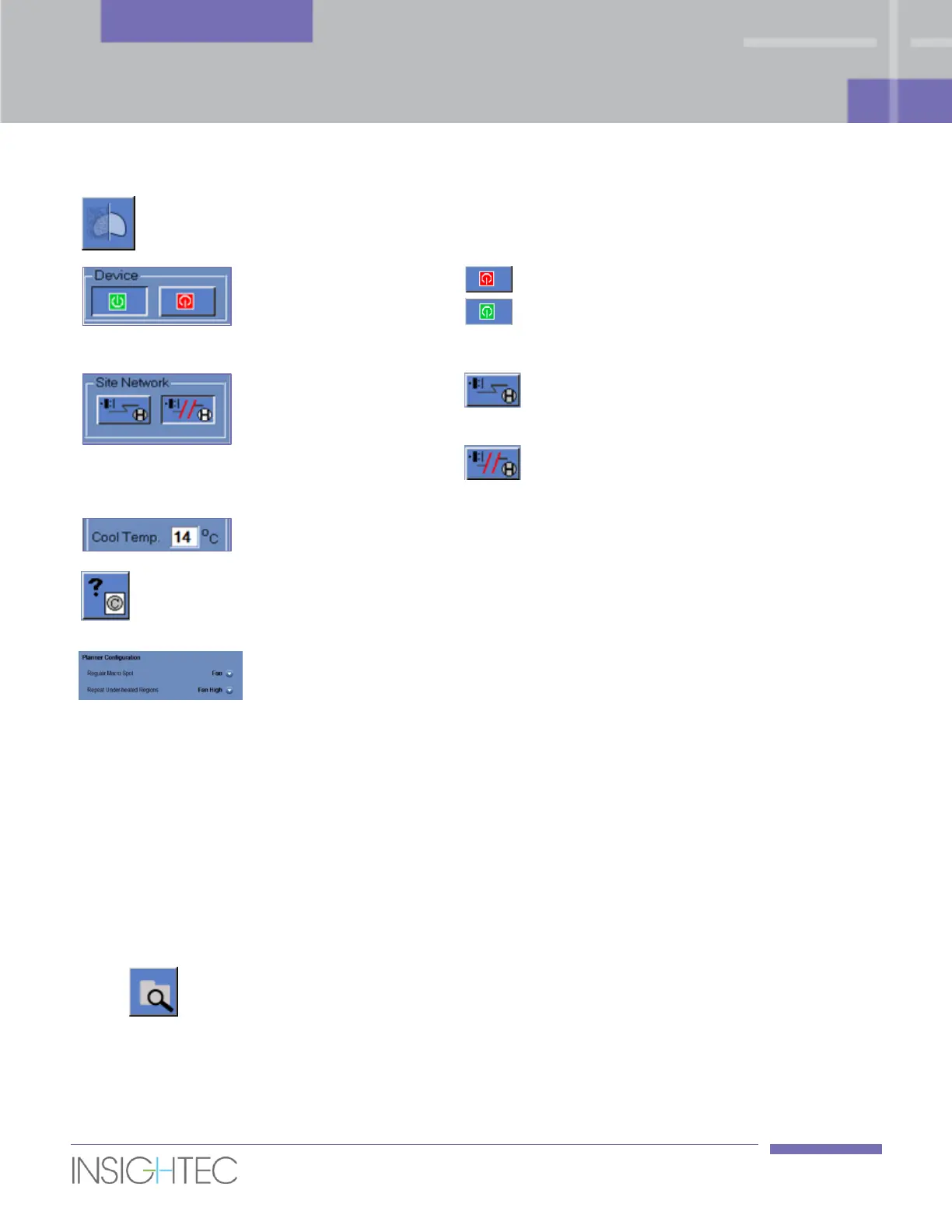
Optimize Coil Signal
Click the Optimize Coil Signal button to improve
imaging by optimizing coil channel averaging.
Click this tool to turn the device off.
Once shutdown is complete (as appears in the
status bar), click this tool to turn the device on.
Connect/Disconnect
to the Site network
Click this tool to connect the MR system to the
hospital network.
Click this tool to disconnect from the hospital
network.
Set water cooling
temperature
Set water cooling temperature. Do NOT change the
default 14˚C unless performing research activity.
Click this button to review the list of open source
software that parts of the product may incorporate or
be distributed with.
Select the default planner mode used by the system for
a Macro-spot and for a Repeat Under-Heated Regions
spot.
10.2. Utilities Procedures
10.2.1. Select Exam
This procedure is used when it is required to synchronize the Exablate workstation with a new exam on the
MR. To continue the treatment with the correct exam, a new MR exam must be opened and defined as the
current exam.
1. Confirm that a new exam with at least one series comprising of some images has been manually
scanned in the MR.
2. Click on this tool; the system will automatically select the latest exam in the MR as the
treatment exam. From this point on all thermal scans will be created using images from the new
exam.



 To Next Page