DATA MANAGEMENT
Manual Part Number
11.2. Selecting a Patient
1. Click the Patient ID number to select the treatment record.
2. Hold down the Shift key to select a continuous list of patient IDs
3. Hold down the Ctrl key to select specific patient IDs.
11.2.1. Action Tools
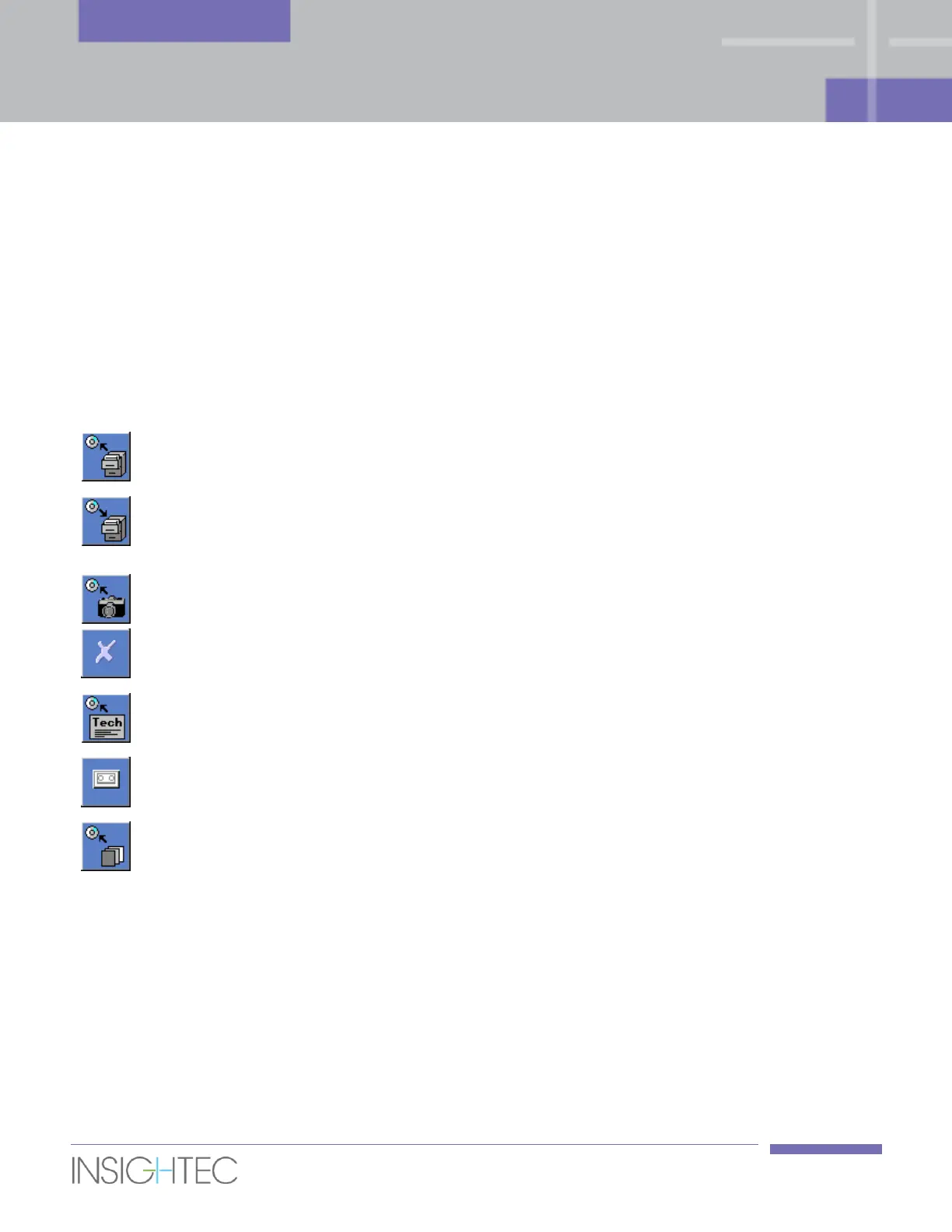
The following commands appear on the Data Management screen (see Figure 11-1):
Click this button to export all selected treatment records to the CD or
USB device.
Click this button to import one or several treatment records that have
been previously saved on a CD or USB device to the console, or
treatments from another Exablate console.
Click this button to send the snapshots associated with the selected
treatments to the CD or USB device.
Click this button to erase selected treatment records from the
database but leave the record on the Patient list.
Click this button to export technical log files to the CD or USB device.
Click this button to access the Replay screen. Replay can be applied
only if one treatment is selected.
Click this button to enter the Download MR Images dialog box. Images
imported from the MR system can be copied using the Exablate CD
drive or USB storage device.



 To Next Page