11.2.6. Technical Export to CD or USB Storage Device
Export one or more treatment technical log files to a CD or a USB device as follows:
1. Insert a blank CD into the CD-R drive or connect a USB device.
Figure 11-3: CD Disk Label Dialog Box
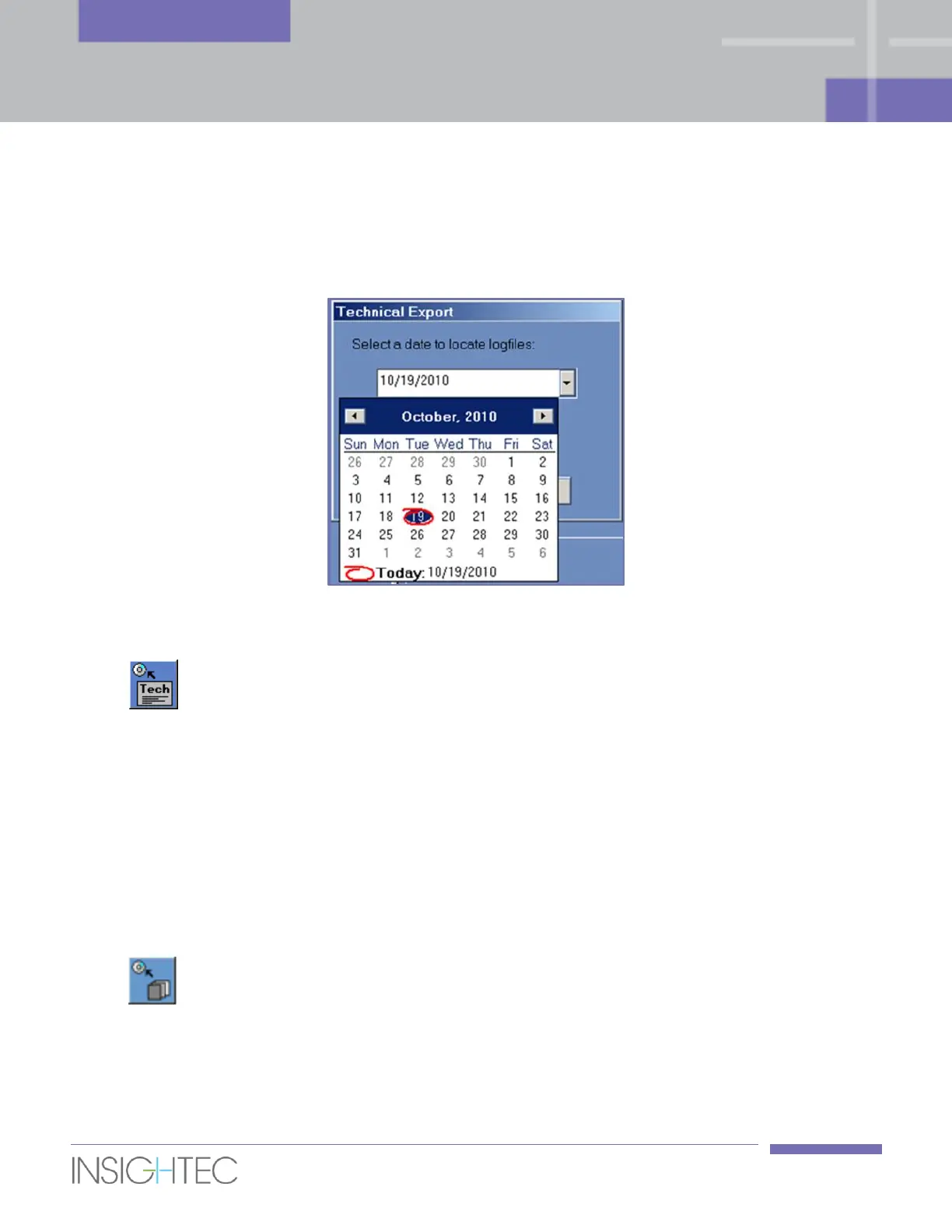
2. Click this tool; select To CD/DVD or To USB from the drop-down menu, and in the Technical
Export dialog box select a date to locate log files and click OK to start the export. Type in a title for
the disk/file and click OK.
3. Technical data will be exported to the CD or USB device. The export progress can be viewed on the
Status Bar.
11.2.7. Download MR Images
The Exablate system is equipped with a utility to export MR images to the CD or USB storage device.
To export MR images (refer to Figure 11-4):
1. Click this tool and select To CD/DVD or To USB from the drop-down menu; the Download
MR Images dialog box opens.
2. Select one exam from the Exam List. All relevant series will appear in Series List (this operation
might take a while).



 To Next Page