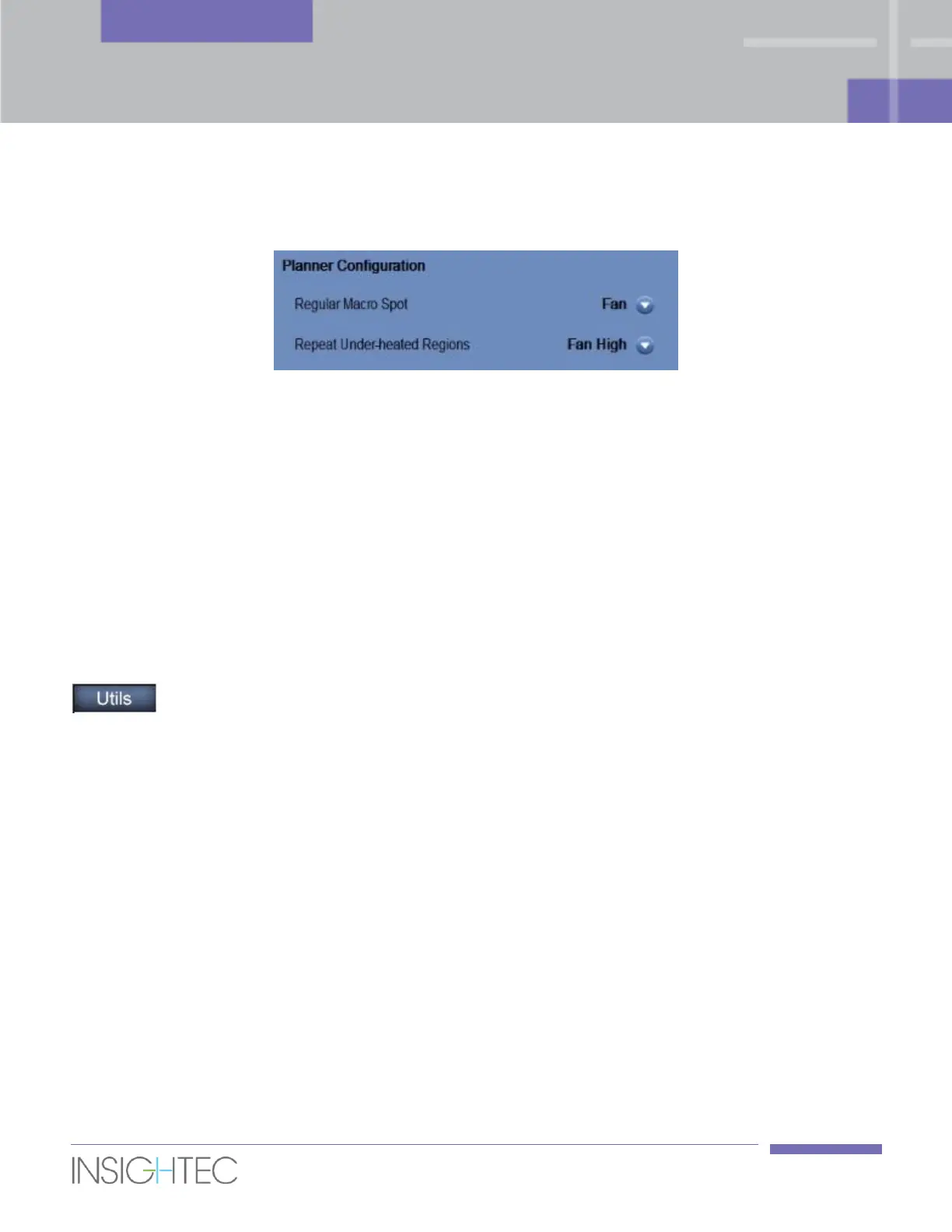
By default, a Macro-spot will be added in a Fan configuration, while a Repeat Under-Heated Regions spot
will be added in a Fan High configuration.
Figure 10-2: Planner Configuration
Use the Planner Configuration controls to select the default planner mode used by the system for a Macro-
spot and for a Repeat Under-Heated Regions spot.
10.2.7. Copyright Notice
Certain parts of this system may incorporate – or be distributed with – selected open-source software.
Clicking the Copyright Notice button will open a Windows® text file listing such software.
10.3. Exit Utilities
To leave Utilities, click the Utils button in the main toolbar; the system will return to the stage
that was active prior to entering Utilities.



 To Next Page