EasyManua.ls Logo

Insightec Exablate 2100V1 - Start Treatment; Command Buttons; Status Bar; Figure 4-2: Device and MR Status Bar

Default Icon
164 pages
Print Icon
To Next Page IconTo Next Page
To Previous Page IconTo Previous Page
Loading...
SYSTEM START-UP
Manual Part Number
59
4.2.1. Start Treatment
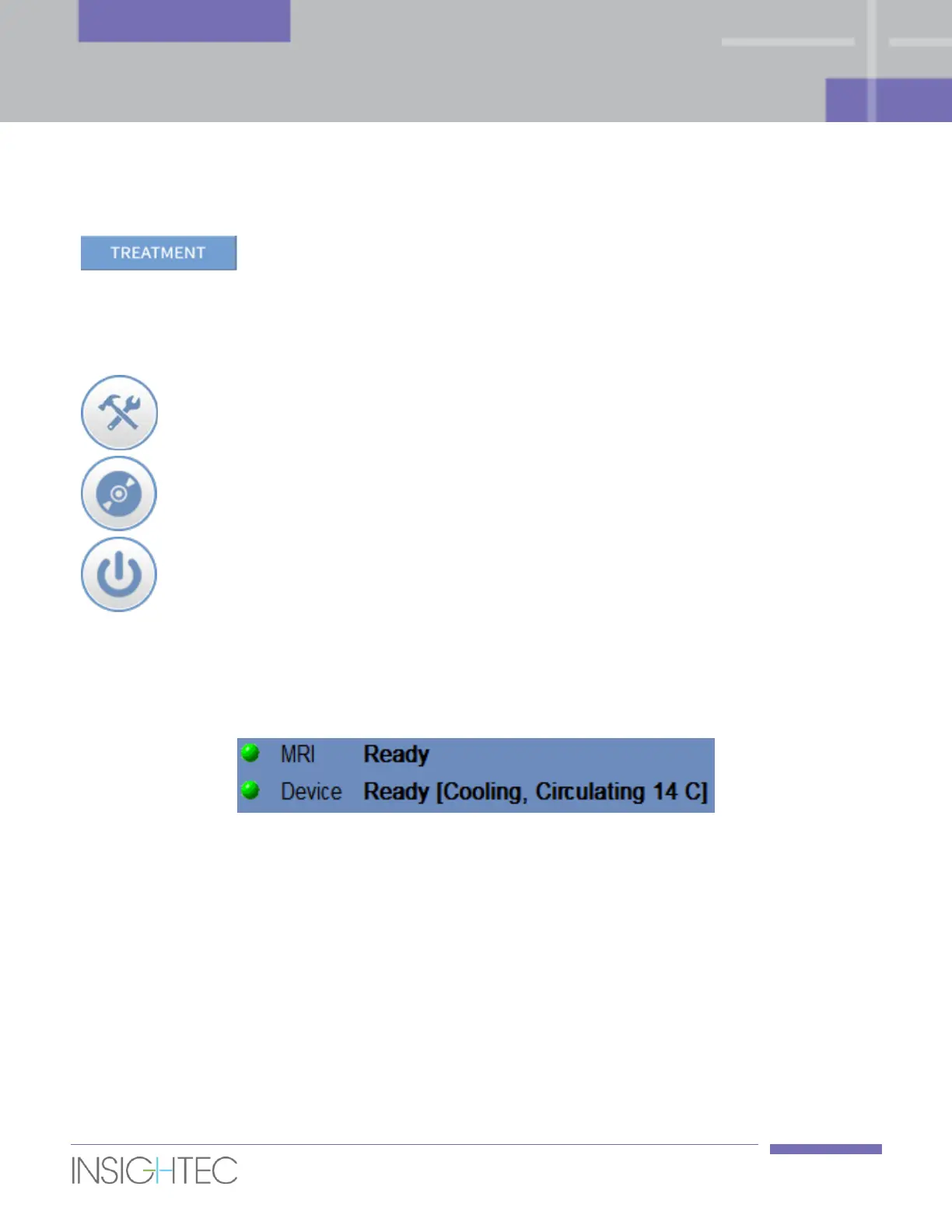
Start Treatment
Click this button to begin the treatment
4.2.2. Command Buttons
The command buttons that appear in the lower half of the Start-Up screen are:
Utilities
Click this button to access Utilities mode
(see Chapter 10).
Data Management
Click this button to access data
management operations (see Chapter 11).
Shutdown
Click this button to shut down the Exablate
Prostate system.
4.2.3. Status Bar
The status bar shows the operational status of the Exablate Prostate and the water system (Device), and
the status of the MRI (MR).
Figure 4-2: Device and MR Status Bar
Verify that the buttons in the status bar are green. When the buttons are red, follow the system's
instructions.

Table of Contents