The Exablate system enables back-up storage of treatment data on certain electronic
media (CD, DVD, USB or external hard-disk); however, it is the responsibility of the user,
not INISGHTEC, to back-up treatment data as may be required by applicable laws and
regulations and/or by the user’s institutional policies and procedures. The back-up
storage capabilities on the Exablate system are provided by INISGHTEC “as is” without any
representations or warranties, including but not limited to warranties of merchantability
and fitness for a particular purpose. INISGHTEC is not responsible for any data alteration
or loss arising from malfunction, or any use of, electronic media used with the Exablate
system.
[N-47]
11.2.2. Export to CD or USB Storage Device
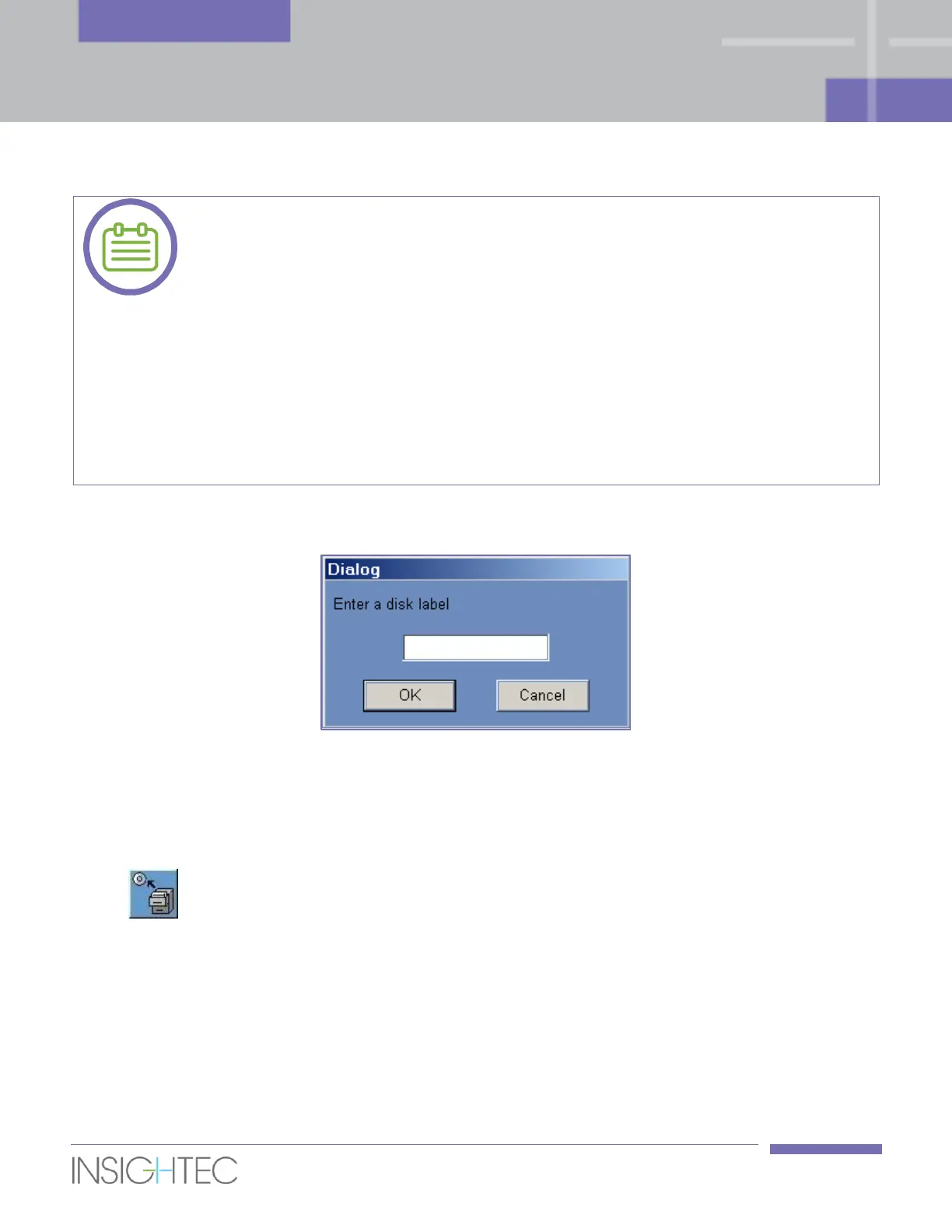
Figure 11-2: CD Disk Label Dialog Box
Export one or more treatment records from the local database to a CD or USB storage device as follows:
1. Insert a blank CD into the CD-R drive or connect a USB device.
2. Select a treatment or a set of treatments to export.
3. Click this tool; select To CD/DVD or To USB from the drop-down menu and click OK to start
export. The system responds with the Disk Label dialog box.
4. Type in a title for the disk/file and click OK.
5. Data will be exported to the CD or USB device. The export's progress can be viewed on the Status
Bar (see Figure 11-1).
6. The CD is automatically ejected from the CD-R drive when the data export is complete.



 To Next Page