5. TREATMENT TOOLS
5.1. Treatment Tools - Overview
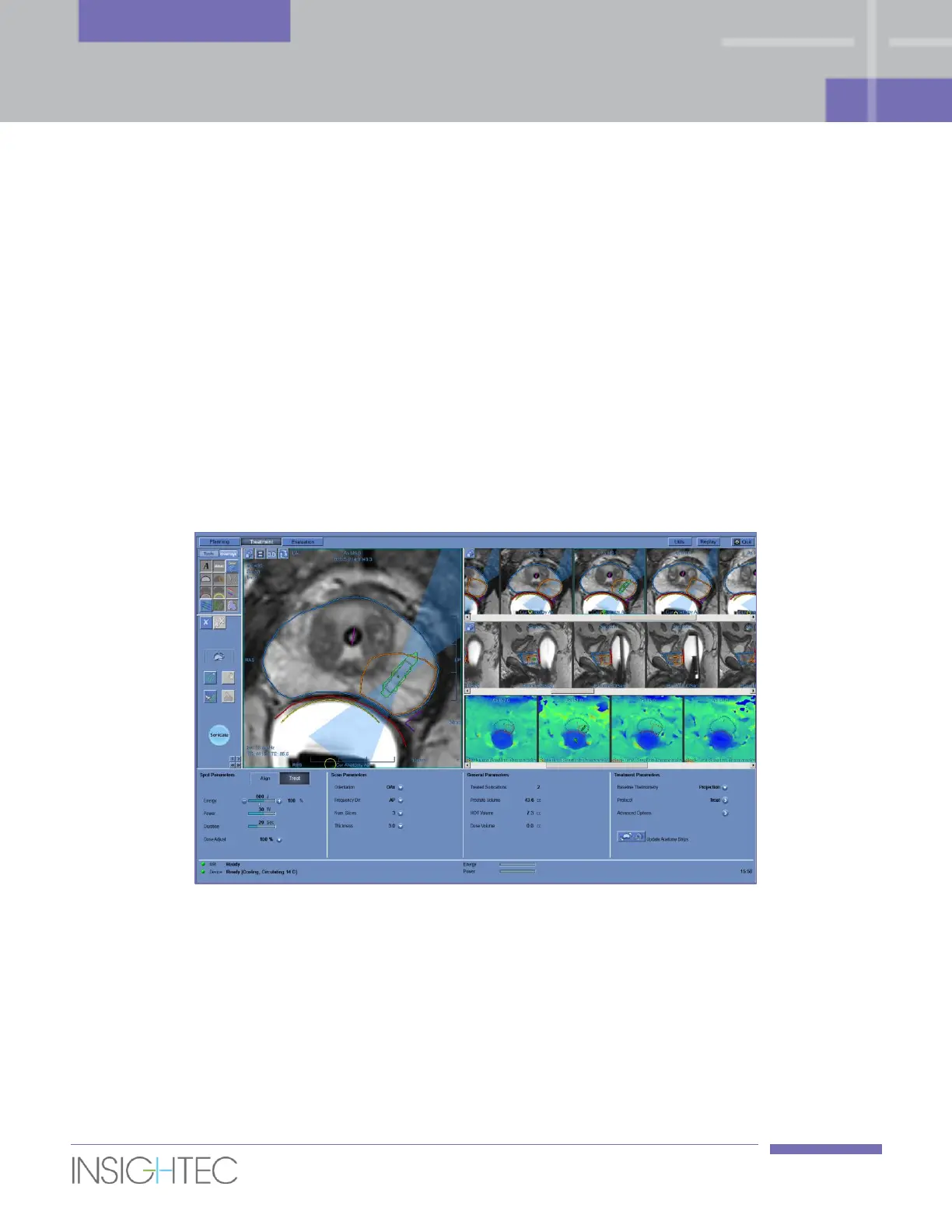
This chapter describes the elements which appear on the Treatment screen throughout the treatment
cycle. This includes Treatment Stages, Utilities, Imaging, Navigation and Overlay tools, Cursor
Coordinates, Image Strips and the Selected Image window.
Along the left side of the Treatment screen, several tools are displayed to help plan and conduct the
treatment. Different tools are available to the operator depending upon the stage of the treatment and are
described in each of the following sections. The following descriptions refer to the general tools that are
not specific to one stage or another.
5.2. Treatment Screen
Figure 5-1: Treatment Screen



 To Next Page