9. REPLAY STAGE
9.1. Overview
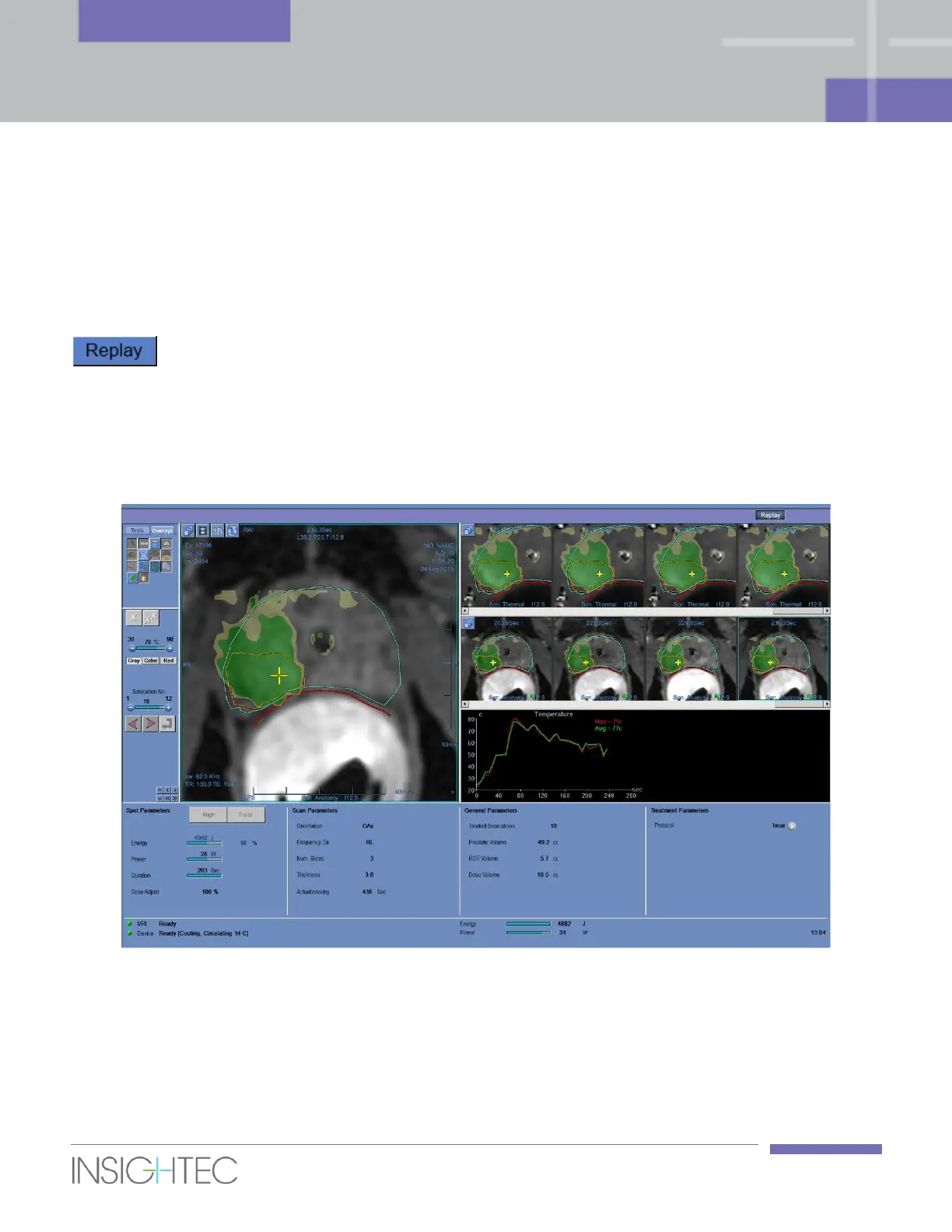
Replay mode enables the operator to analyze the results of previous sonications. Replay can also be
activated from Data Management to view past treatments.
Click the Replay button in the main toolbar to access the Replay screen. This screen is similar
to the Thermal Evaluation screen displaying the results of the last performed sonication (see Figure 7-4).
This way the operator can observe the acquired temperature maps and the temperature graph of all
previous sonications.
If you access Replay from Data Management (see Chapter 11), the Replay screen displays the first
sonication in the treatment.
Figure 9-1: Replay Screen



 To Next Page