EasyManua.ls Logo

Insightec Exablate 2100V1 - 11.3. External Database (Optional)

Default Icon
164 pages
Print Icon
To Next Page IconTo Next Page
To Previous Page IconTo Previous Page
Loading...
DATA MANAGEMENT
Manual Part Number
149
11.3. External Database (Optional)
The Exablate system can be delivered with an additional external database. The optional database can be
added to an existing system by INISGHTEC at a later stage as well.
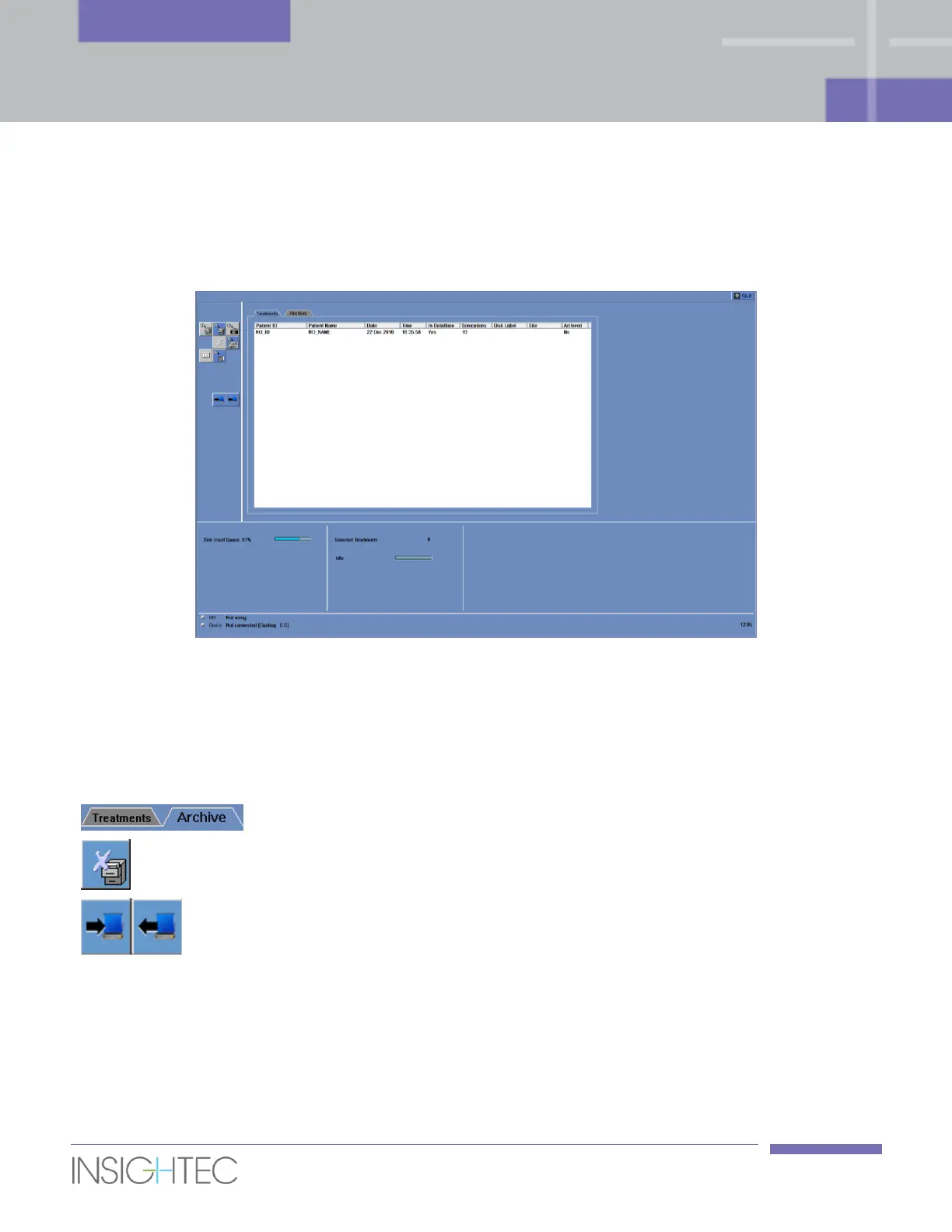
Figure 11-5: Data Management Screen System with External Database
11.3.1. Action Tools
The following elements are added to the Data Management screen on systems with an External Database
(see Figure 11-5):
Select Database
Click a database tab to display the data on the Patient list.
Delete Complete
Record
Click this tool to delete selected treatment records from the
database and from the Patient list.
Copy Records
between
Databases
Copy a treatment record from the Local database to the
Archive database, or vice versa.

Table of Contents