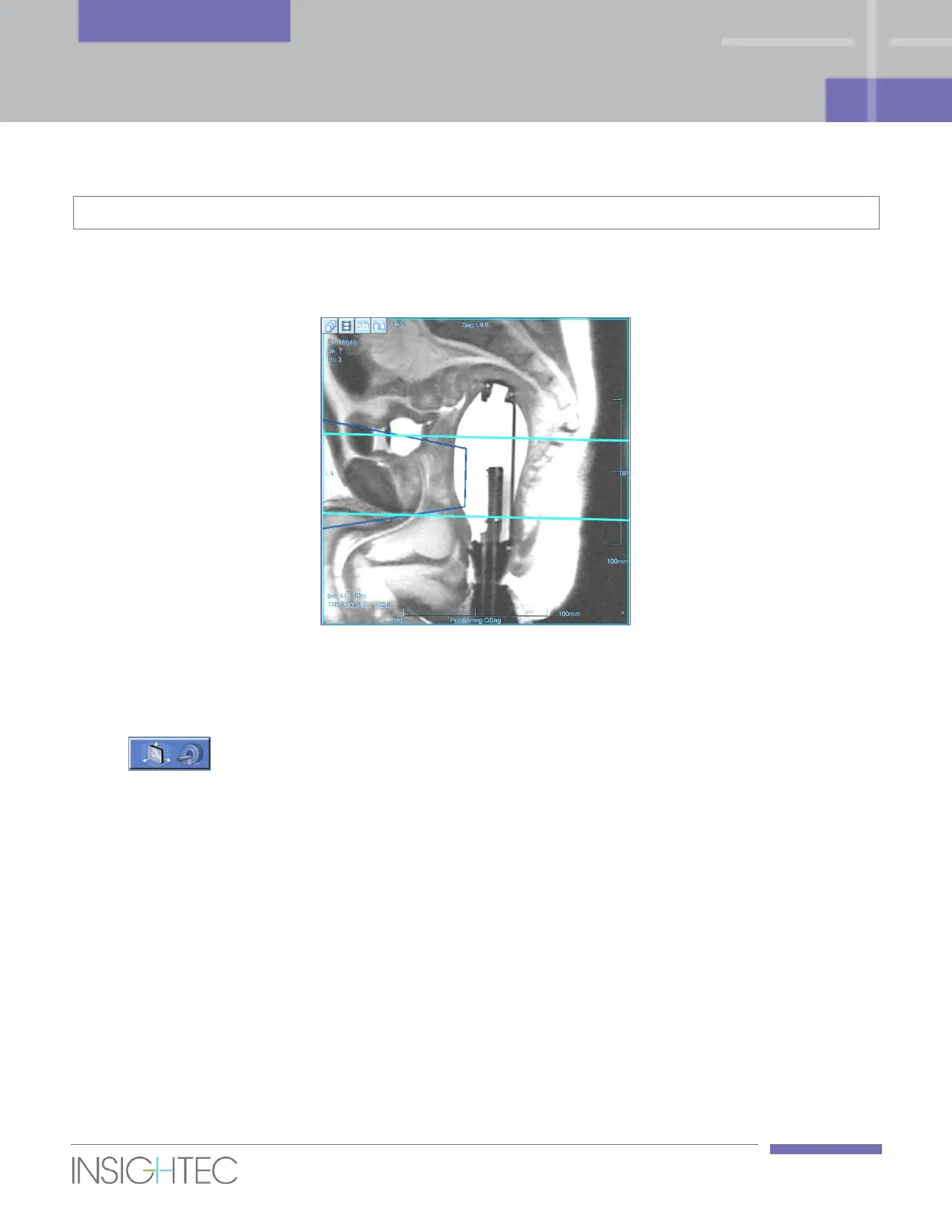
To customize the Scanning Range, drag the graphical line objects up/down to enlarge or reduce the
coverage area. There is no significance to switching between the lines.
Figure 6-4: Scan Range lines
6.5.3. Automatic Acquisition of Planning Images
1. Press this button in order to perform an Axial scan covering the range that is defined by
the Scan Range Lines (see Section 6.5.2).
2. The automatic Axial scan will automatically be prescribed with the optimal Central Frequency value
that has been previously found (see Section 6.4.2), and with recommended parameters (e.g., slice
thickness of 3mm and zero spacing).
3. Once the MR completes scanning this series, the set of images will be retrieved automatically and
displayed on the 1st Image Strips of the Exablate workstation.
4. The Exablate workstation will automatically produce Sagittal and Coronal series by reformatting the
scanned Axial series.
5. The Sagittal and Coronal reformatted series will appear in the 2nd and 3rd image strips.



 To Next Page