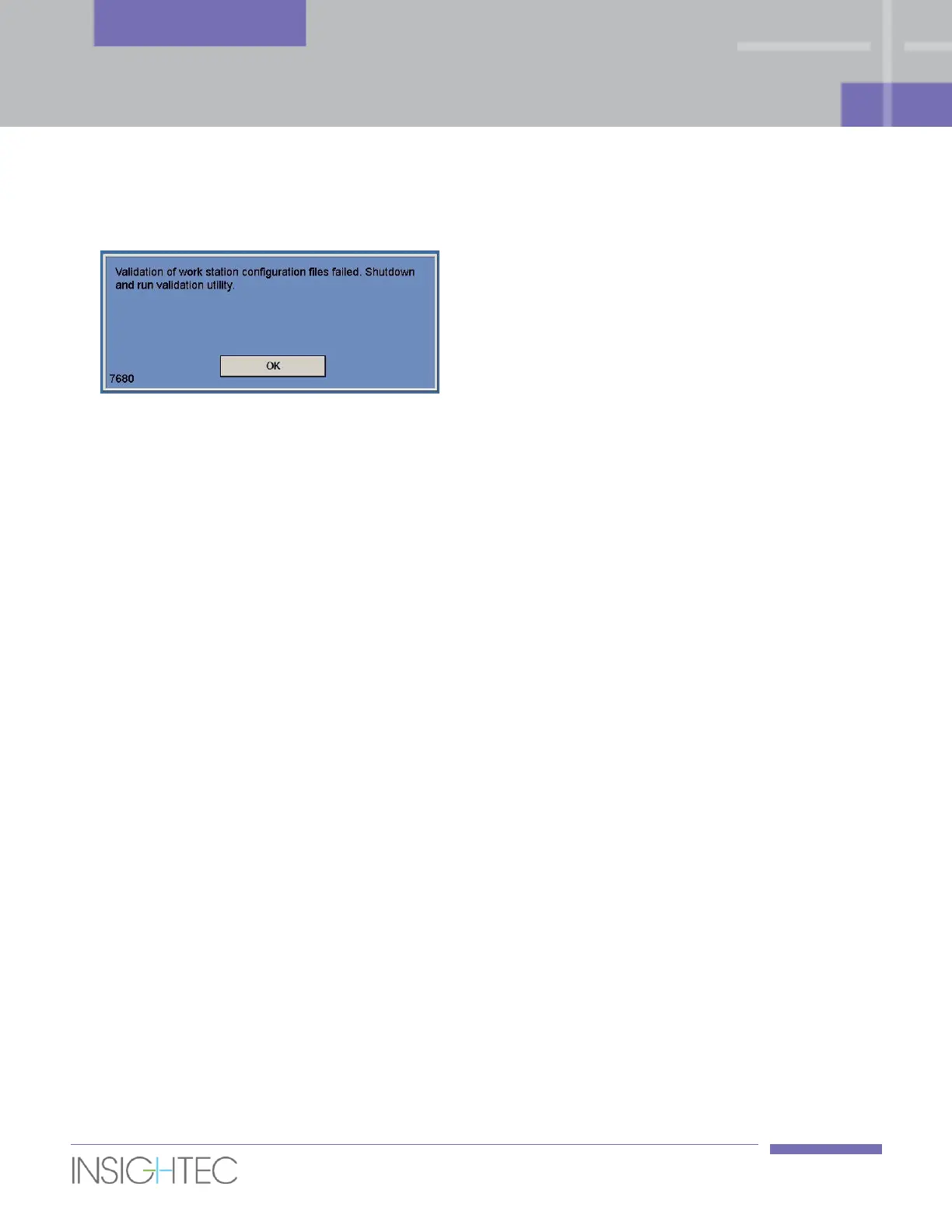
10. In case of a security event resulted in unauthorized changes to the configuration files (e.g., Ini-file
modification), the following alert message will appear on the workstation screen:
Contact the local IT and Insightec service representative and do not use the system nor treat patients
until the issue is resolved.
11. Shut down the system and disconnect the Workstation from the socket, to disable sonications, upon
detection of abnormal or unstable behavior, cybersecurity vulnerability or a security incident in the
Exablate device. Report on security incidents and near misses, including those involving portable
information assets, to your local IT and your Insightec service representative.
12. Monitor the temperature maps during sonication. If an unexpected thermal rise is found outside the
target location, stop the sonication immediately.
13. Cybersecurity and software updates should only be implemented by authorized Insightec
technicians/personnel.
14. Users should not accept or implement any updates on the Workstation or CPC.
2.8.2. Cyber-Security Related Notes and Instructions
1. Every Treatment export includes system login audit logs and Anti-Virus event logs.
a. Login audit logs to the WS and the CPC can be found in a windows event viewer called
‘WsSecurity.evt’ and ‘CpcSecurity.evt’.
b. Anti-Virus event logs can be found in text files called ‘OnAcessScanLog.txt’,
‘OndDemandScanLog.txt’ and ‘AccessProtectionLog.txt’.
2. It is strongly recommended that local IT personnel evaluate periodically the system login audit logs and
Anti-Virus event logs of treatment exports and estimate if there is any suspicion of cyber security events.
3. It is recommended to contact your insightec representative to modify the initial password and replace
it with a strong password which fits your local password policy.



 To Next Page