4.3. Begin Treatment Procedure
After turning on the power to the system and positioning the patient, the treatment procedure is initiated
from the console, as well as the balloon water cooling.
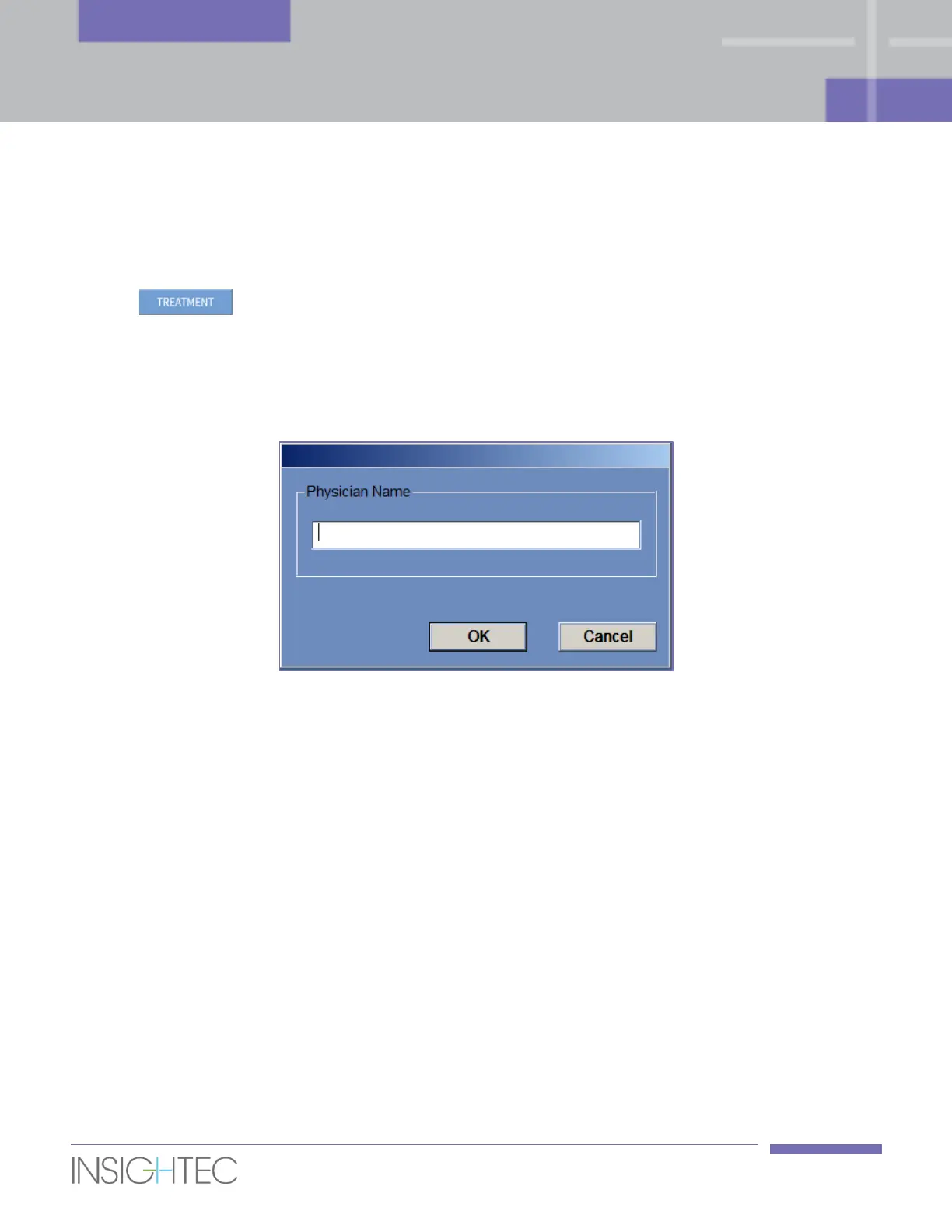
1. Click on the Start-Up screen; the treatment data dialog box is opened (see Figure 4-3)
2. Type the physician’s name in the Physician Name text box. This step is required, and the system will
respond with an error message if you attempt to advance to the next stage without a name in this text
box. The physician name consists of letters only (no numbers or symbols).
Figure 4-3: Treatment Data Dialog Box



 To Next Page