10. UTILITIES
10.1. Overview
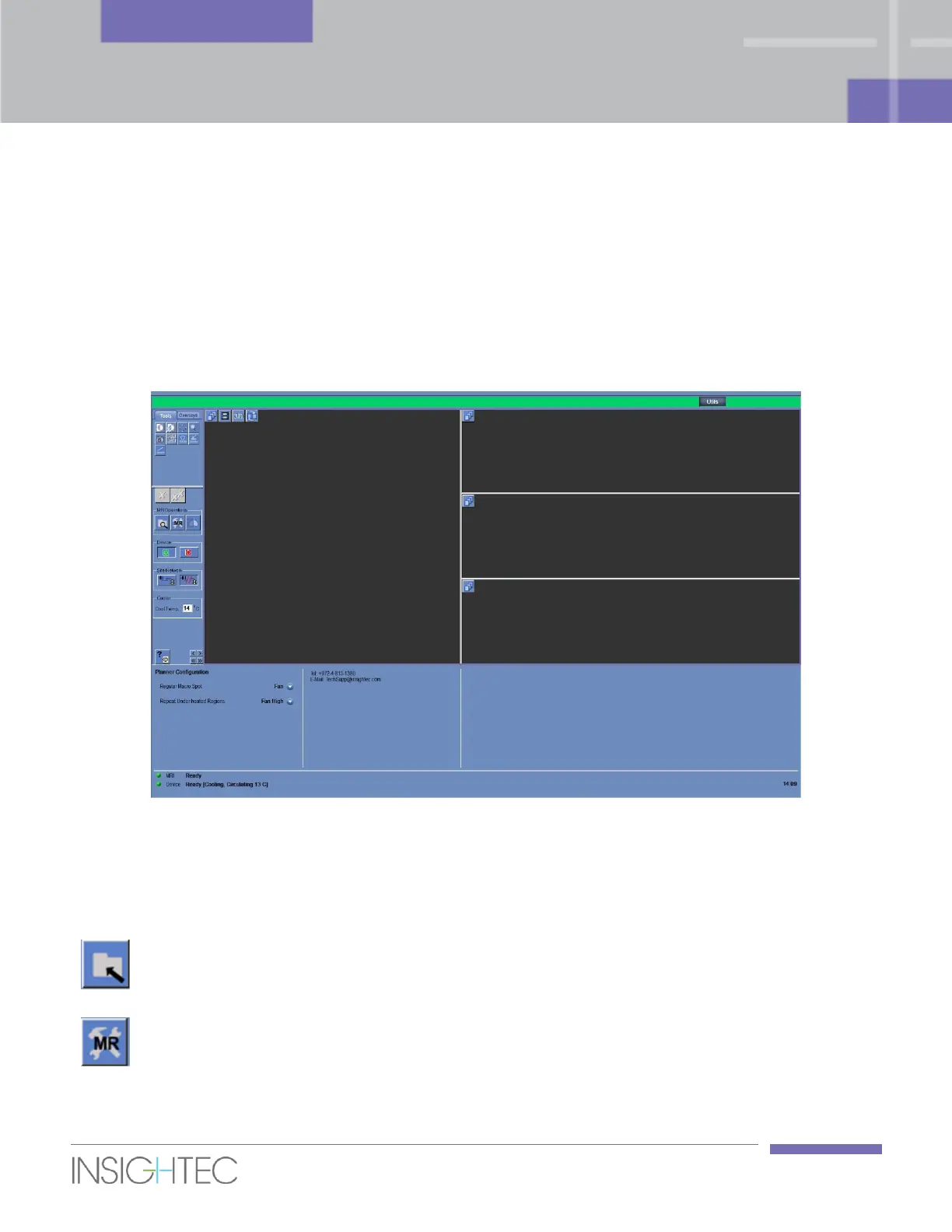
The Utilities mode provides the means to perform actions that may be used during treatment but are not
necessarily part of the nominal treatment flow.
The means include - MR operations, turning device On/Off, operate water system, connection to the site
network and configuring Macro-spot planner modes.
Figure 10-1: Utilities Screen
10.1.1. Utilities Action Tools
The tools relevant to this mode are (refer to Figure 10-1):
Click the Select Exam button to select the active exam
in the MR as the new treatment exam for the rest of
the treatment.
Click the Setup MRI button to manually restore the
connection to the MRI and/or the MR protocols in the
GE MR system (in case they were changed or removed).



 To Next Page