Before performing this procedure, the operator must confirm that both exams have the
exact same landmark location and that there was no patient movement since the planning
images were scanned.
[W-38]
10.2.2. Setup MR Protocols
This procedure should be used when the MR protocols stored in the GE MR system have been deleted or
modified, or when communication with the MRI was lost.
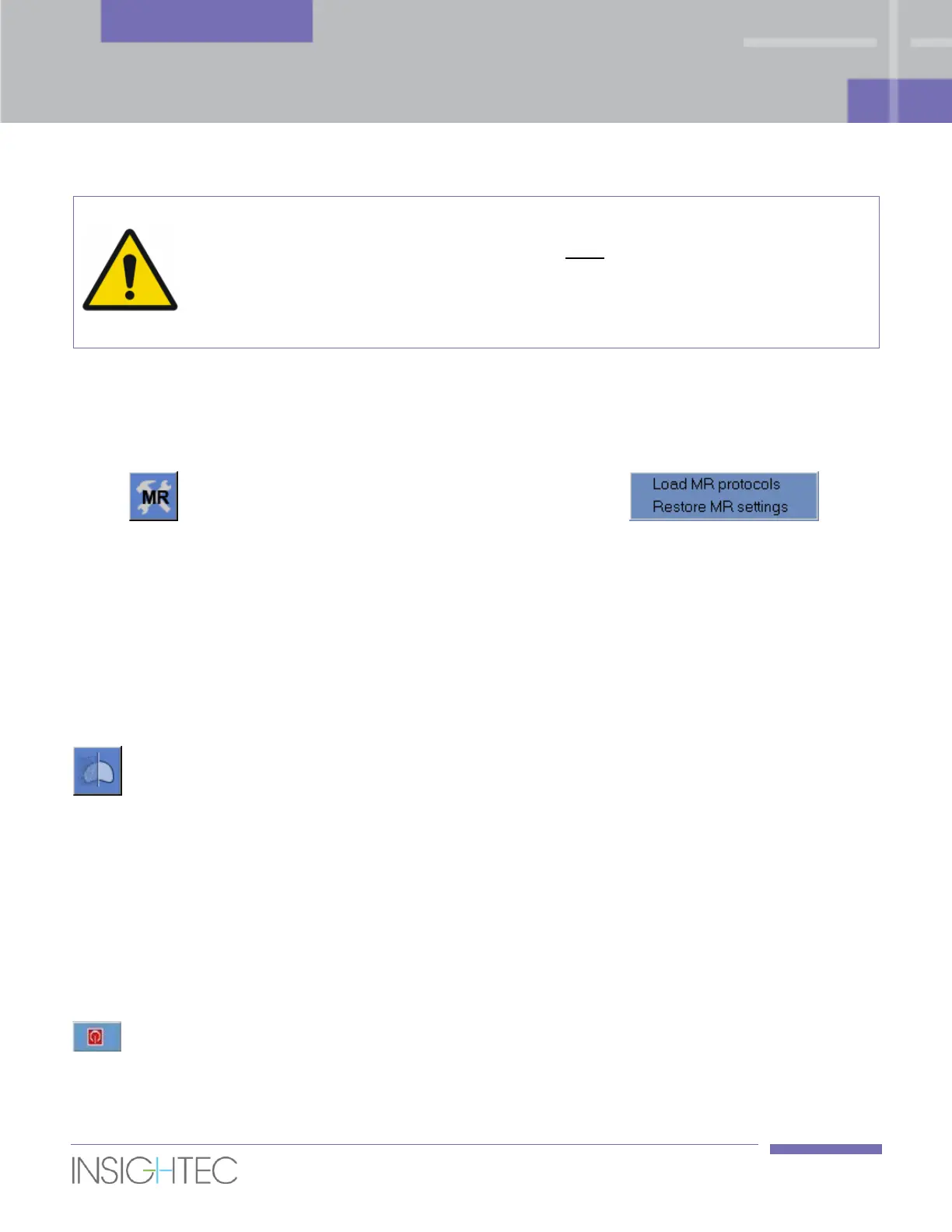
1. Click the MR tool to open the Setup MRI drop down menu .
2. Select the desired option:
◼ Click Load MR Protocols to restore the MR treatment protocols from the workstation to the GE MR
system.
◼ Click Restore MR settings to restore the connection between the Exablate system and the MRI, and
to restore the MR treatment protocols.
10.2.3. Optimize Coil Signal
This procedure enables you to improve imaging by reading the correct coil channels averaging
coefficients and updating them in the Exablate Prostate workstation.
◼ Click this tool and select any series from the current exam.
◼ Click the Calc SNR button to read and update coil channel averaging coefficients.
10.2.4. Turn System Hardware On/Off
This procedure is to be used when the equipment cabinet computer must be restarted in the middle of the
procedure.
Click this tool to turn off the Exablate Prostate system; when the device shutdown is complete, the
Device Status (in the status bar) appears as Not connected.



 To Next Page