6.5.6. Loading Additional Planning Images (Optional)
The Exablate workstation enables to load intra-operative diagnostic MR images (e.g. Diffusion Weighted
Imaging), to aid in identifying the Target Volume.
The Exablate Prostate workstation supports several ways to prescribe, acquire and load additional MR
planning images:
1. Automatic prescription and acquisition of Axial Diffusion-Weighted Images, scanned perpendicular
to the transducer axes.
2. Manual preparation of the additional planning images scan on the MR console (including desired
imaging type, scan range, etc.). The acquisition of the images is performed from the Exablate
workstation (after preparing and defining the scan on the MRI workstation).
3. Manually scanning additional planning images series on the MR and loading it to the workstation.
6.5.6.1. User Interface Elements
During the procedure of acquiring, reformatting and loading MR Planning images, the following elements
are used for acquiring the additional planning images:
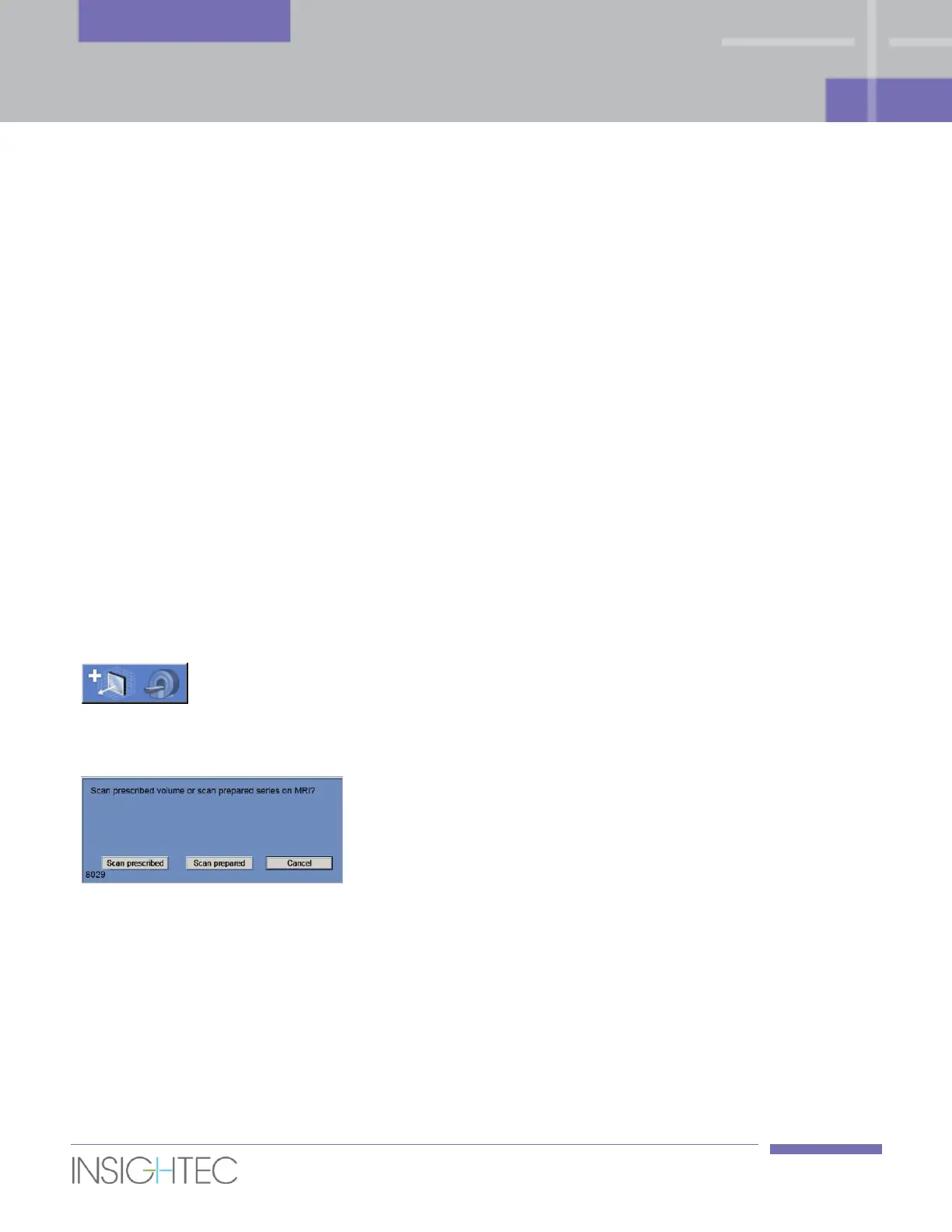
Click this button either to automatically prescribe the additional
planning series or to scan the prepared series on the MR
console.
After clicking the Scan Additional Planning Series, a pop-up
message will appear, with the following options:
◼ Scan prescribed - click this button to automatically
prescribe and run a Diffusion Weighted Imaging (DWI) scan,
according to the range defined by the Scanning Range lines.
This scan will use the optimal central frequency that was
identified by the system.
When the scan ends, the new scanned MR series will appear
in the 3
rd
Exablate workstation image strip.
◼ Scan prepared - click this button to acquire (scan) the
manually prepared additional planning series on the MRI.
This scan will use the manually defined imaging type and



 To Next Page