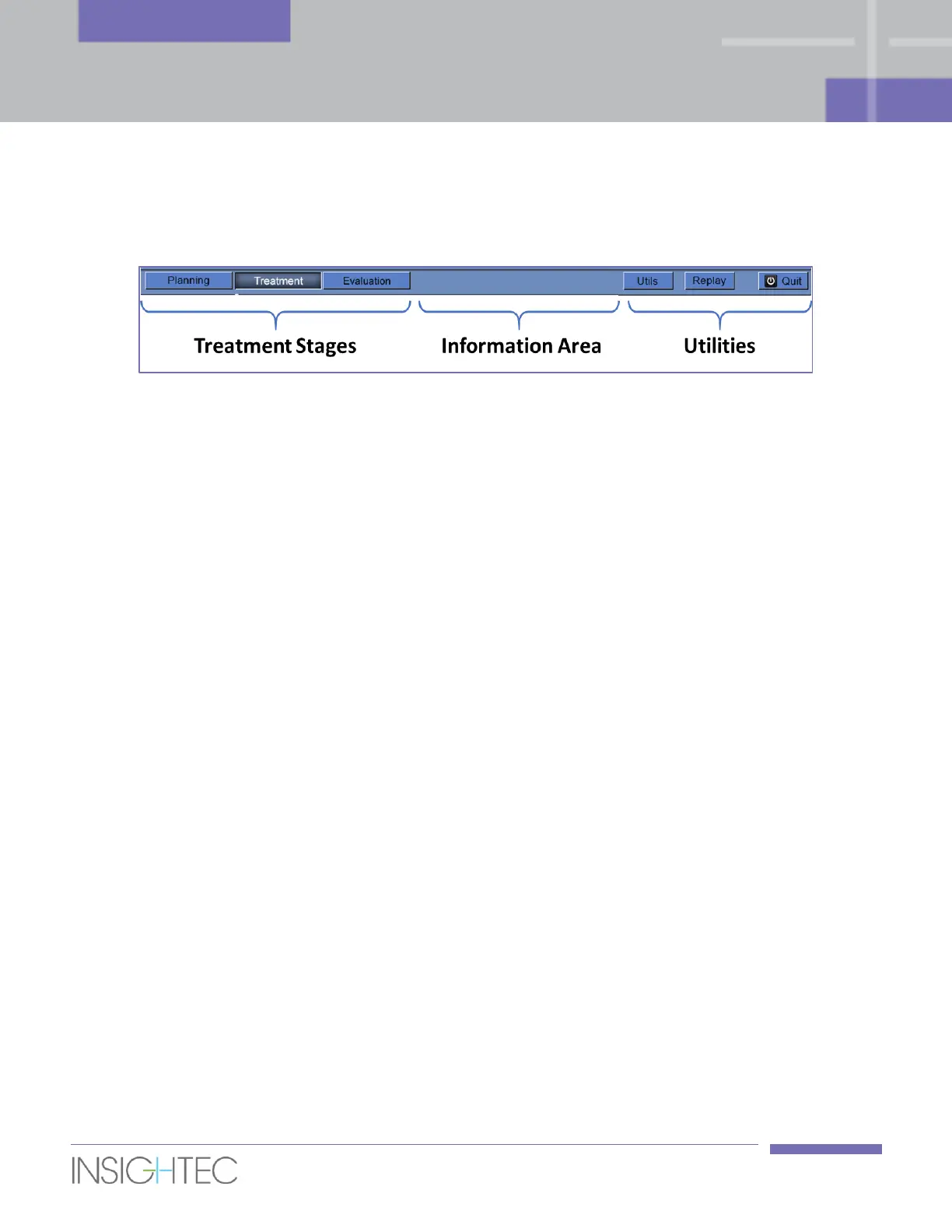
5.2.1. Exablate Main Toolbar
This toolbar consists of buttons that correspond to the stages of the Treatment and the Utilities buttons.
Figure 5-2: The Exablate Main Toolbar
5.2.2. Treatment Stages
5.2.2.1. Planning Stage
This stage enables the operator to:
1. Automatically track and determine the transducer’s home position and orientation relative to the
patient’s anatomy.
2. Adjust probe positioning so that the desired region of treatment is fully accessible.
3. Determine and fix the Central Frequency automatically so it will be used in subsequent MR images
throughout the procedure, to minimize imaging and thermal shifts.
4. Acquire and review a Bubble Detection scan to verify the balloon – rectal wall interface is clear of
significant air bubbles.
5. Approve Positioning.
6. Prescribe and acquire MR Planning images (or alternatively scan planning images on the MR and
retrieve the relevant series to the Exablate workstation) as well as additional series that might assist
with target identification (e.g. Diffusion Weighted Imaging).
7. Acquire and examine the Baseline Anatomy Scan which serves as the reference for movement
detection and for balloon boundaries detection.
8. Define the Rectal Wall, Prostate Capsule, Target Volume and the desired Region of Treatment.
9. Run the automatic Balloon Boundaries detection.
10. Define sensitive areas that will limit or eliminate the acoustic energy adjacent to them, by drawing the
Urethra, Nerve Bundles, Sphincter and Bladder (optional).
11. Define the required Treatment Protocol (optional).
12. Transfer the accumulated dose to newly scanned Planning images (in case of large movement).



 To Next Page