TREATMENT TOOLS
Manual Part Number
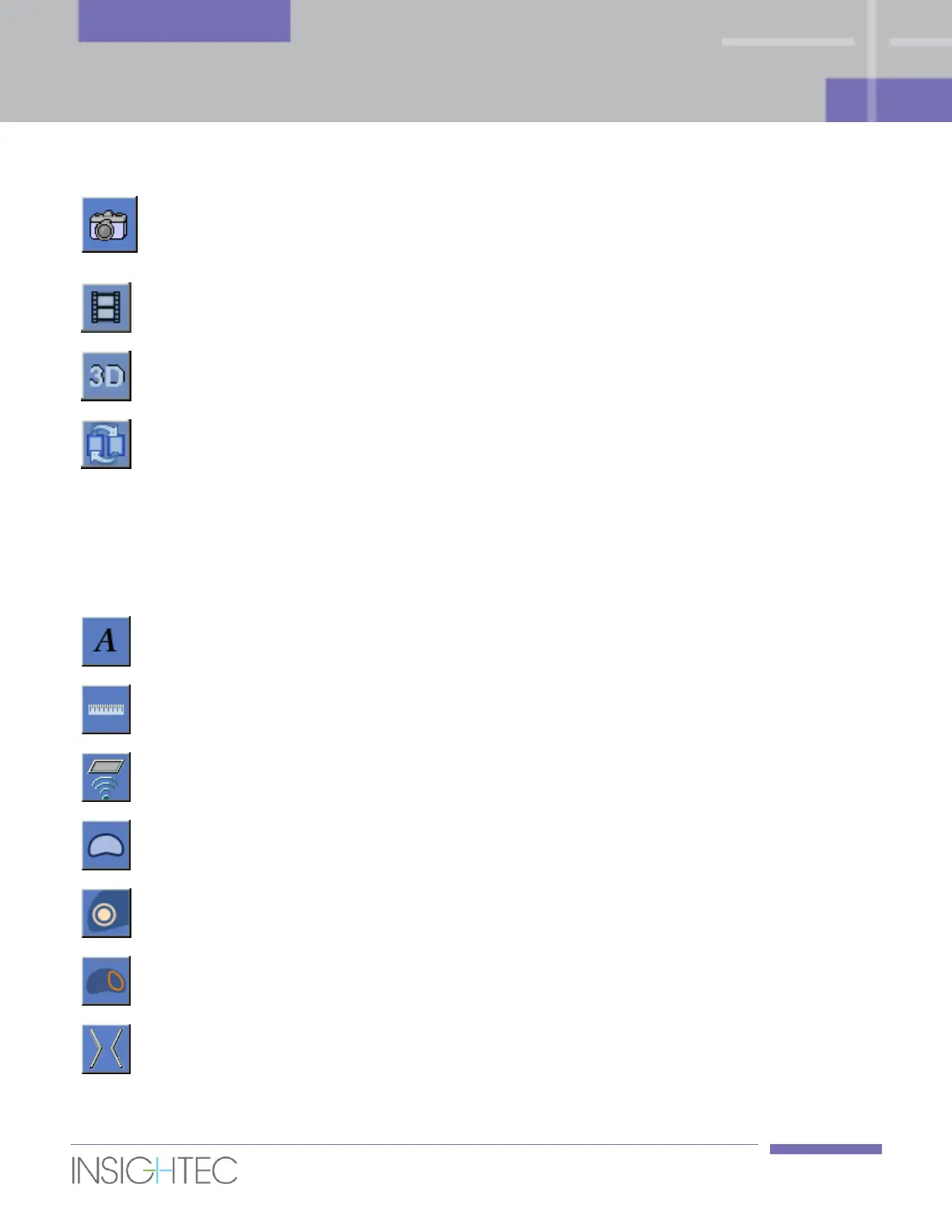
Click this button
to take a snapshot of the screen and save it with the
treatment database. When the specific treatment is exported, the
screen-dumps associated with it are copied to the CD.
Click this button to display the selected series as a cine.
Click this button to show the treatment data in three dimensions, to
clinically assess the treatment plan.
Click on the image toggling button to iteratively pass between the
Previous and Current Anatomy images in the selected image window
(see Section 7.2.8).
5.2.8. Overlays
This section describes the overlay tools, which toggle the graphic overlays on the MR images.
Click this button to show or hide the text overlays on the images.
Click this button to show or hide the Measurement graphical overlays
on the images.
Click this button to display the Treatable area (as governed by the
position and available motion range of the transducer).
Click this button to show or hide the contour of the Prostate Capsule.
Click this button to show or hide the Target Volume contour.
Region of
Treatment (ROT)
Click this button to show or hide the contour of the Region of
Treatment (ROT).
Select a spot and click this button to view or hide the rays from the
transducer to the spot.



 To Next Page