TREATMENT TOOLS
Manual Part Number
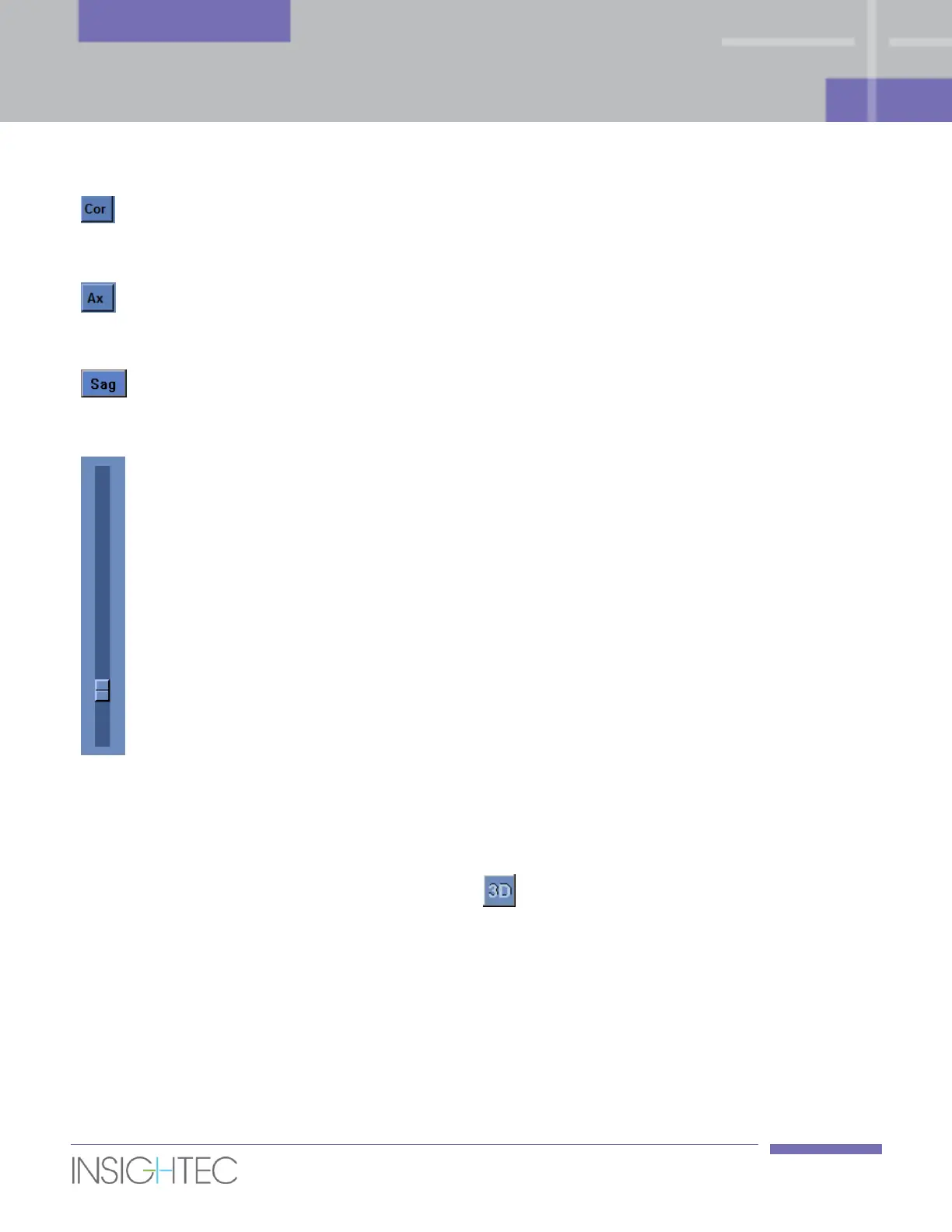
Click this button to display the coronal images on the three-
dimensional Display. Click it again to turn off the coronal images
display.
Click this button to display the axial images on the three-
dimensional Display. Click it again to turn off the axial images
display.
Click this button to display the sagittal images on the three-
dimensional Display. Click it again to turn off the sagittal images
display.
Click on the 3-D Scroll bar button and drag it up and down to
scroll between the displayed images.
Press the middle mouse button, click and drag the mouse to rotate the Three-Dimensional Display. As in
regular display mode use the mouse right click to Pan, and click the Left mouse to zoom (see more in Section
5.2.7).
To exit the three-dimensional display mode, press the button or alternatively click on any other image
on the strips.



 To Next Page