EasyManua.ls Logo

Insightec Exablate 2100V1 - Page 131

Default Icon
164 pages
Print Icon
To Next Page IconTo Next Page
To Previous Page IconTo Previous Page
Loading...
TREATMENT STAGE
Manual Part Number
131
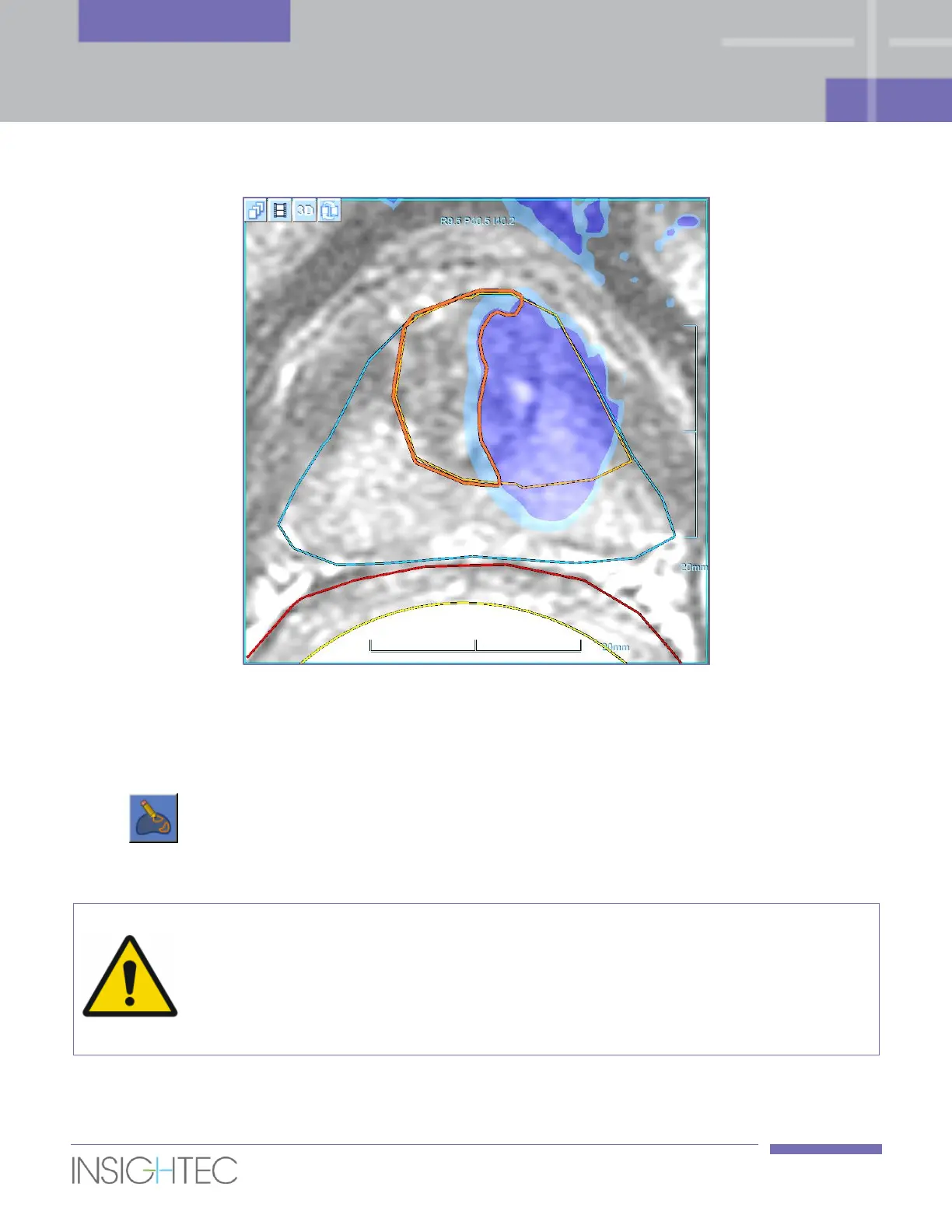
Figure 7-10: Under-Heated Regions Polygon
5. The Under-Heated Regions polygon can be edited either by dragging or by completely deleting and
re-drawing it.
6. To draw the Under-Heated Regions polygon, click this button. It is enabled only in this state.
Drawing is enabled only on the slice of the previous Macro-spot (since the EHM was calculated only
for this slice).
WARNING
When manually drawing the Under-Heated Regions polygon, make sure to draw it strictly
within the original ROT. Otherwise, the system might plan spots that exceed the original
ROT limits (while still restricted by the various LEDR’s).
[W-35]

Table of Contents