Affinity
2.0
Additional Information Page 207
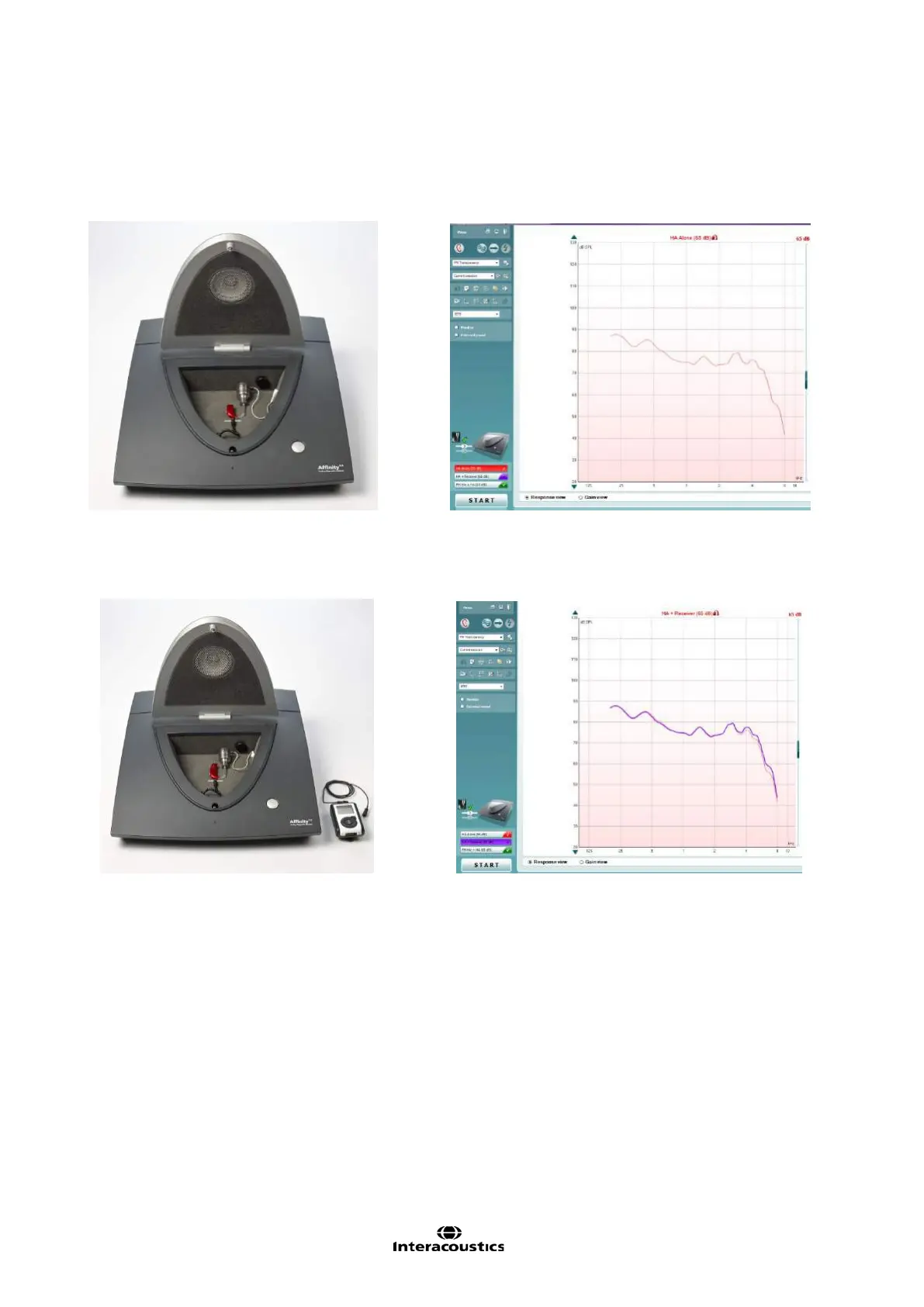
Step 1: HA Alone
1. Select the HA Alone test
2. Attach the hearing aid to the coupler/coupler microphone
3. Position the hearing aid in the test chamber
4. Click START to measure the output of the hearing aid (red curve)
Step 2: HA + Receiver
1. Leaving the hearing aid in the coupler, attach the FM receiver to the hearing aid
2. Turn on the FM transmitter. Mute it.
3. Click START to measure the output of the hearing aid (purple curve)
Note: the two curves should be very similar to each other














 To Next Page