Affinity
2.0
Additional Information Page 210
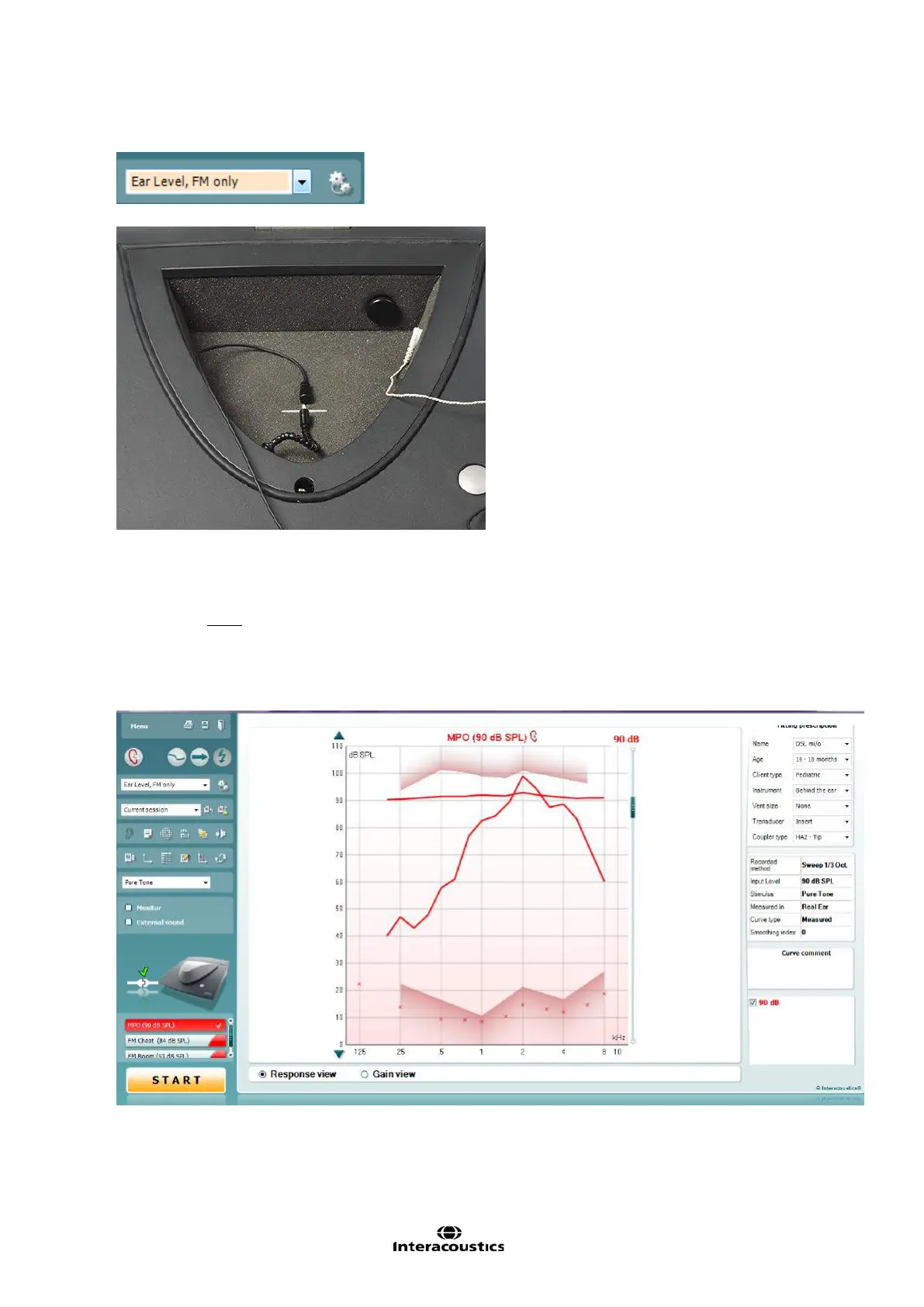
3. Once in the REM screen, select the “FM only, Ear level” protocol from the drop down list
4. Place the FM transmitter microphone inside the test chamber, facing the reference microphone
5. Close the lid of the test chamber
NOTE: The test box reference microphone is the active microphone, even if we are doing a real ear
measurement
6. Measure the MPO:
o Click on MPO to access the MPO test.
o Set the FM transmitter volume control to MAX
o Click Start to measure the Real-Ear Saturation Response
o If the MPO measurement is too high, adjust the FM output














 To Next Page