Affinity
2.0
Additional Information Page 211
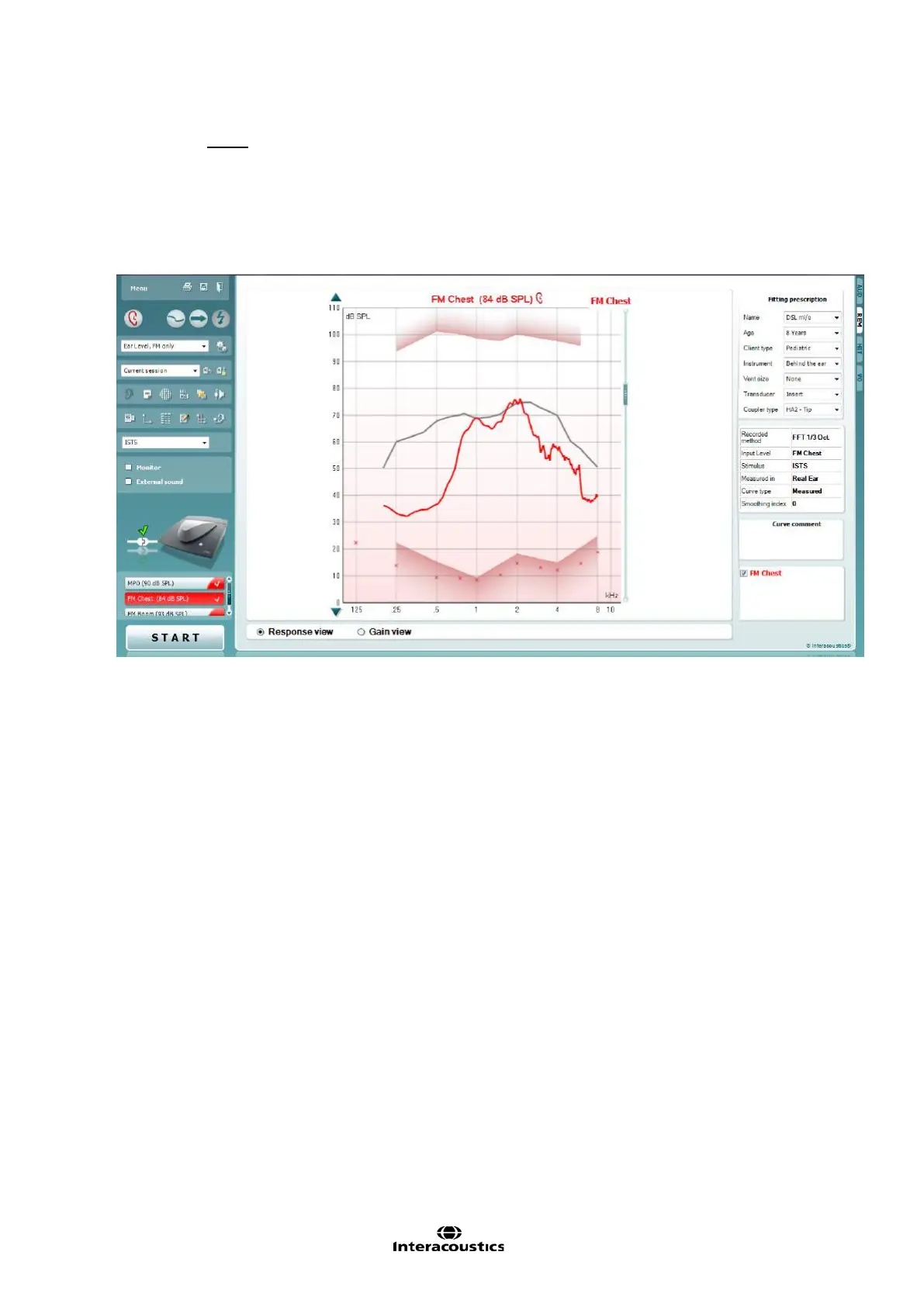
7. Measure the REAR
o Select the appropriate FM-specific target:
FM Boom or
FM Chest
the choice should reflect what is used with the system in question
o Measure the REAR by clicking the start button
o Adjust volume control on the FM receiver to match the targets between 1kHz and 4kHz
8. Re-measure the RESR/MPO at user setting














 To Next Page