Affinity
2.0
Additional Information Page 215
6) If the order of the tests is to be changed, use the two Move arrow buttons.
Mark the test to be moved and press one of the arrow buttons. Depending on the direction of the
selected arrow, the test will then jump up or down.
7) To make adjustments to the parameters of each selected test press Settings.
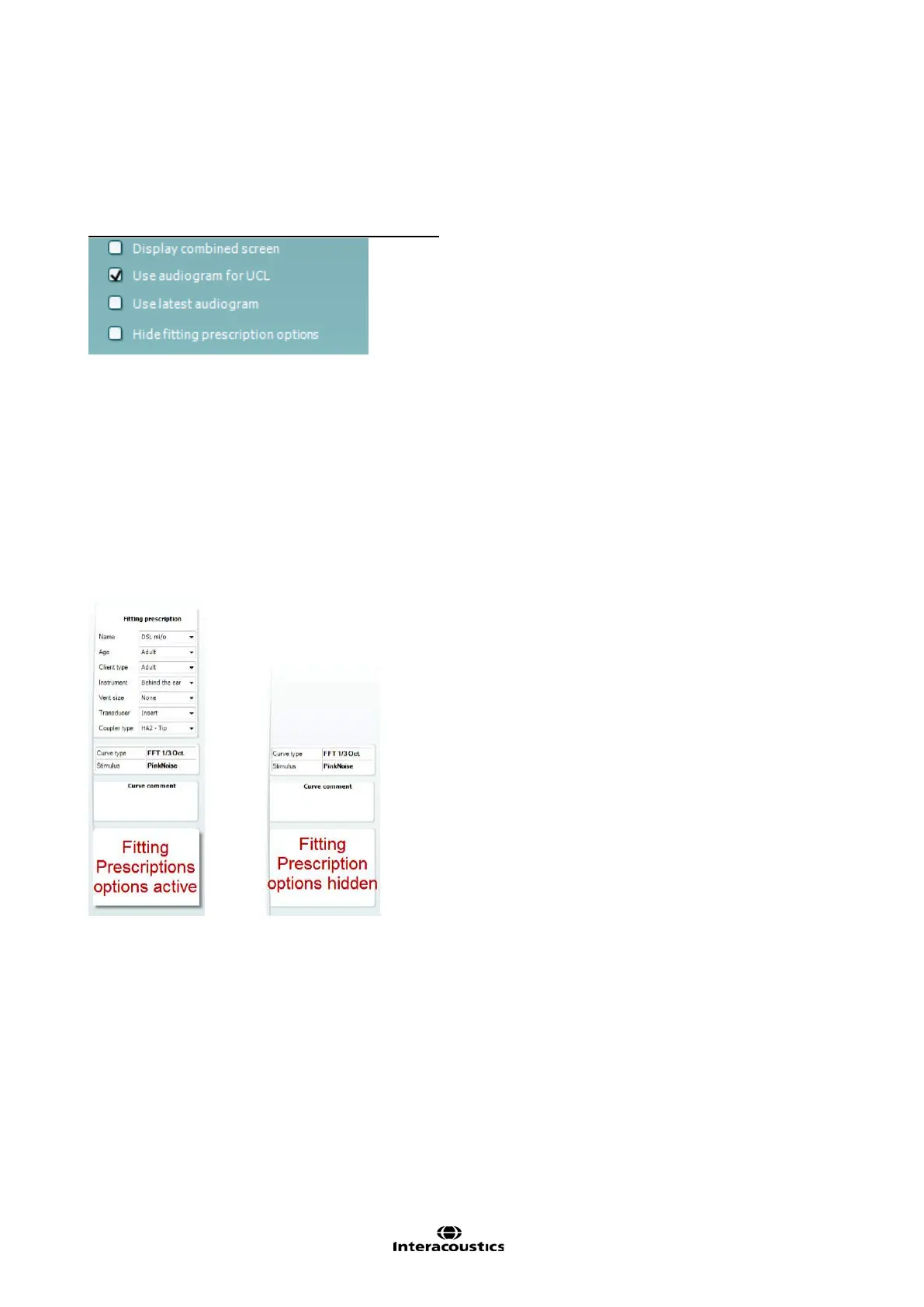
Below the selection list four check boxes are found:
Display combined screen allows for comparing different curves in the same display. Which curves to
compare can be setup individually (see section 0).
Use audiogram for UCL provides you with the option to adjust UCLs transferred from the audiogram screen.
When using the NAL-NL1, NAL-NL2 or DSL m[i/o] fitting prescriptions UCLs from the audiogram screen will
automatically be transferred to the REM440 screen where they are indicated in shading.
Use latest audiogram means that the latest audiogram will always be used to calculate the target in the REM
screen
Hide fitting prescription options will hide the fitting prescription options panel on the right hand panel of the
REM screen:














 To Next Page