Affinity Additional Information Page 342
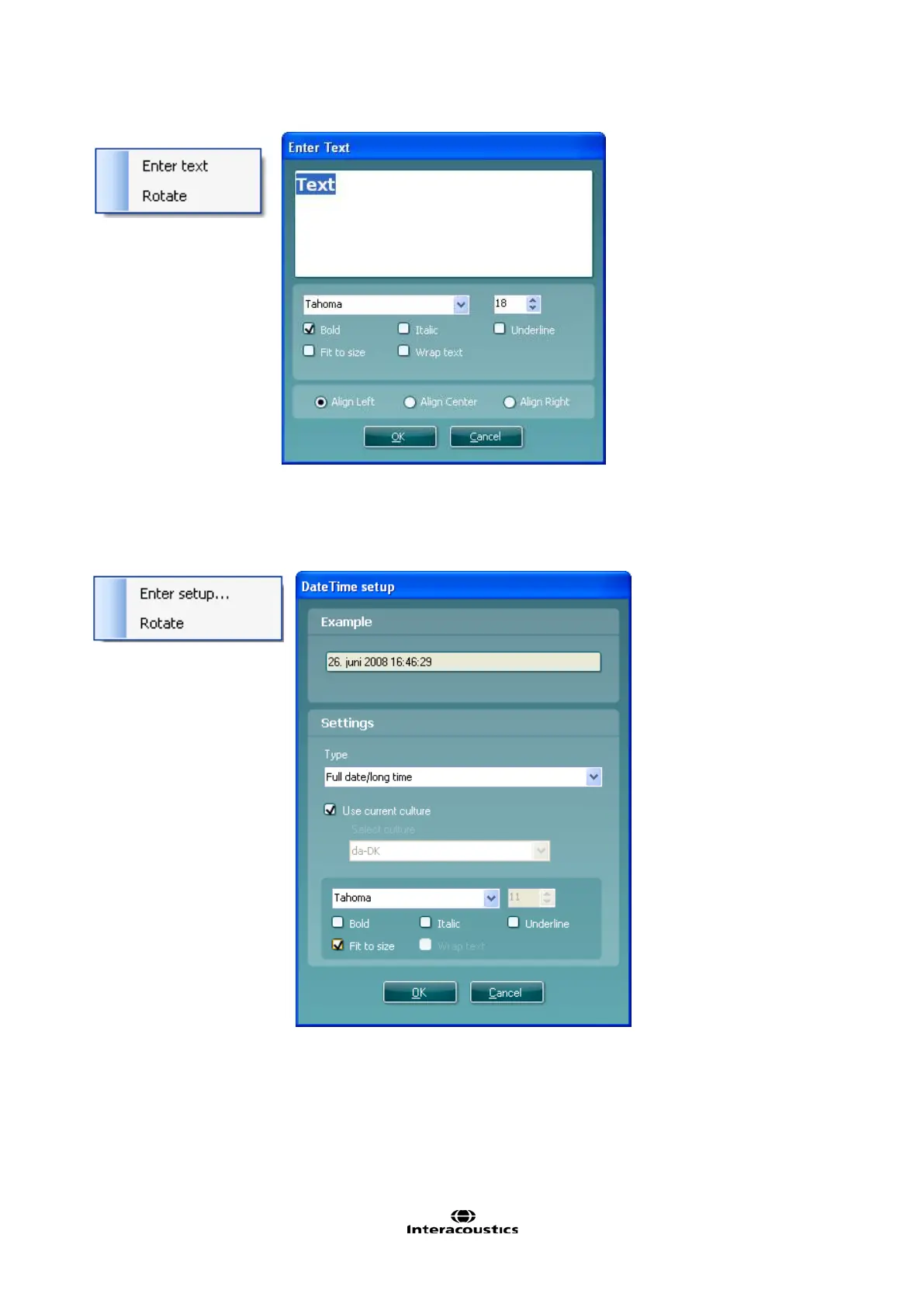
4. Date Time. This element allows you to put in a stamp on the template showing date and/or time of
printing.
a. Enter setup…opens the Date Time setup window. Here you choose the format in which the date
and/or time appears in the template.You can also choose the font type, size and formatting.
b. Selecting Rotate makes the element rotate 90 degrees clockwise.
5. Session date. This element allows you to put in a stamp on the template showing date and/or time
that the measurements were recorded.
a. Enter setup… opens the Date Time setup window, exactly as in 5a. Here you choose the format in
which the date and/or time appears in the template. You can also choose the font type, size and
formatting.
b. Selecting Modules gives the opportunity to define which modules’ session dates will be shown. On
the print out you can combine measurements from both the Affinity Suite and Titan Suite.
c. Toggle borders allows you to disable or enable the border around the Session date element.














 To Next Page