Affinity
2.0
Additional Information Page 58
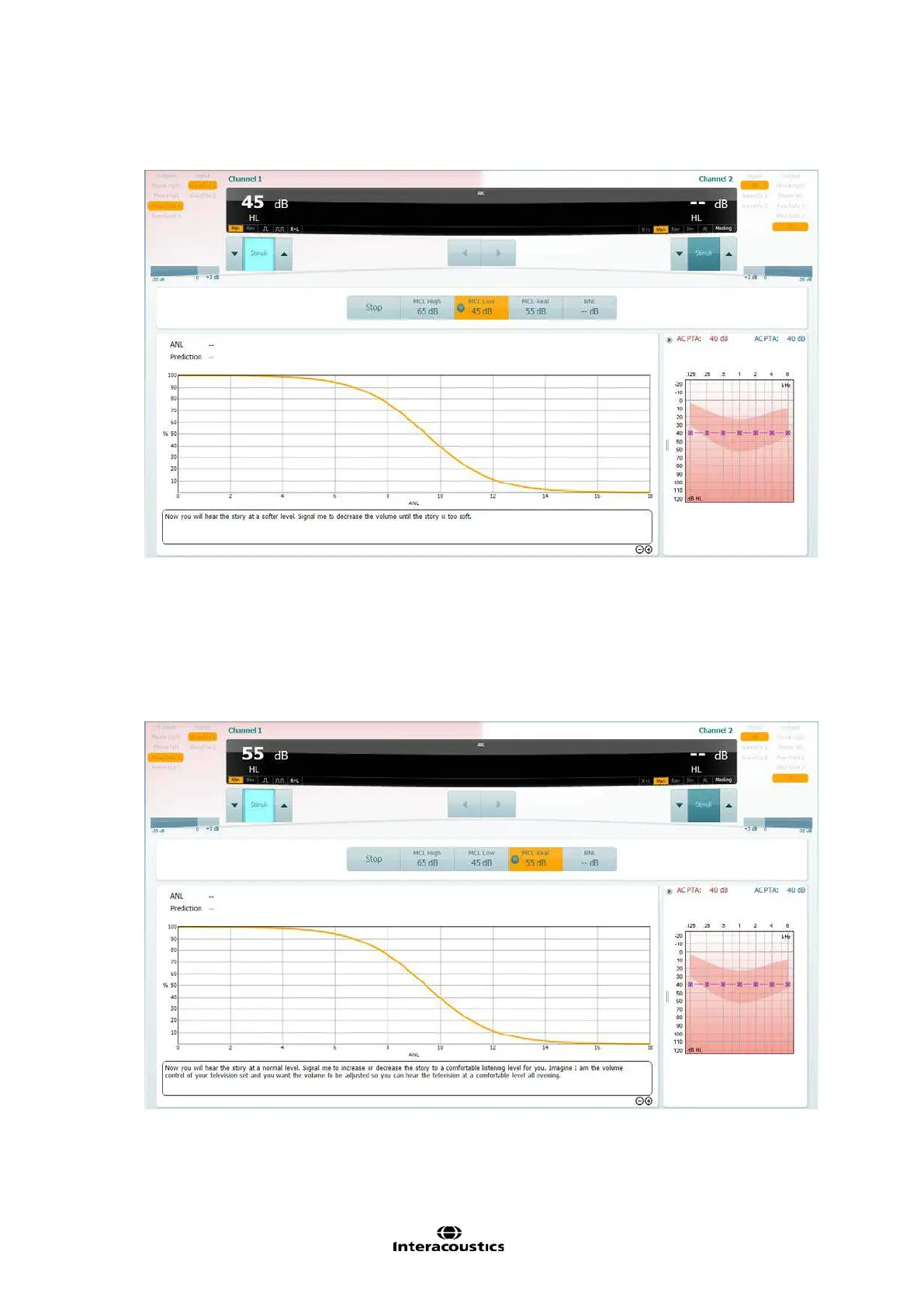
6. MCL Low
Click on the MCL Low Icon and click play. This will loop your speech material.
Increase and decrease the stimulus intensity to match the patients lowest MCL.
The display will change within the icon but also a predicted MCL Real will be generated as a
midpoint between the MCL High and MCL Low.
7. MCL Real
Click on the MCL Real Icon and click play. This will loop your speech material.
If you have performed the MCL High and MCL low you should already have a predicted MCL value
here. If not then increase/decrease the intensity to find a suitable level for the patients MCL.
Again the display will not change, other than inside the icon for your test condition.














 To Next Page