Affinity
2.0
Additional Information Page 59
8. BNL
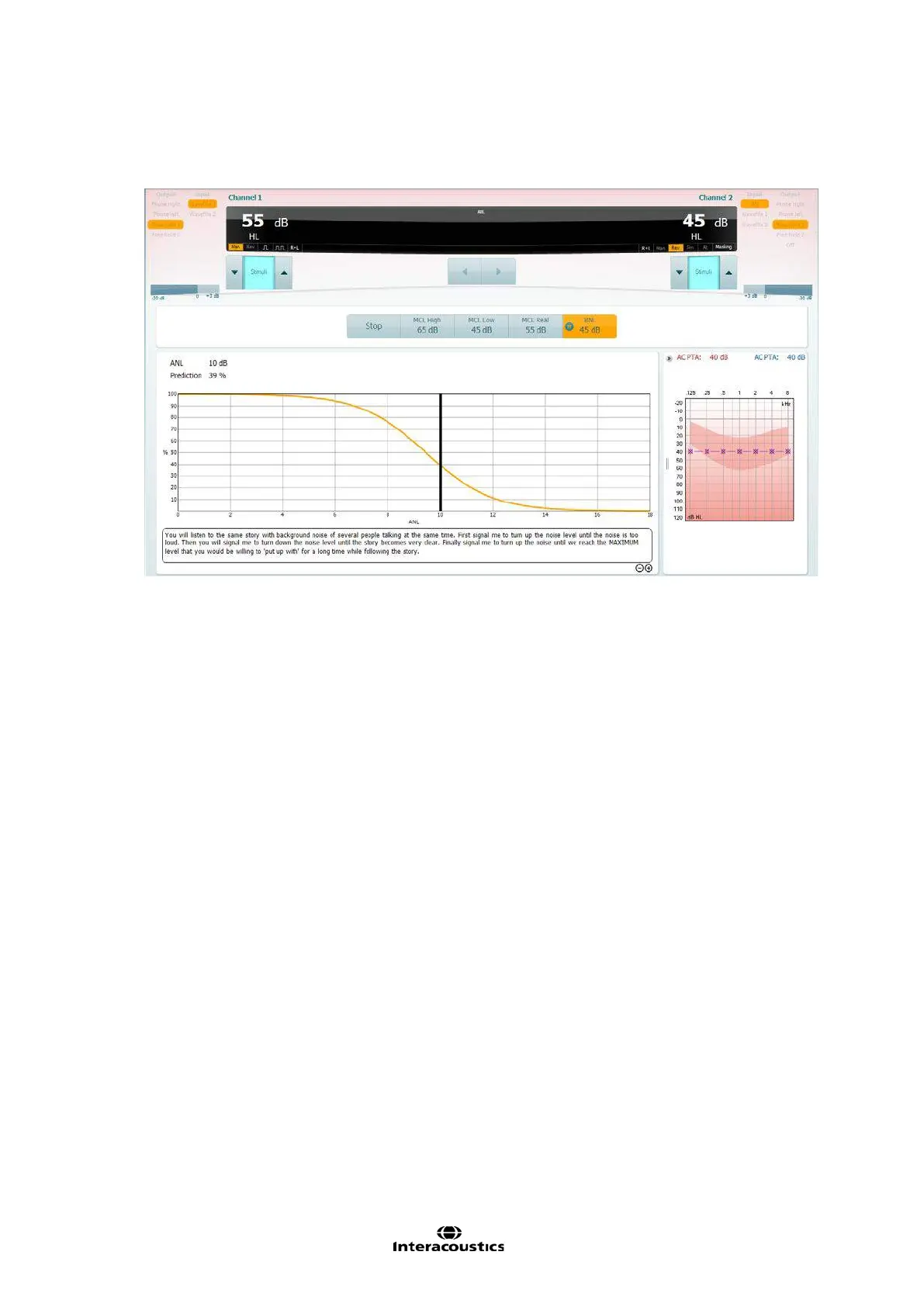
Click on the BNL Icon and click Play. This will loop the same speech material but also introduce the
background masking noise.
Increase/decrease Channel 2 in order to find a level of competing noise which the patient would be
comfortable to listen to alongside their target material. Whilst doing this you will notice the display will
change to reflect the patients ANL value and the prediction percentage of how well they will perform
with amplification.
NOTE: You can customise the instructions displayed in the test screen by entering the ANL setup.














 To Next Page