Chapter 7 Wireless 108
7.1.3 Set up a wireless network encrypted using WPA2-PSK
Network requirement
A factory uses CPEs to set up a wireless network. It requires that the wireless network has a
certain level of security. In this case, WPA2-PSK mode is recommended.
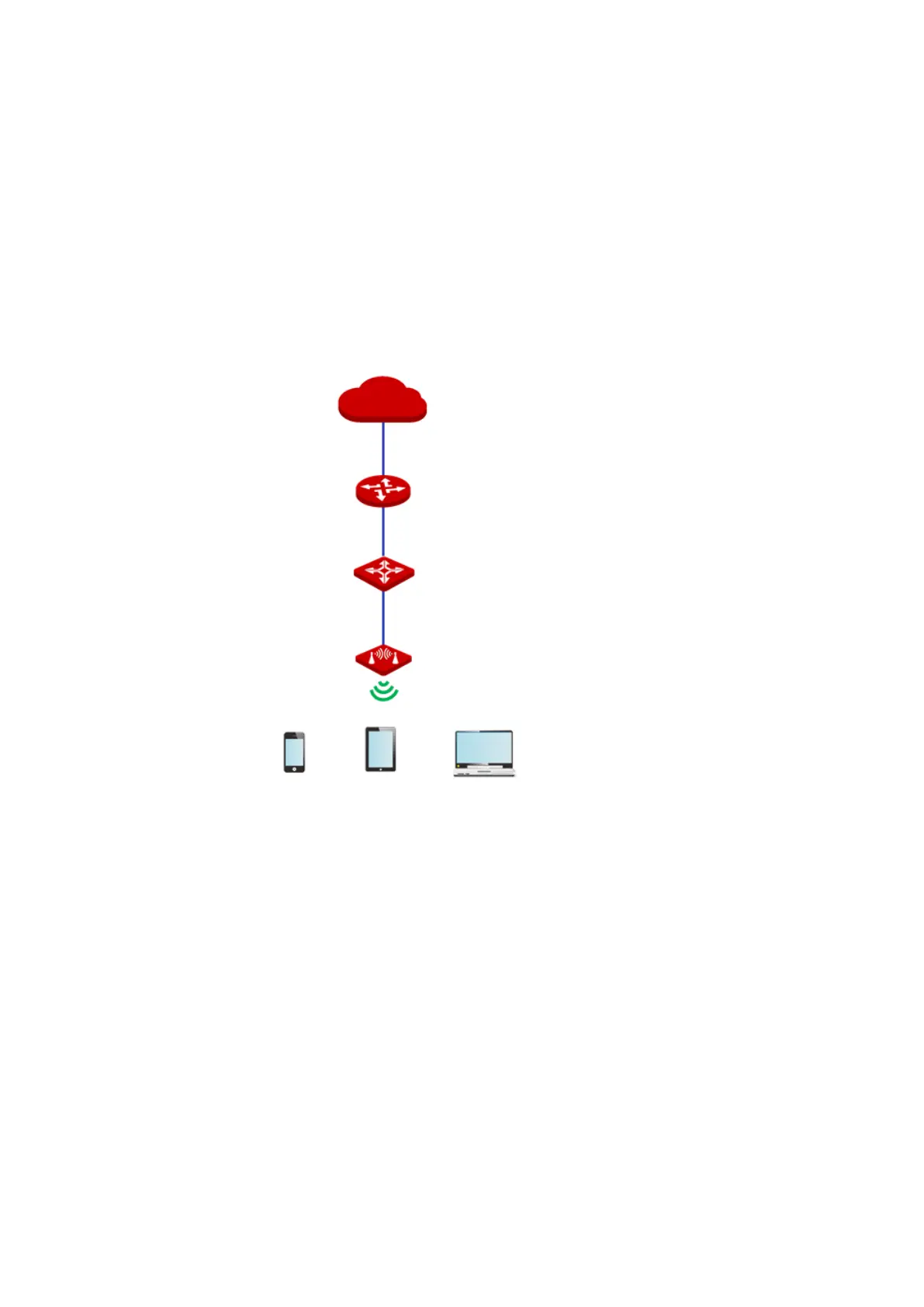
Network topology
Configuration procedure
1. Choose Wireless > Basic to enter the configuration page.
2. Change the value of the SSID text box to Factory.
3. Set Security Mode to WPA2-PSK and Encryption Algorithm to AES.
4. Set Key to UmXmL9UK.
5. Click Save.
SSID: Factory



 To Next Page