Chapter 4 Quick setup 27
4.2 Client mode
4.2.1 Overview
In Client mode, the CPE serves as a wireless adapter, and connects to a wireless network of
upstream AP. The CPE does not provide wireless access service, and a client device needs to
be connected to the CPE with an Ethernet cable.
Application scenario
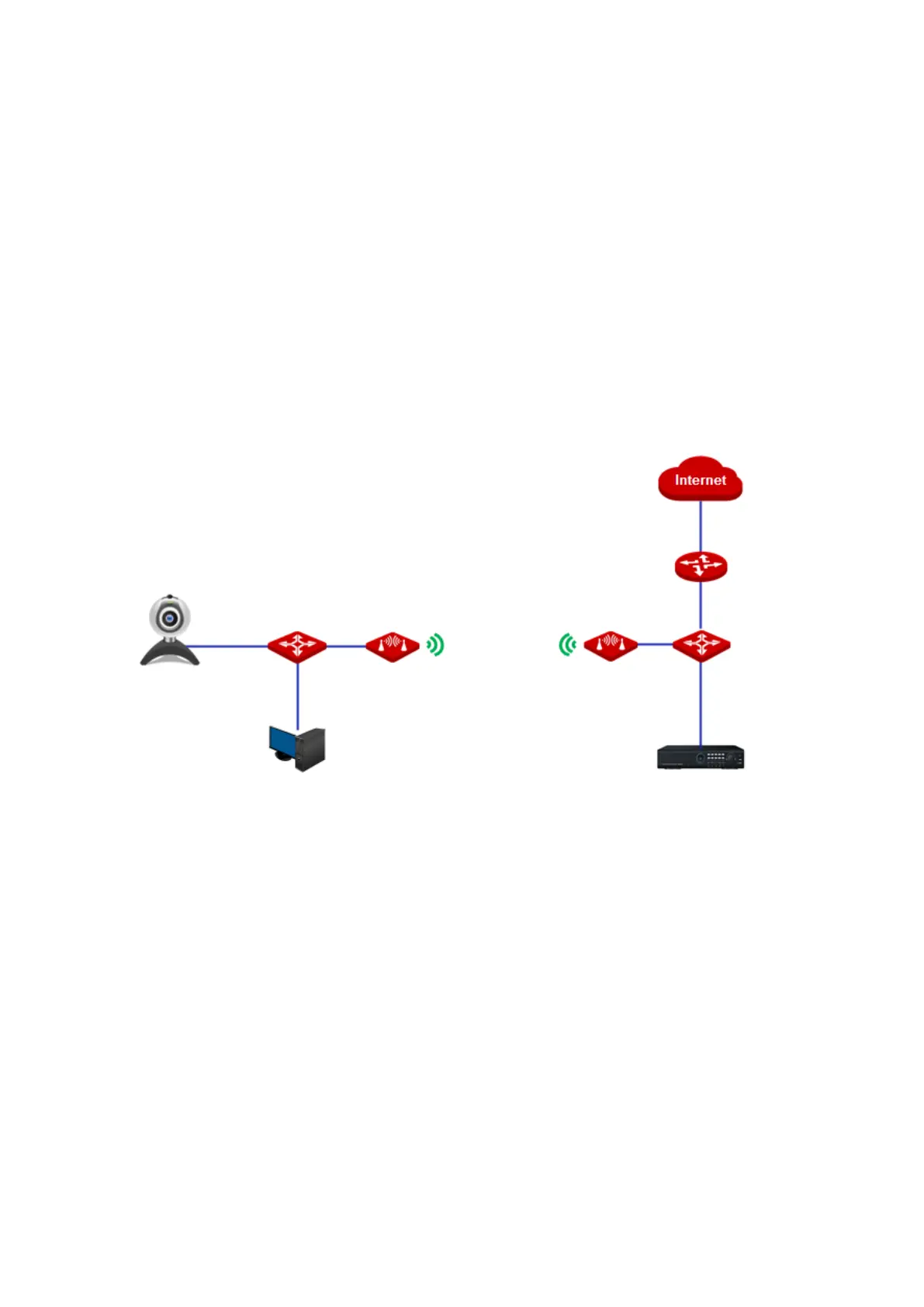
The CPE in client mode usually works with the CPE in AP mode to establish a CCTV
surveillance network, and use the CPE in client mode to connect to IP cameras. The network
topology is shown as below.
4.2.2 Quick setup
1. Log in to the web UI of CPE and choose Quick Setup to enter the configuration page.
2. Select Client, and click Next.



 To Next Page