Chapter 8 Advanced 134
8 Advanced
8.1 LAN rate
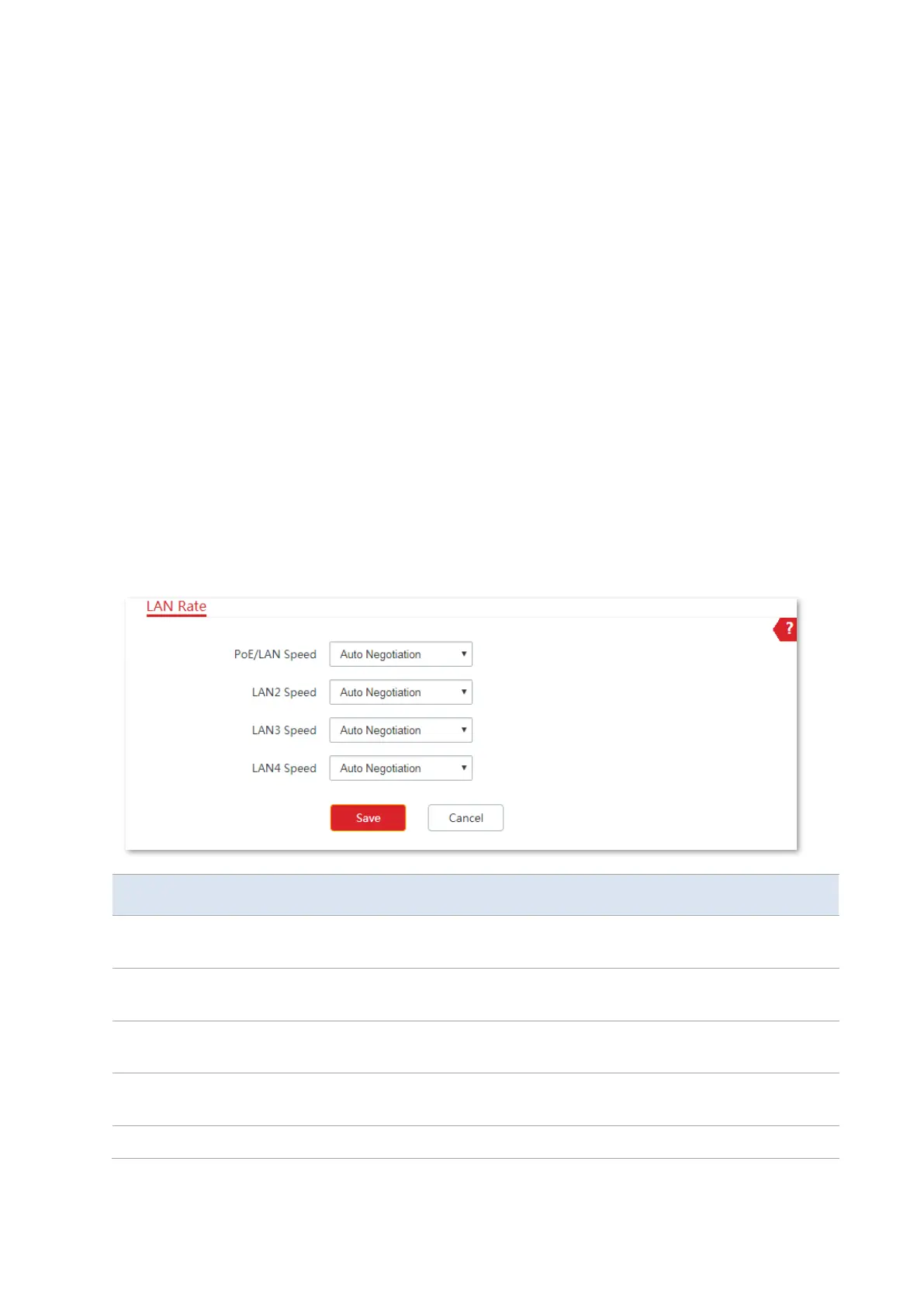
This module enables you to change LAN speed and duplex mode settings. If the transmission
distance between the ports of the CPE and peer device is too long, you can reduce the port
speed of the CPE and peer device to increase the driving distance.
When you change the settings, ensure that the LAN speed and duplex mode of the port of
the CPE is the same as that of peer device. By default, the LAN speed settings of the LAN port
is Auto Negotiation. CPE6S is used for illustration here.
To access the page, choose Advanced > LAN Rate.
The speed and duplex mode of the port is determined by the negotiation
between the port and peer port.
The port is under 100 Mbps, and can transmit and receive packets at the same
time.
The port is under 100 Mbps, and can only transmit or receive packets at the
same time.
The port is under 10 Mbps, and can transmit and receive packets at the same
time.
The port is under 10 Mbps, and can only transmit or receive packets at the



 To Next Page