Chapter 6 Network 94
6.5 VLAN settings
6.5.1 Overview
The CPE supports the IEEE 802.1q VLAN function, so that it can be used in networks with
QVLAN. By default, the function is disabled.
After the IEEE 802.1q VLAN settings take effect, packet with tag will be forwarded to the ports
of the corresponding VLAN according to the VID of the packet, and packet without tag will be
forwards to the ports of the corresponding VLAN according to the PVID of the port.
The following form shows the details about how different link type ports address received
packets.
Forward the data to the
ports of the
corresponding VLAN
based on the VID in the
tag.
Forward the data to the
ports of the
corresponding VLAN
based on the PVID of
ports
Strip the tag in the packet and then
forward it
VID PVID of the port, strip the tag
in the packet and then forward it
VID PVID of the port, retain the
tag in the packet and then forward it
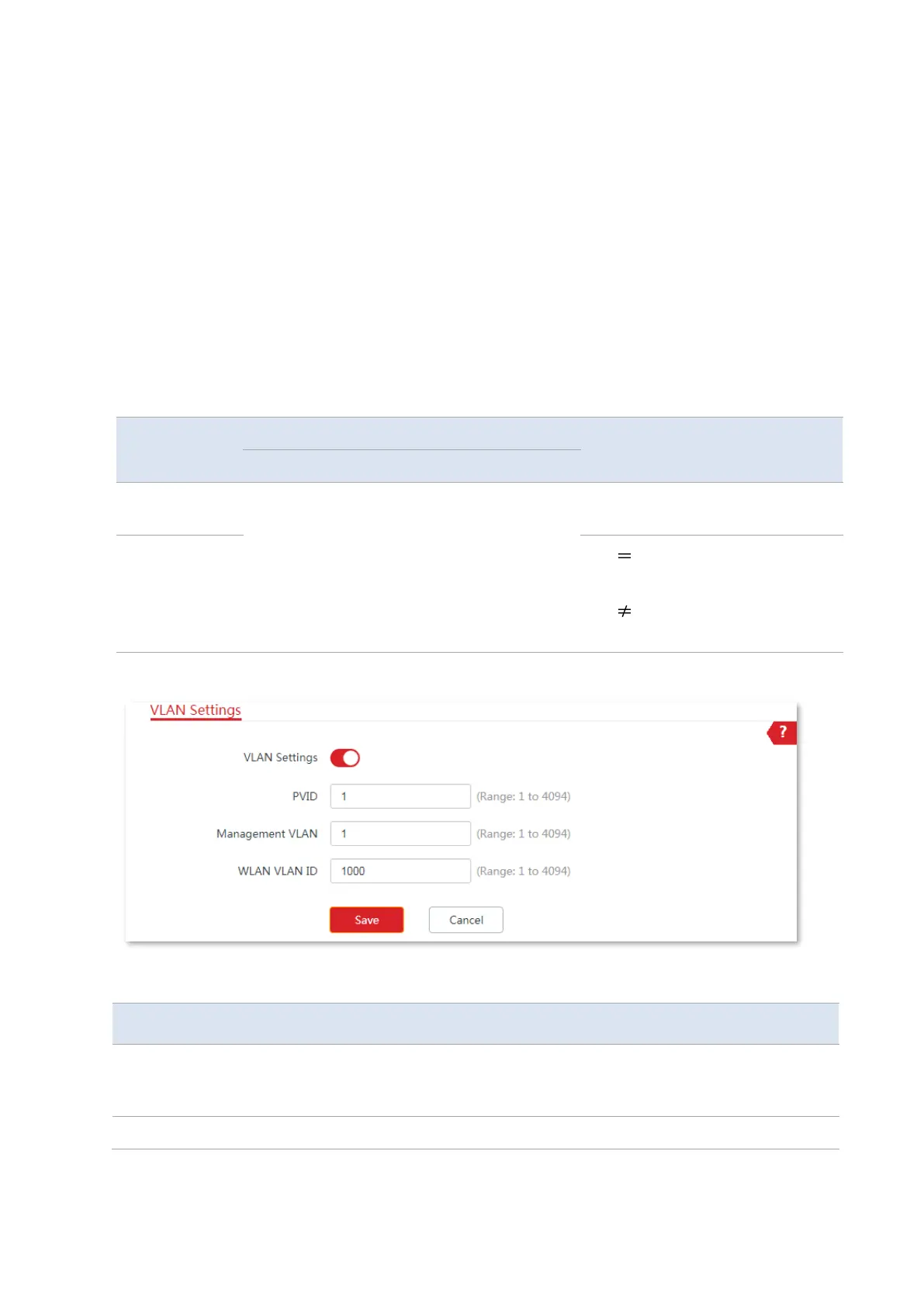
To access the page, choose Network > VLAN Settings.
Parameters description
It is used to enable or disable the VLAN function of this device. By default, it is
disabled. After the VLAN function is enabled, the PoE/LAN port is used as a trunk
port.
It specifies the ID of the default native VLAN ID of the trunk port. The default ID is



 To Next Page