Chapter 8 Advanced 165
8.6.7 DMZ host
Overview
This function is available only when the CPE works in WISP or Router mode.
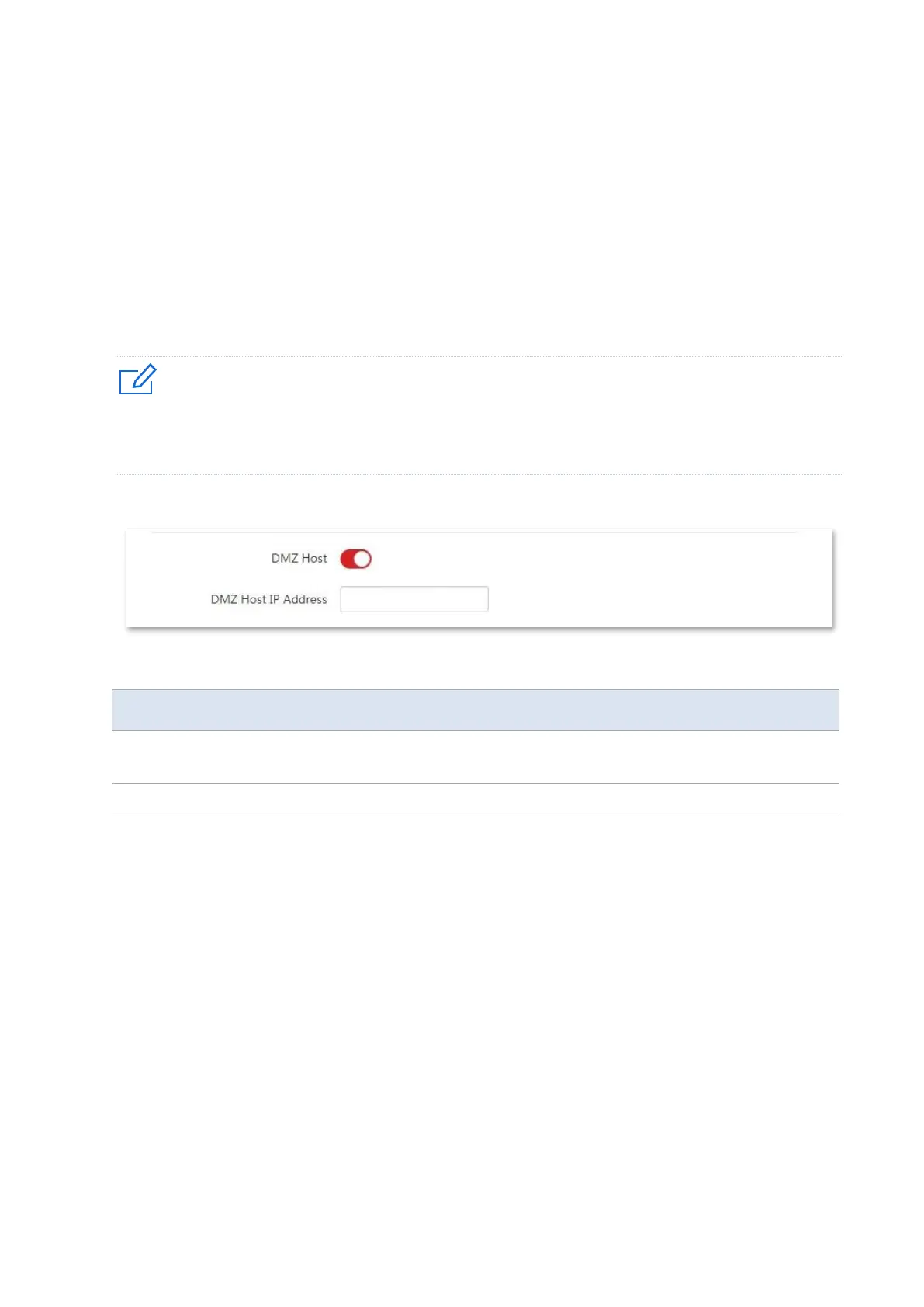
A DMZ host on a LAN can communicate with the internet without limit. You can set a
computer that require higher internet connection throughput, such as a computer used for
video conferencing or online gaming, as a DMZ host for better user experience.
− A computer set to DMZ host is not protected by the firewall of the CPE.
− A hacker may leverage the DMZ host to attack your LAN. Therefore, enable the DMZ function only when
necessary.
To access the page, choose Advanced > Network Service.
Parameters description
It specifies whether to enable the DMZ host function of the CPE. By default, it is
disabled.
It specifies the IP address of the LAN device to be set to DMZ host.
Example of configuring DMZ host
The CPE is used in a company to deploy its network, and it is set to WISP mode.
Network requirement
The administrator on business can visit the resources on web server in LAN.
You can use DMZ Host function to solve the problem.
Assume that:
− The WAN IP address of the device is 202.105.106.55.
− The IP address of the internal web server is 192.168.2.100



 To Next Page