Chapter 4 Quick setup 31
4.2.3 Example of AP mode and client mode
Network requirement
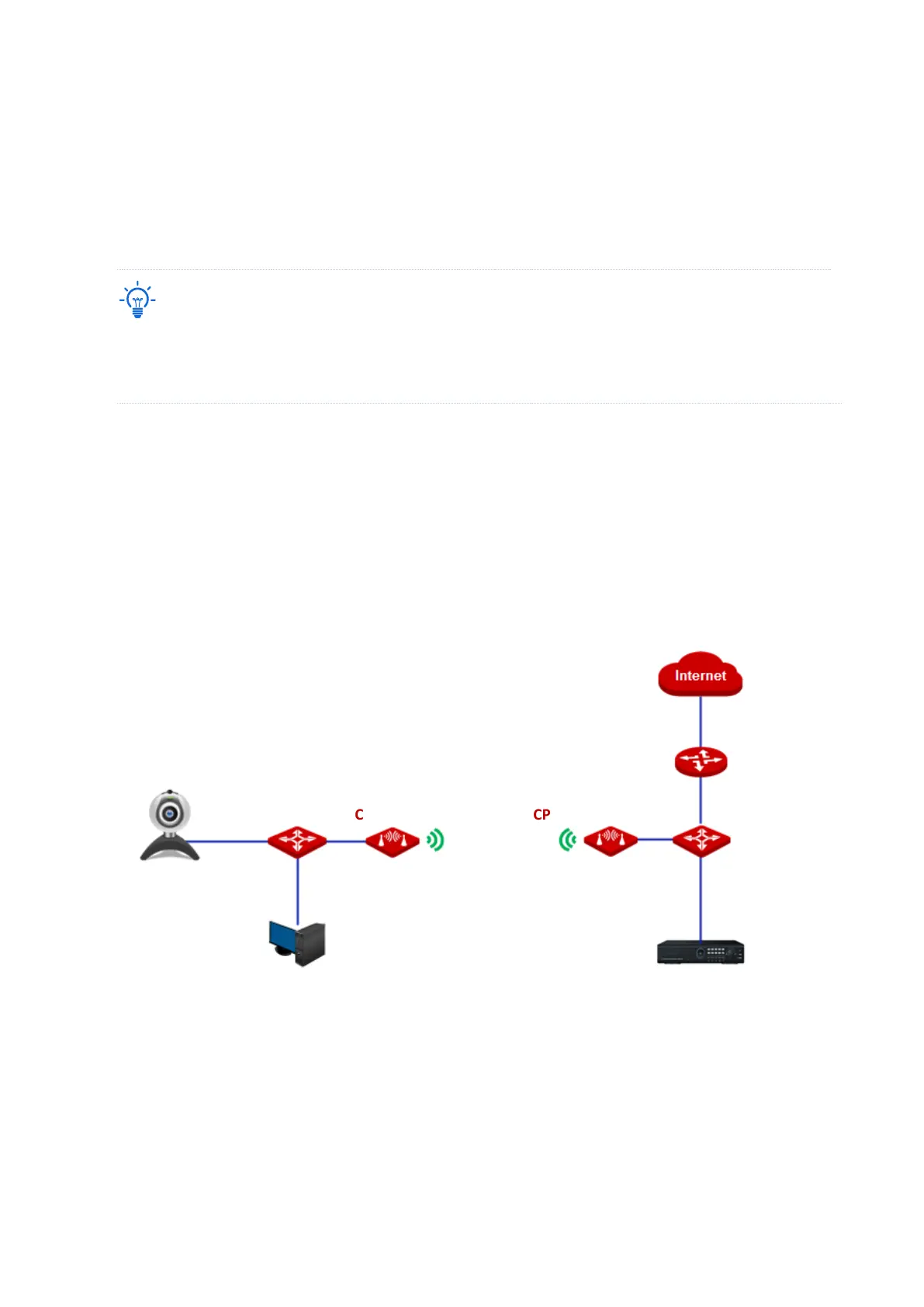
You want to use two CPEs to establish a CCTV surveillance network.
− A CPE can support several IP cameras. The maximum number of IP cameras can be calculated with the
following formula:
− Number of IP cameras=Transmitted/received rate of the CPE / Data rate of IP camera
Solution
− Set CPE1 to the AP mode, and connect it to the NVR.
− Set CPE2 to the Client mode, and connect it to IP cameras.
Network topology
Configuration procedure
1. Set CPE1 to AP mode.
(1) Log in to the web UI of CPE1, and choose Quick Setup to enter the configuration page.
(2) Select AP mode and click Next.



 To Next Page