Chapter 4 Quick setup 40
4.4 WISP mode
4.4.1 Overview
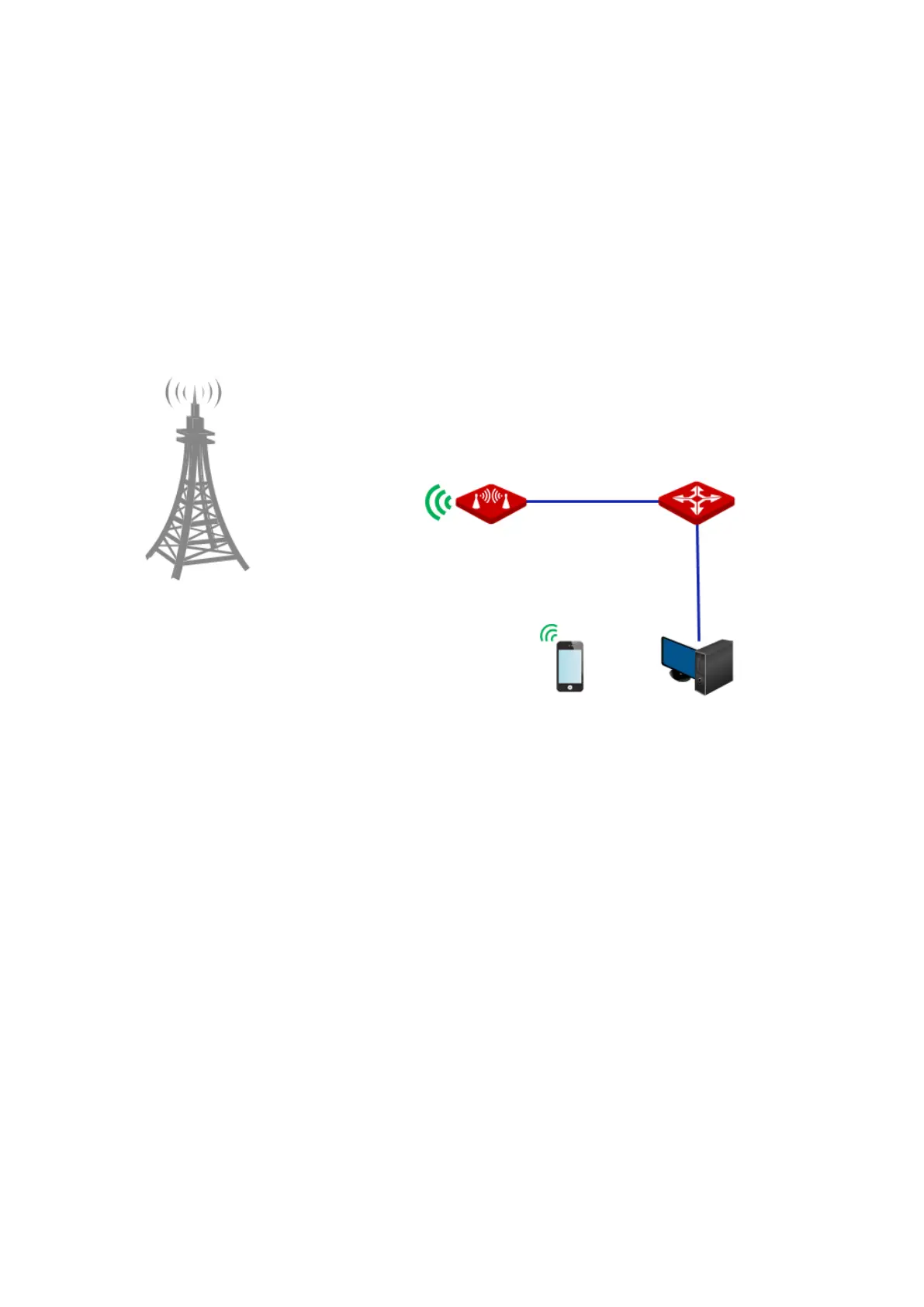
In WISP mode, the CPE connects to a hotspot provided by ISP in wireless manner, and allows
the wireless and wired devices to connect the CPE for internet access.
Application scenario
The CPE is used to extend the ISP hotspot. The network topology is shown as below.
4.4.2 Quick setup
1. Log in to the web UI of this CPE and choose Quick Setup to enter the configuration page.
2. Select WISP, and click Next.



 To Next Page