Chapter 7 Wireless 110
7.1.4 Set up a wireless network encrypted using WPA or WPA2
Network requirement
A high secure wireless network is required and a RADIUS server is available. In this case, WPA
or WPA2 pre-shared key mode is recommended.
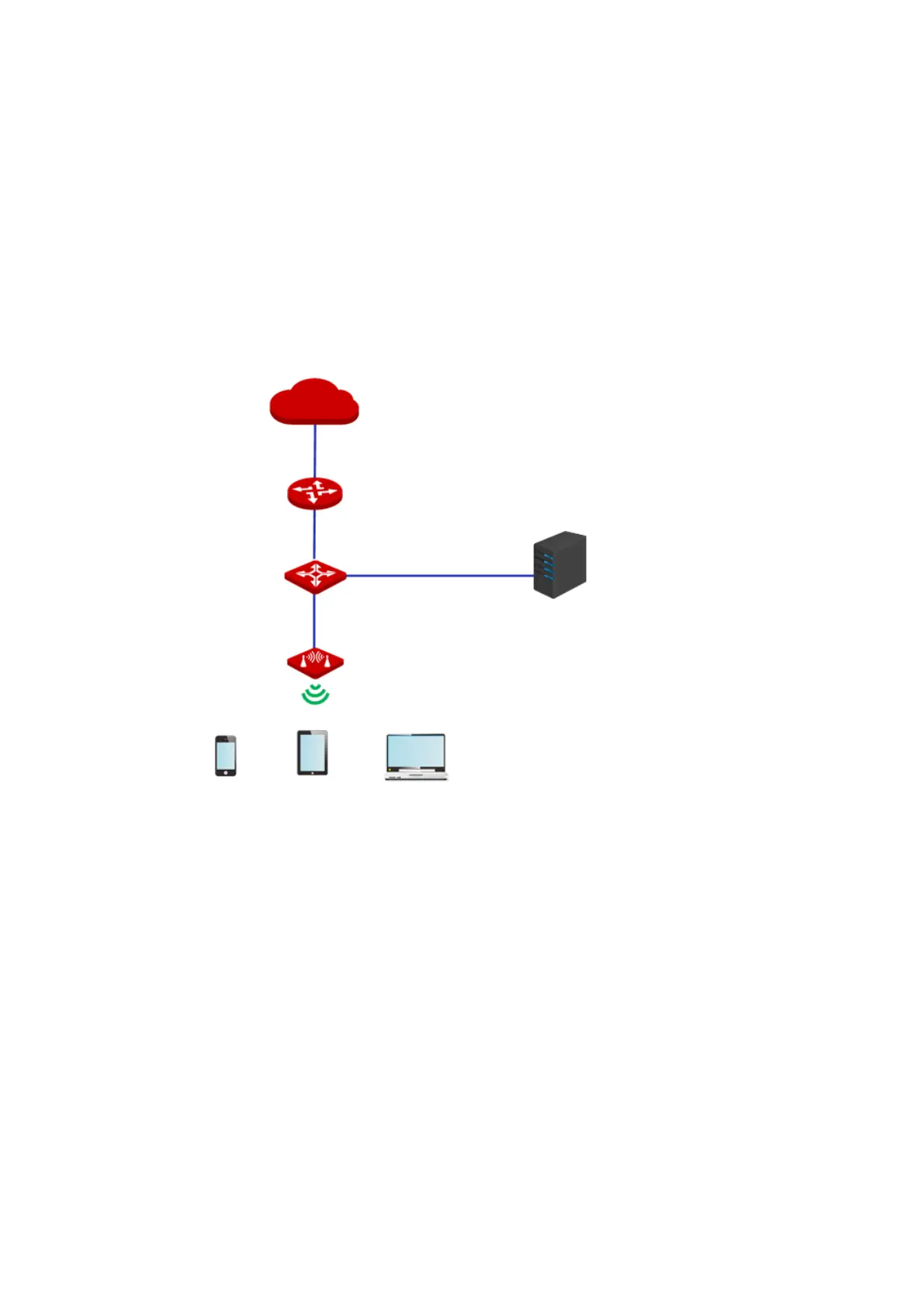
Network topology
Configuration procedure
I. Configure the CPE
Assume that:
− The IP address of the RADIUS server is 192.168.0.200, the Key is 12345678, and the
port number for authentication is 1812.
− The SSID of the CPE is hot_spot, security mode is WPA2, and the encryption
algorithm is AES.
1. Log in to the web UI of CPE, choose Wireless > Basic to enter the configuration page.
2. Change the value of the SSID text box to hot_spot.
RADIUS Server
IP Address: 192.168.2.200
CPE
IP Address:192.168.2.1



 To Next Page