Chapter 7 Wireless 106
7.1.2 Set up a non-encrypted wireless network
Network requirement
An estate uses the CPE to deploy its network for video surveillance. It requires that the SSID is
FREE and there is no WiFi password.
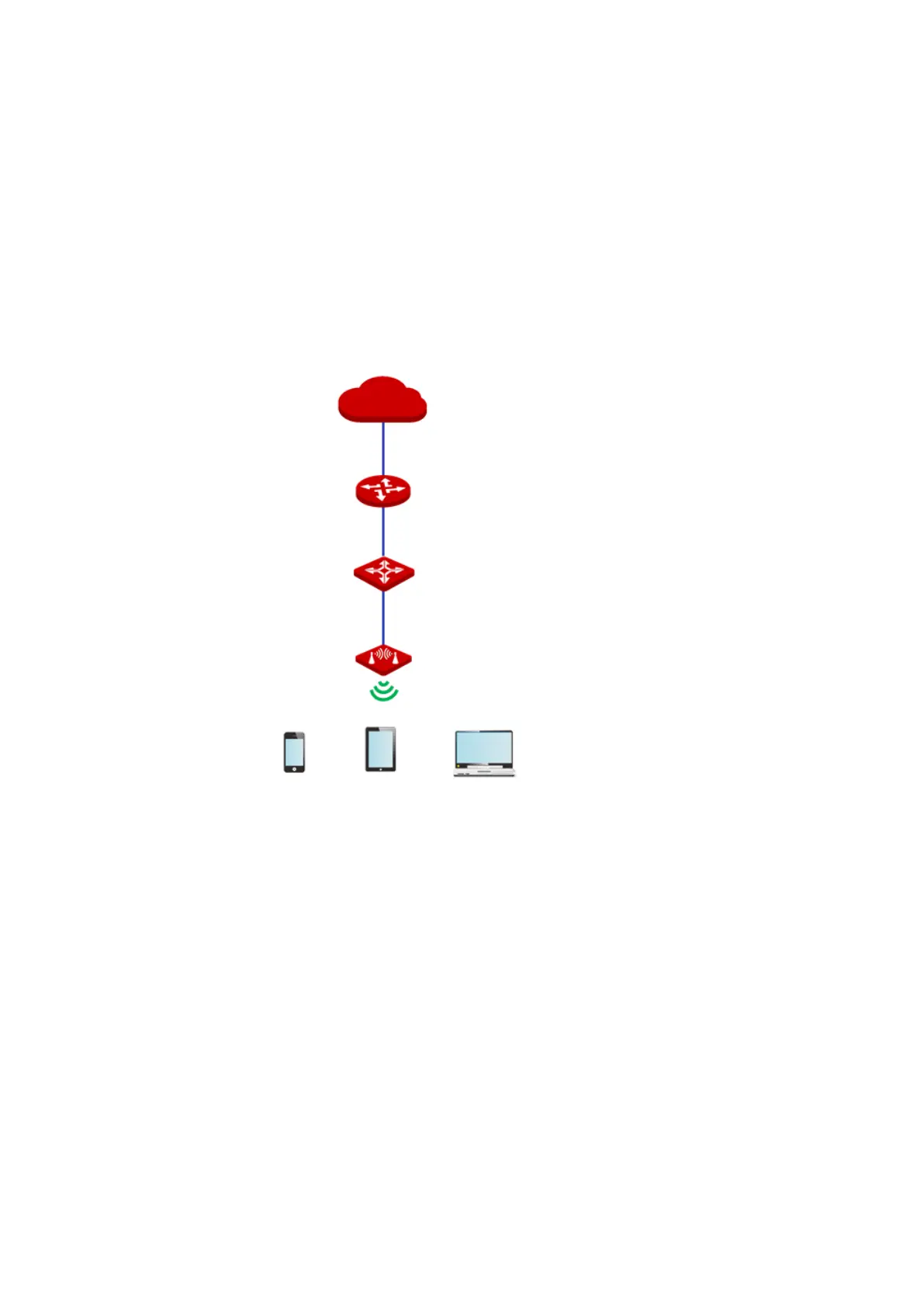
Network topology
Configuration procedure
1. Choose Wireless > Basic to enter the configuration page.
2. Change the value of the SSID text box to FREE.
3. Set Security Mode to None.
4. Click Save.
WAN
LAN



 To Next Page