Chapter 4 Quick setup 63
4.6.2 Quick setup
Assume that the related parameters of CPE1 are shown as follows:
− IP Address: 192.168.2.1
− SSID: IP-COM_1
− Channel: 165
− Security Mode: None
CPE2 to CPE5:
Configuration procedures:
When setting the CPE to P2MP mode, ensure that all CPEs operate in the same channel.
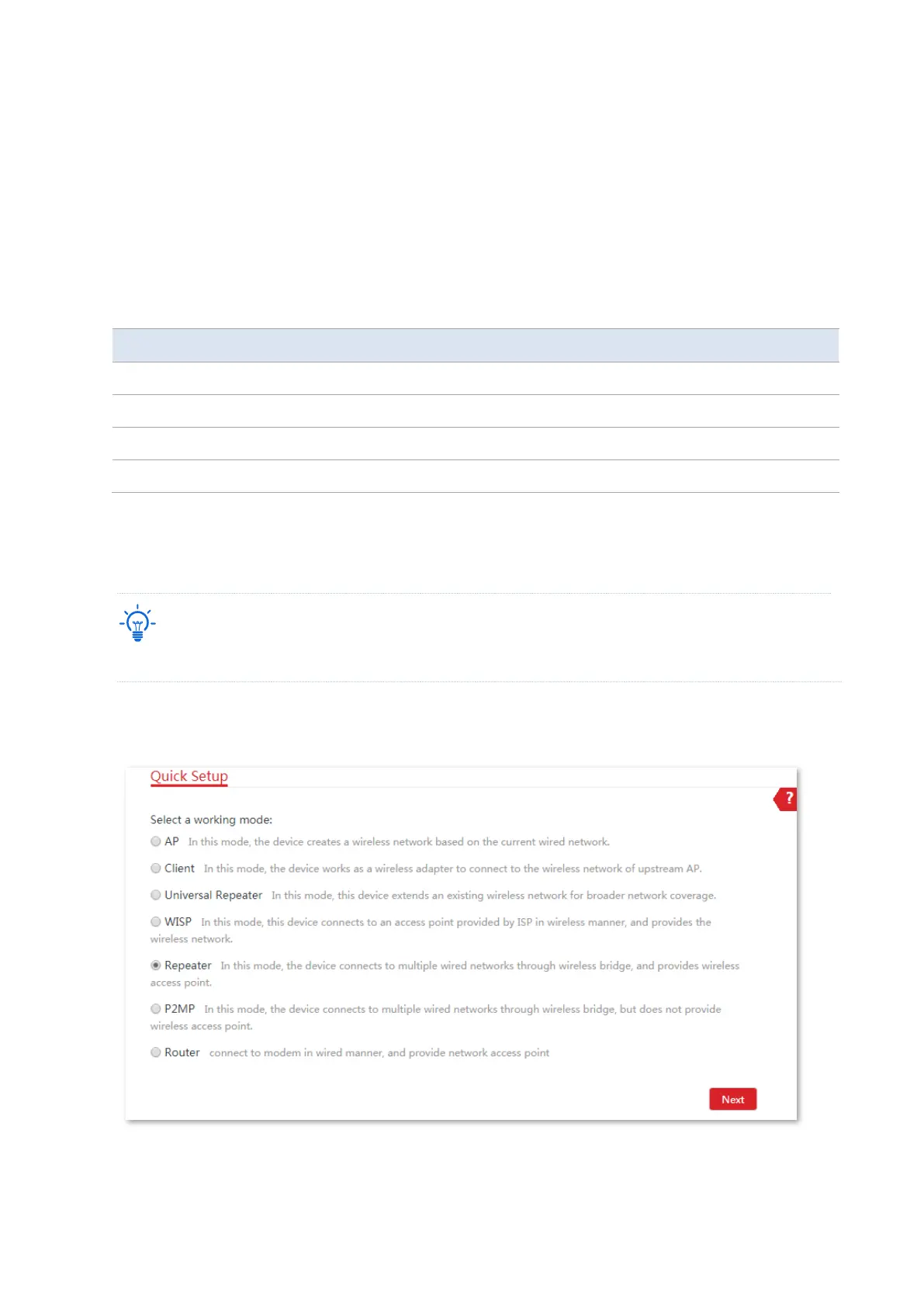
1. Set CPE2 to Repeater mode and bridge to the CPE1.
(1) Log in to the web UI of CPE2, choose Quick Setup, select Repeater mode, and click Next.



 To Next Page