Chapter 4 Quick setup 68
4.7 Router mode
4.7.1 Overview
In Router mode, the CPE serves as a router to provide a wireless network.
Application scenario
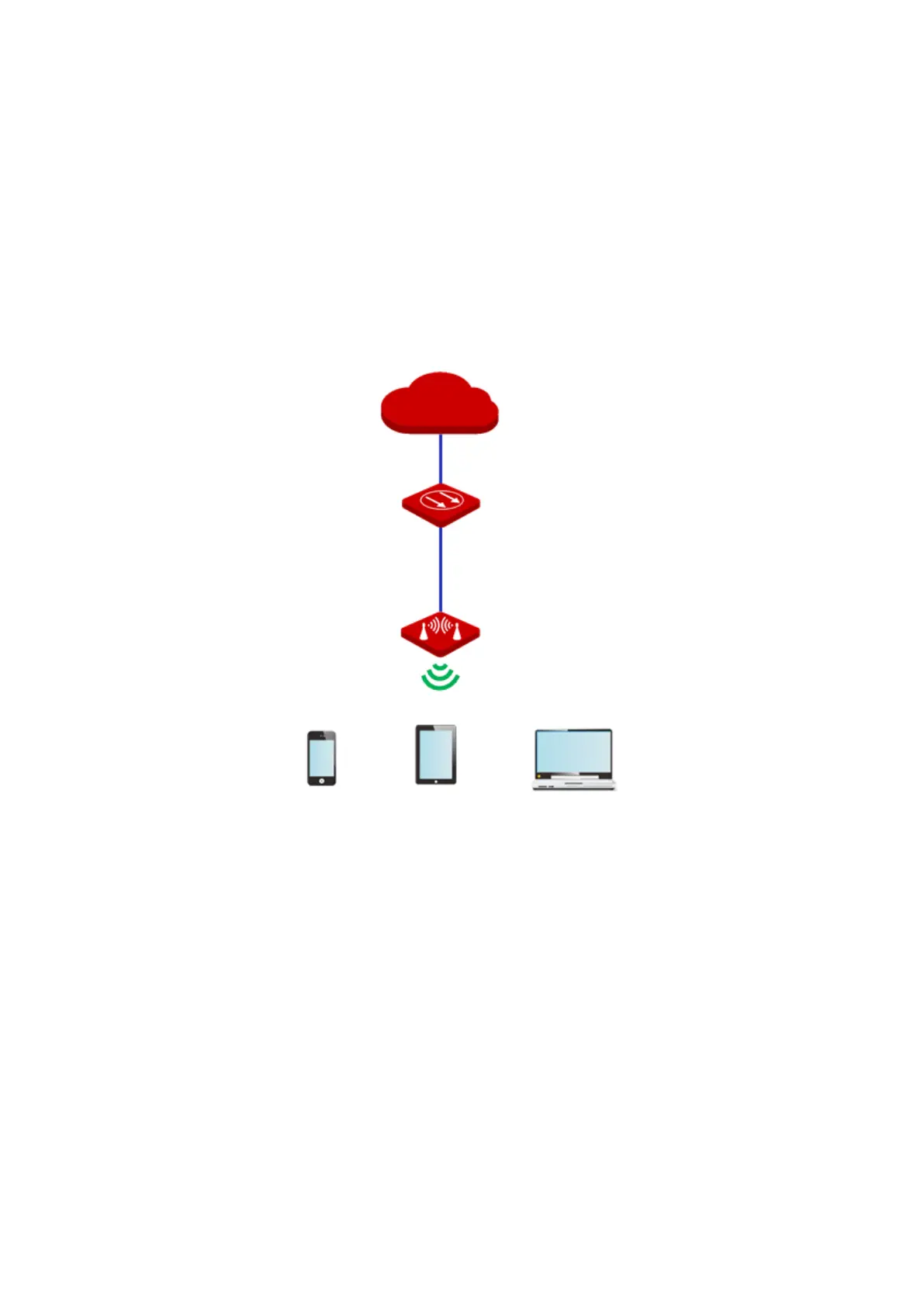
The CPE is used to provide a wireless network and assign IP addresses to your wireless
devices. The network topology is shown as below.
4.7.2 Quick setup
1. Log in to the web UI of the CPE, and choose Quick Setup to enter the configuration page.
2. Select Router mode, and click Next.



 To Next Page