Chapter 4 Quick setup 51
4.5.2 Quick setup
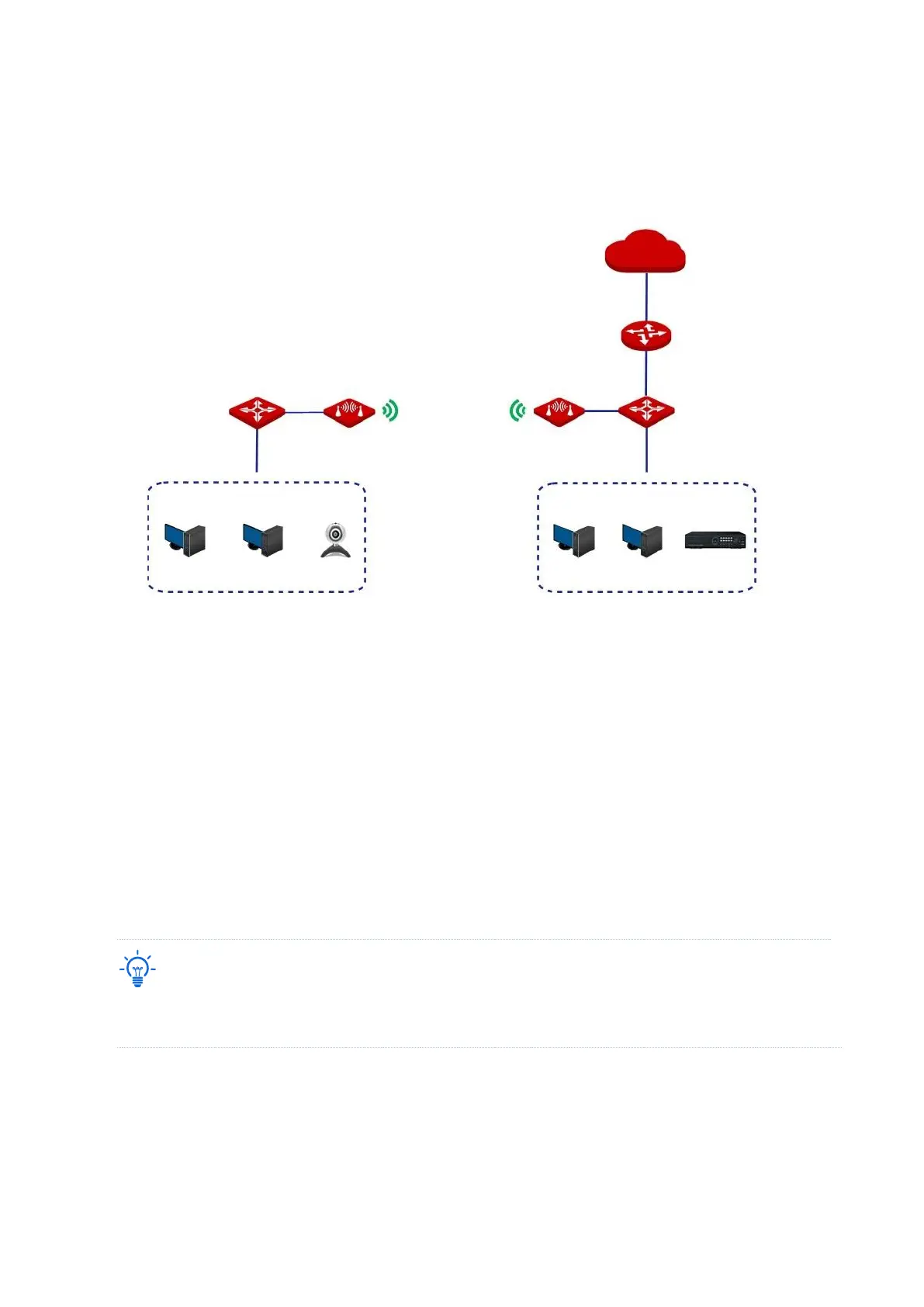
Peer to peer bridging
Assume that the related parameters are as follows:
CPE1
− SSID: IP-COM_123456
− Channel: 165
− Security mode: WEP
− Authentication type: Shared
− Key1 to key4: 12345
CPE2
− SSID: IP-COM_1
− WLAN MAC Address: D8:38:0D:5A:AA:34
To check the SSID and key of the CPE, you can log in to the web UI of the CPE and choose Wireless > Basic to
enter the page.
1. Set the CPE2 to the Repeater mode.
(1) Log in to the web UI of CPE2, and choose Wireless > Basic to enter the configuration
page.



 To Next Page