Chapter 6 Network 88
6.2 MAC clone
This function is available only when the CPE works in WISP or Router mode.
6.2.1 Overview
If the CPE cannot access the internet after configuring internet settings, your ISP may have
bound your internet service account with the MAC address of your computer that was used
to verify the internet connectivity after you subscribed to the internet service. Therefore,
only this computer can access the internet with the account.
In this case, you need to clone the MAC address of this computer to the WAN port of the CPE
for internet access.
6.2.2 Clone a MAC address
Select one of the following methods to clone the MAC address according to your networking
scenario.
Use the computer with the MAC address bound to your internet service for
setup
1. Connect the computer to the CPE.
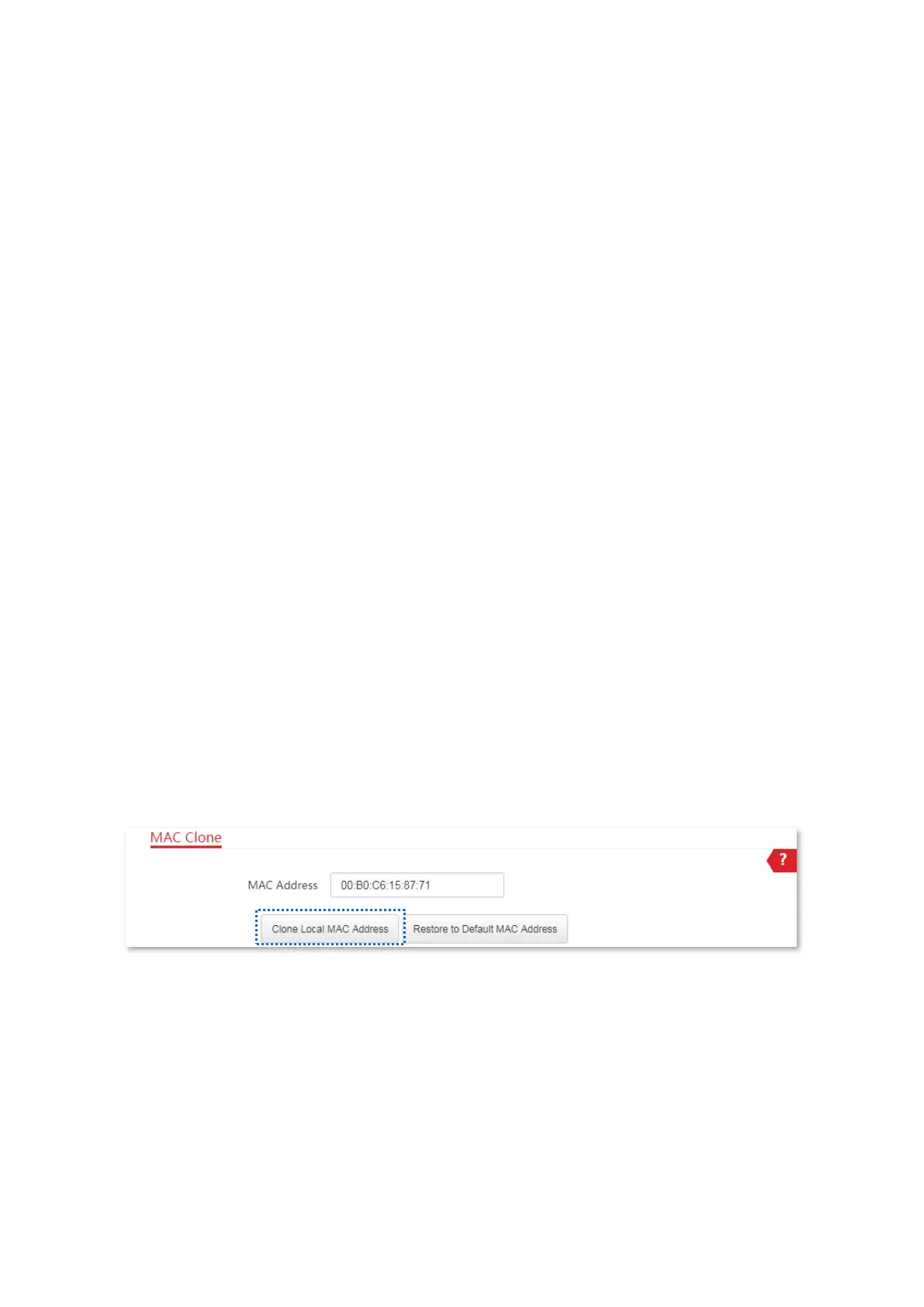
2. Log in to the web UI of the CPE, and choose Network > MAC Clone to enter the configuration
page.
3. Click Clone Local MAC Address.
4. Click Save.
----End



 To Next Page