Chapter 6 Network 89
Use a device without the MAC address bound your internet service for setup
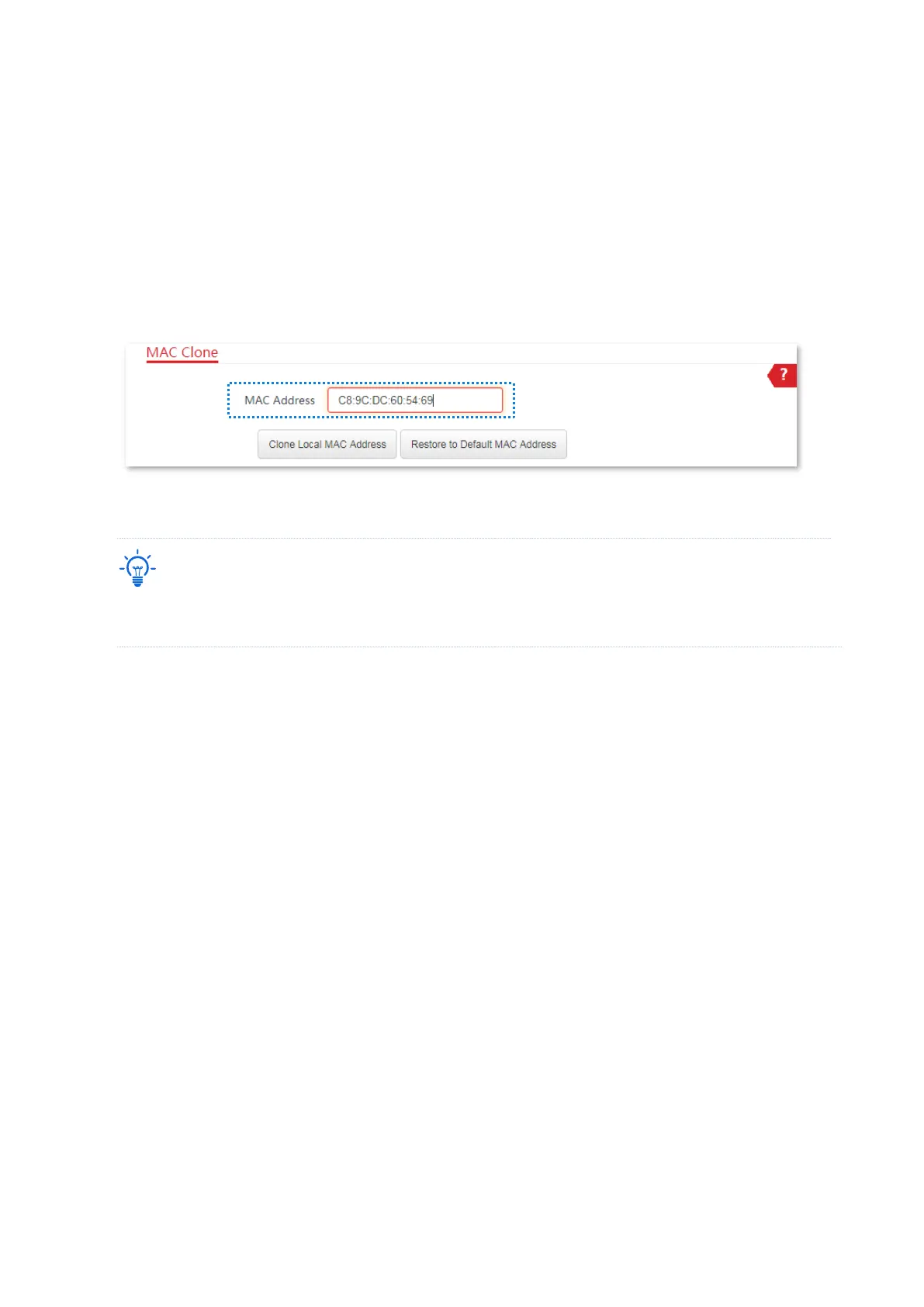
If you do NOT use the computer that can access the internet after it connects to the modem
directly to configure the CPE, but you know the MAC address (which is C8:9C:DC:60:54:69 in
this example) of this computer, perform the following steps:
1. Log in to the web UI of the CPE, and choose Network > MAC Clone to enter the page.
2. Enter the MAC address of the computer that can access the internet in the MAC Address box.
3. Click Save.
----End
If you want to restore the MAC address to factory settings, choose Network > MAC Clone, click Restore to
Default MAC Address, and click Save.



 To Next Page