Chapter 9 Tools 176
9.2.3 Upgrade firmware
This function upgrades the firmware of the CPE for more functions and higher stability.
To prevent damaging the CPE:
− Ensure that the new firmware version is applicable to the CPE before upgrading the firmware. Generally,
the suffix of the upgrade file is .bin.
− keep the power supply of the CPE connected during an upgrade.
Configuration procedure:
1. Download the package of a later firmware version for the CPE from www.ip-com.com.cn to
your local computer, and decompress the package.
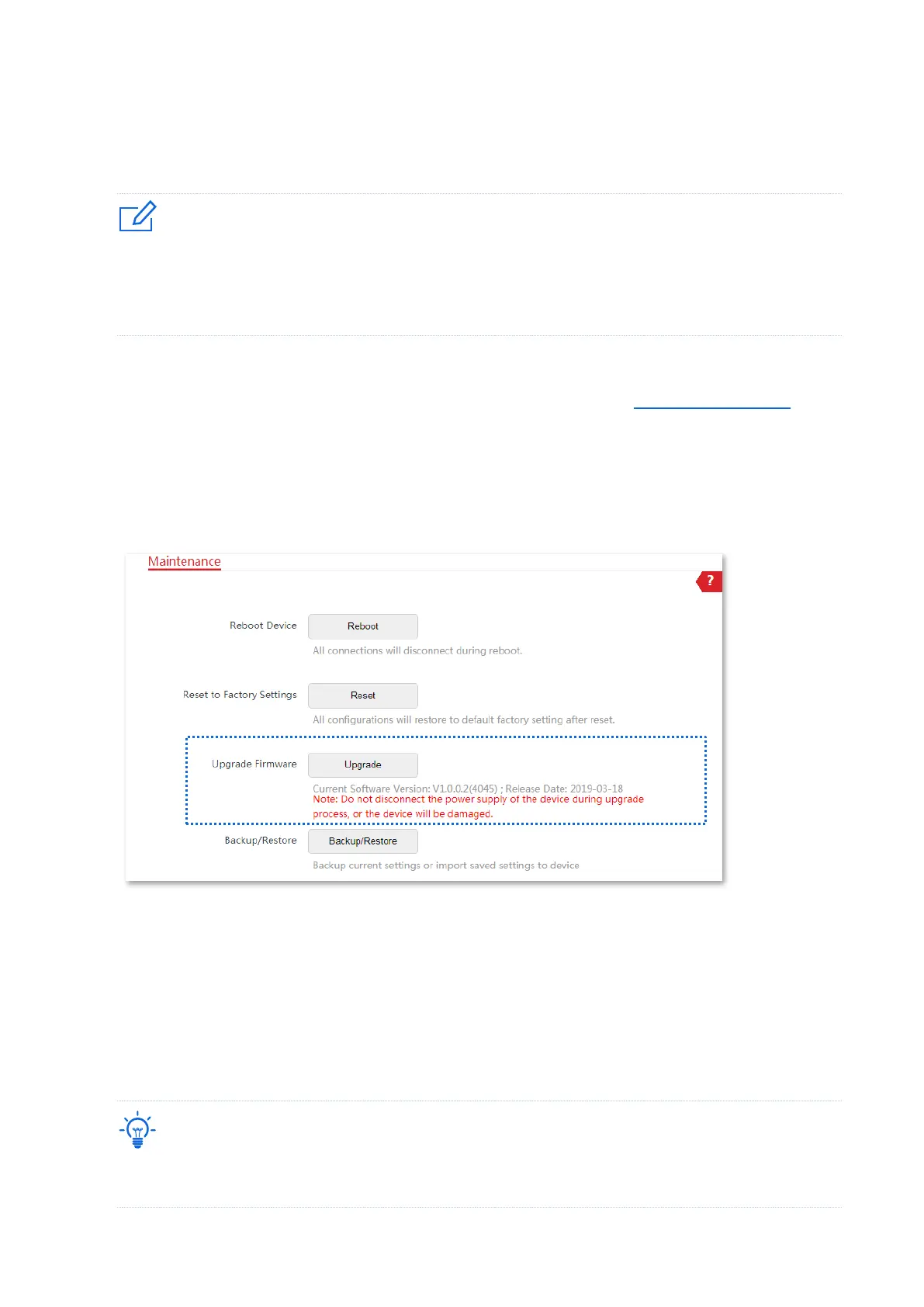
2. Log in to the web UI of the CPE and choose Tools > Maintenance to enter the configuration
page.
3. Click Upgrade.
4. Select the correct upgrade file from your local computer and the system will upgrade
automatically.
----End
Wait for the progress bar to complete. Then log in to the web UI of the CPE. On the Status page,
check if the current Firmware Version is consistent with the firmware version you selected for
upgrade.
After the device is upgraded, you are recommended to restore the factory settings of the device and
configure it again to get the best experience.



 To Next Page