Chapter 2 Login 15
2 Login
2.1 Login
CPE6S is used for illustration here.
Logging in to the web UI for the first time or after the CPE is reset
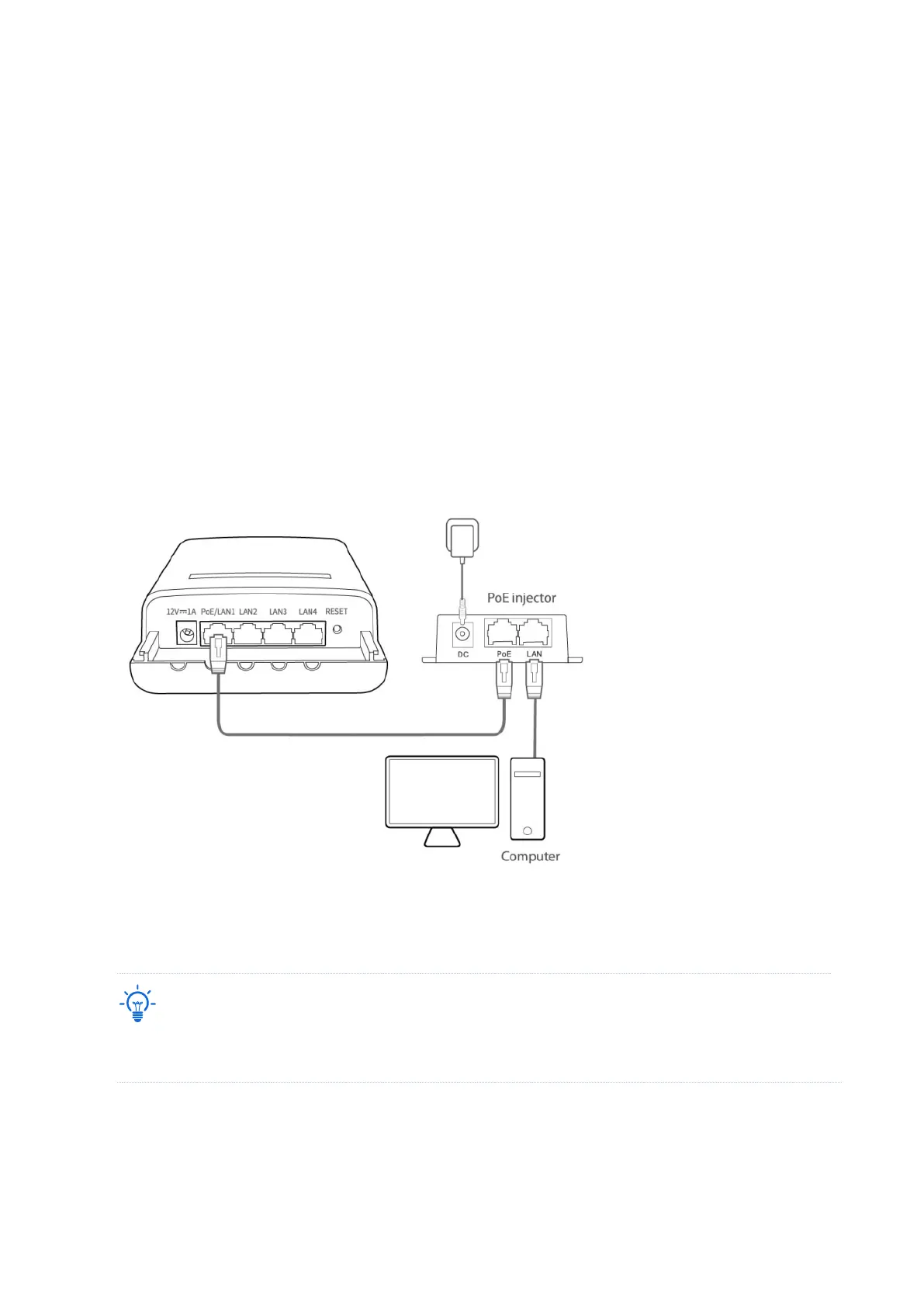
1. Connect the computer to the CPE or the switch connected to the CPE (powered by PoE in this
example).
2. Start a web browser on your computer, and visit 192.168.2.1. Enter your user name and
password (default: admin/admin), and click Login.
For the security of your network, you can change the login user name and password by choosing Tools >
Account.
PoE



 To Next Page