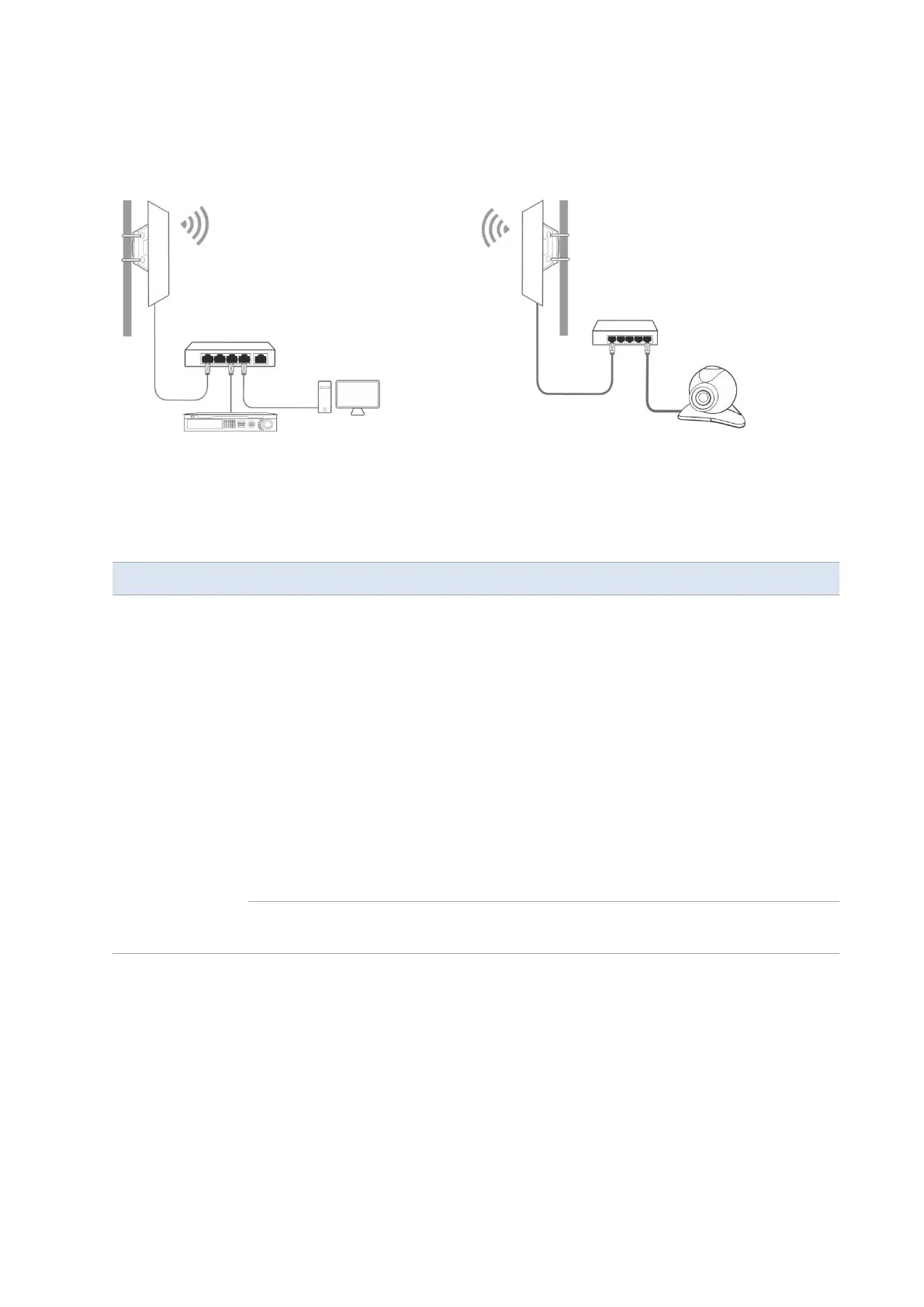
Chapter 1 Application scenario 14
3. Adjust the two CPEs’ direction or location until the LED1, LED2 and LED3 of the two CPEs light
up.
4. Use the plastic straps to attach the two CPEs to the poles respectively.
Check the LED1, LED2 and LED3 indicators of the CPEs to confirm whether the positions are
proper. The more LED indicators light up, and the better the connection quality is. The LED
indicator descriptions of the CPEs below are for reference.
LED1, LED2, LED3
(Received signal
strength LED
indicators)
The CPE is connected to a device/devices.
- Solid on: The CPE may work in AP, Repeater, P2MP or Router
mode.
- Blinking: The CPE may work in Client, Universal Repeater or
WISP mode.
Each LED indicator corresponds to a received signal strength
value. When the received signal strength of the CPE reaches the
RSSI threshold, the corresponding LED indicator lights up. You
can judge the connection quality based on the statuses of the
LED indicators.
By default, the minimum signal strength of LED1, LED2 and LED3
are -90 dBm, -80 dBm and -70 dBm. You can change them on the
Wireless > Advanced page of the web UI of the CPE.
No device is connected to the CPE, or the received signal
strength is less than the RSSI threshold (default: -90 dBm).



 To Next Page