Chapter 4 Quick setup 25
4.1.2 Quick setup
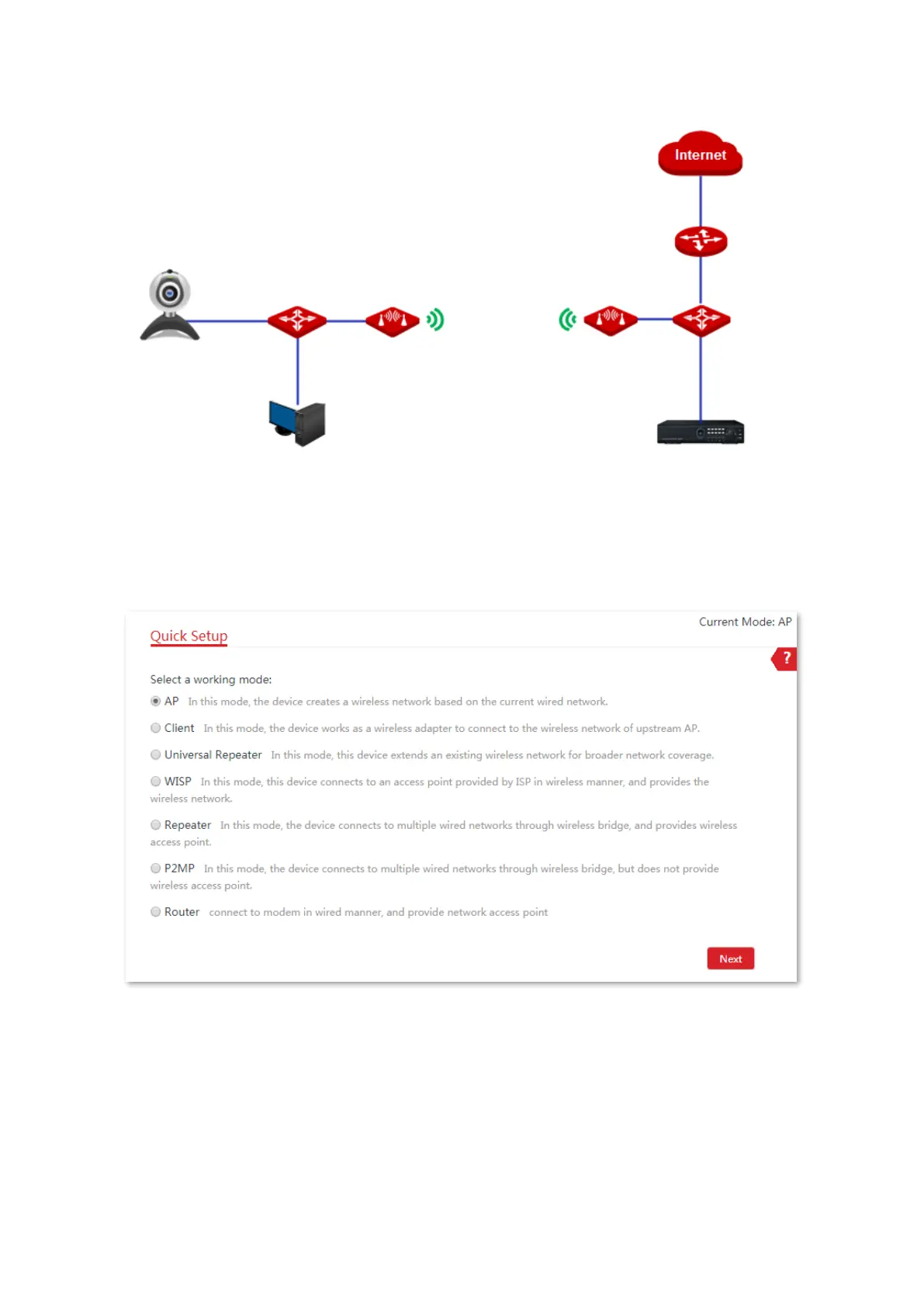
1. Log in to the web UI of the CPE and choose Quick Setup to enter the configuration page.
2. Select AP mode and click Next.
3. Set an SSID, which is IP-COM_158808 in this example, Security Mode, which is WPA2-PSK in
this example, Encryption Algorithm, which is AES in this example, and Key, and click Next.



 To Next Page