Chapter 4 Quick setup 36
4.3 Universal repeater mode
4.3.1 Overview
In Universal Repeater mode, the CPE expands your WiFi network for broader network
coverage. The new wireless network has the same SSID, password, and related wireless
information as the upstream wireless network.
Advantage of Universal Repeater compared with Repeater mode: The Universal Repeater
mode does not require that the upstream AP supports WDS function.
Application scenario
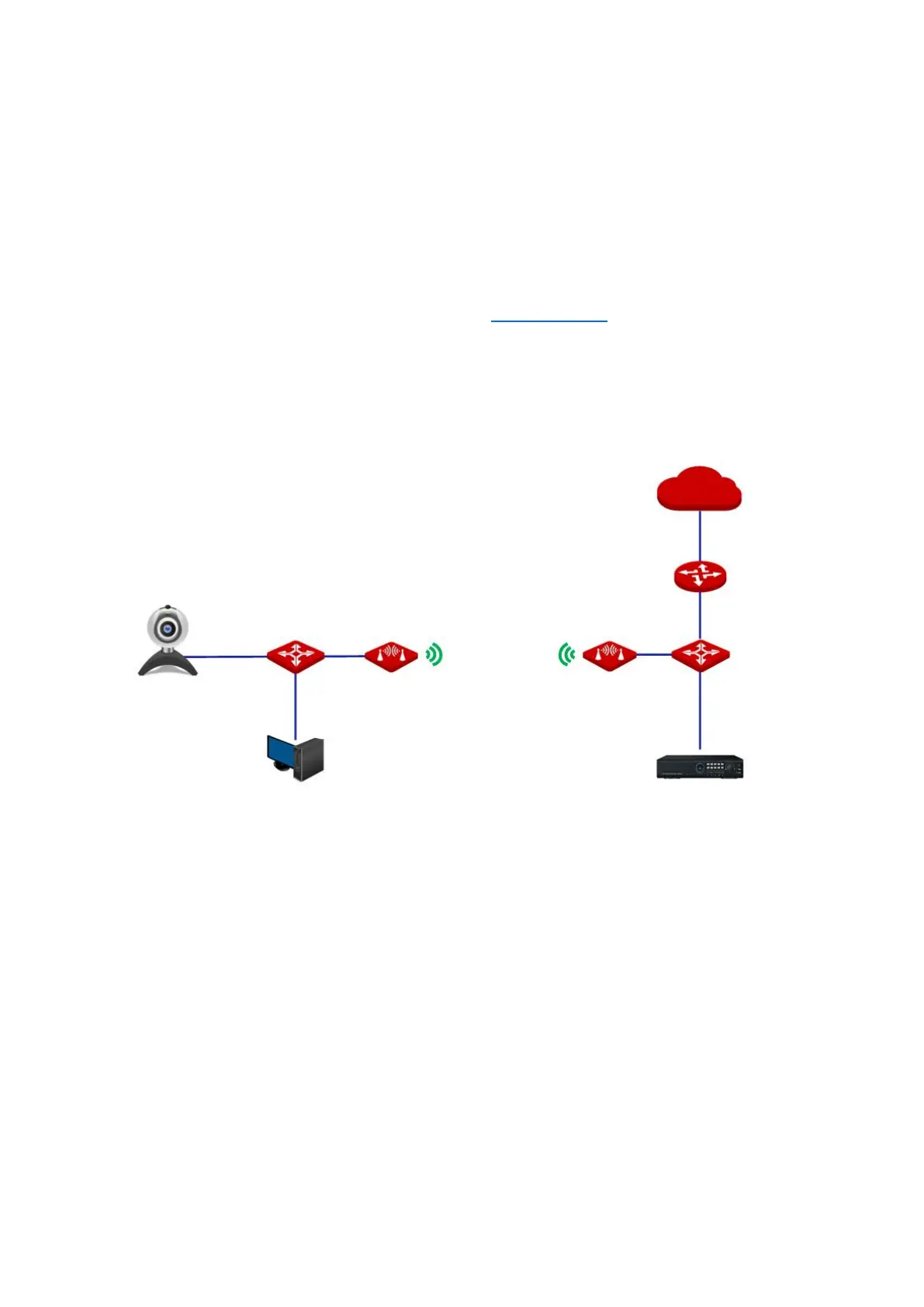
The CPE in Universal Repeater mode used to extend your existing wireless network, usually
working with the CPE in AP mode. The network topology is shown as below.
4.3.2 Quick setup
1. Log in to the web UI of the CPE and choose Quick Setup to enter the configuration page.
2. Select Universal Repeater, and click Next.
CPE: Universal repeater mode



 To Next Page