Chapter 5 Status 73
5 Status
This module allows you to view the information of system and wireless network, includes
three parts: system status, wireless status, and statistics.
To access the page, choose Status.
5.1 System status
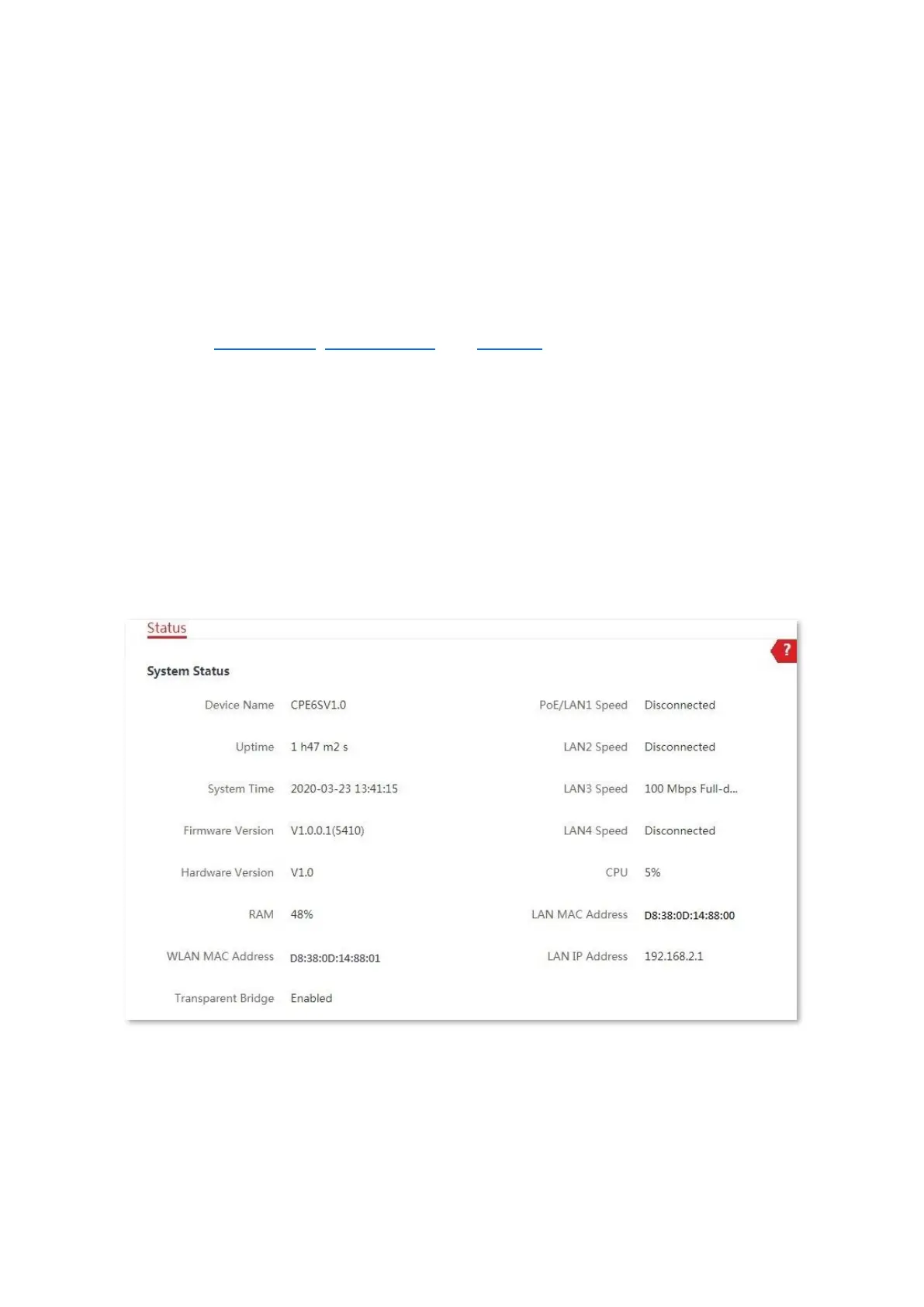
You can view the system status here. CPE6S is used for illustration here.
If the CPE is set to AP mode, Client mode, Universal Repeater mode, Repeater mode or
P2MP mode, the system status is shown as follows. If the CPE has multiple Ethernet ports,
this page displays the current connection rate of each LAN port.
If the CPE is set to WISP or Router mode, the system status is shown as follows.



 To Next Page