Chapter 9 Tools 180
9.3 Account
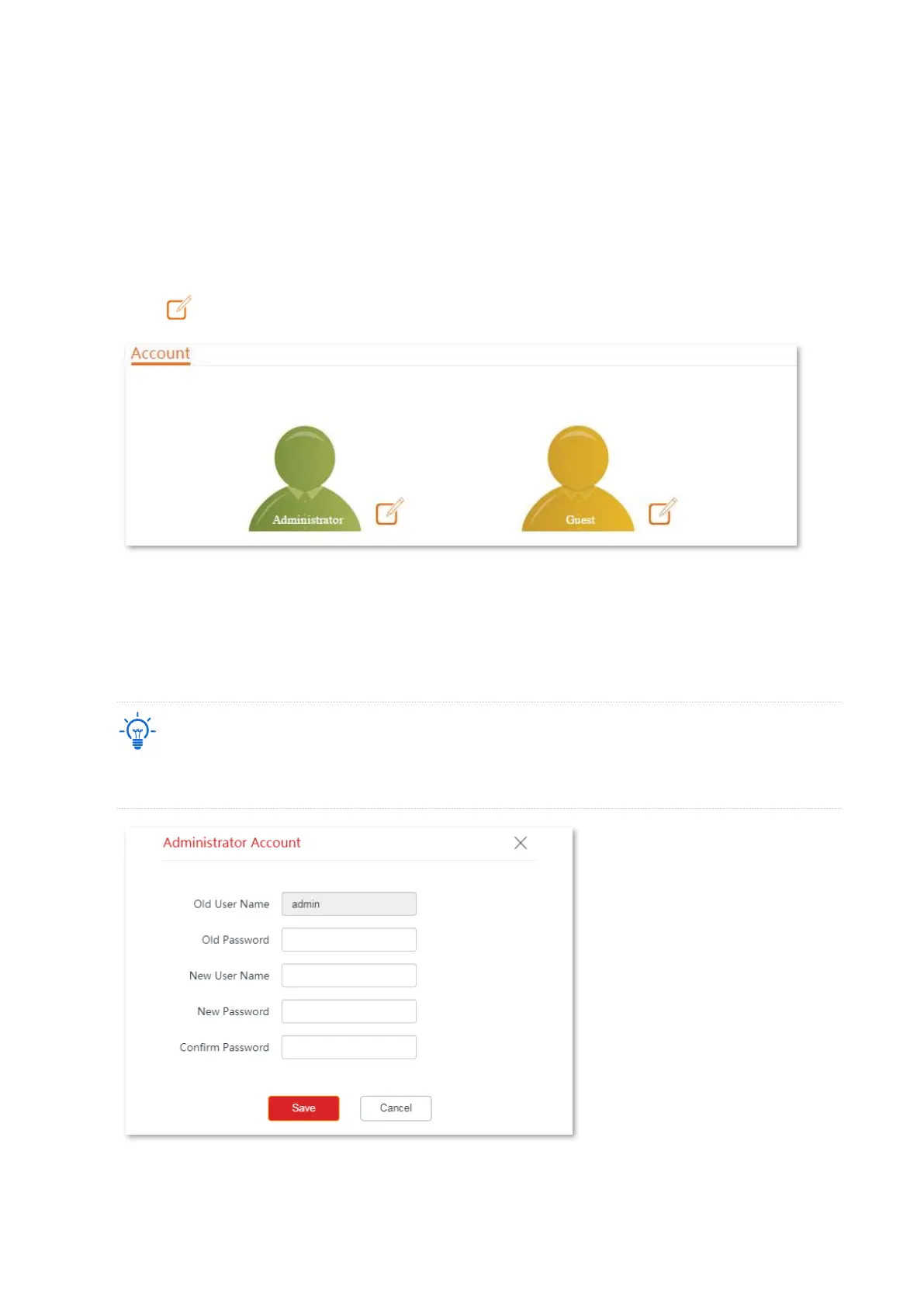
On Account, you can change the login account information of the CPE to prevent unauthorized
login. By default, the CPE has one administrator account and one guest account. With the
administrator account, you can modify and view the settings of the CPE while with the guest
account, you can only view the settings.
To access the page, choose Tools > Account.
Click to change the account information.
9.3.1 Administrator
You can modify and view the settings with the administrator account. Both the default user
name and password of the administrator account are admin.
For network security, it is recommended to modify your login password regularly. A password of high
security is preferred, such as a combination of lower-case letters, capital letters and numbers.



 To Next Page