Chapter 8 Advanced 159
8.6.3 Reboot schedule
Overview
This function enables the CPE to automatically reboot as scheduled. You can use this function
to prevent wireless performance degradation or network instability due to long-time running.
Configuration procedure
1. Choose Advanced > Network Service to enter the configuration page.
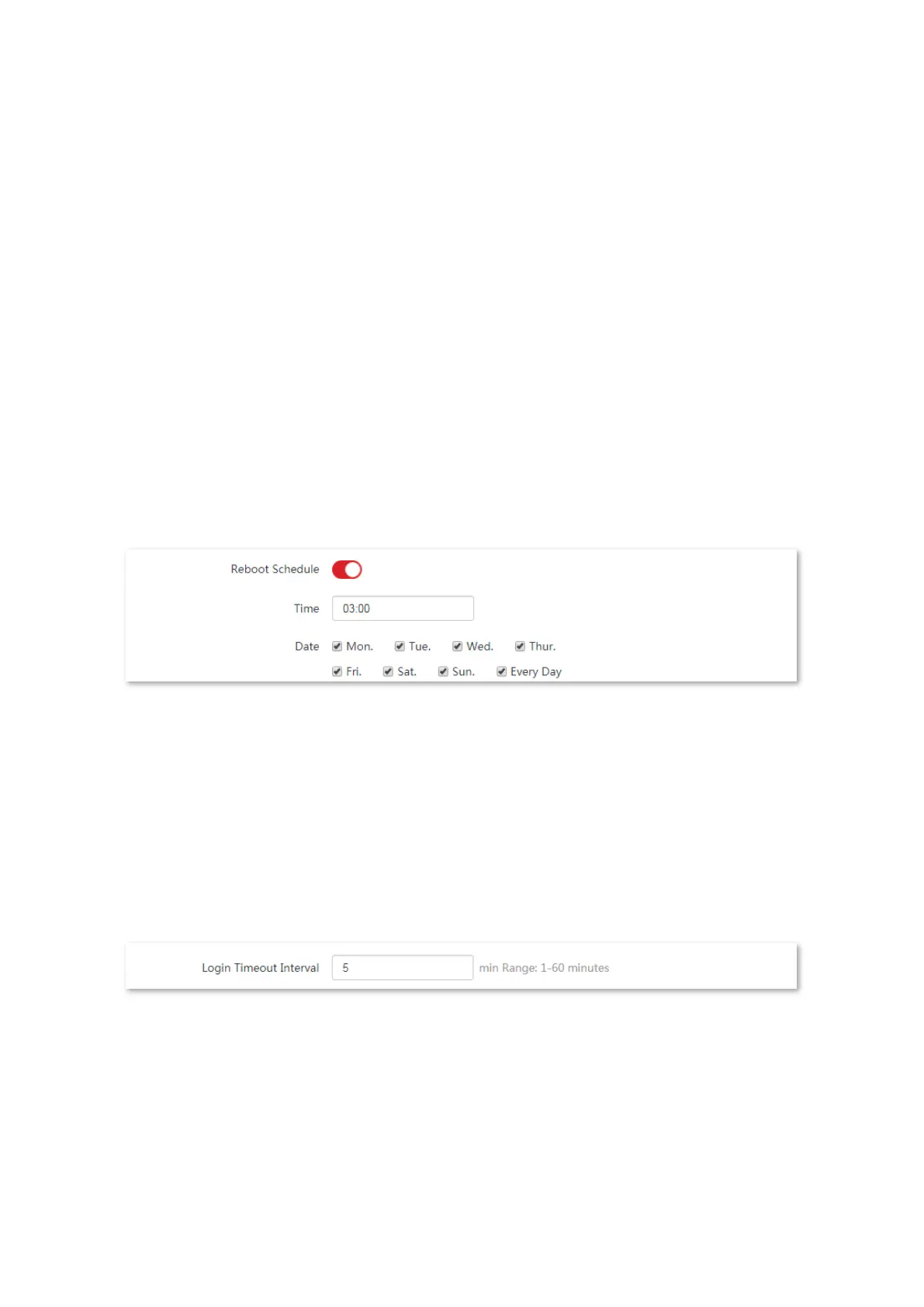
2. Enable the Reboot Schedule function.
3. Specify a time at which the device reboots, which is 3:00 in this example.
4. Specify the dates on which the device reboots, which is every day in this example.
5. Click Save on the bottom of this page.
----End
After successfully configured, the CPE will automatically reboot at 3 a.m. every day.
8.6.4 Login timeout interval
If you log in to the web UI of the CPE and perform no operation within the login timeout
interval, the CPE logs out for network security. The default login timeout interval is 5 minutes.
Choose Advanced > Network Service to enter the page.



 To Next Page